
System, Image, and Engine Updates Online from Smart Touch UI
The experience is almost the same for the three types of updates:
Select System Update screen, noticing that there are updates available, tap System, MetaDefender Drive Image, or Engines, then tap Download or Install, and wait for the new version of the application to be downloaded.
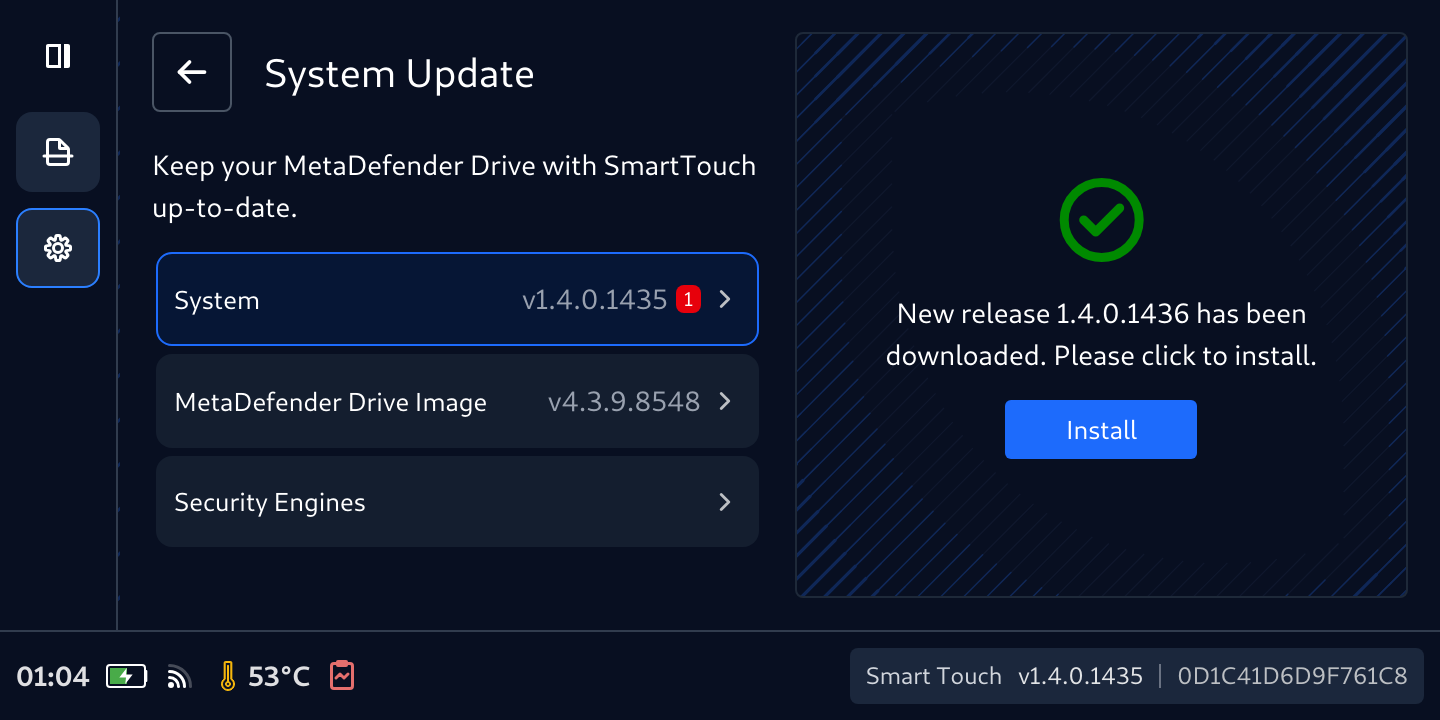
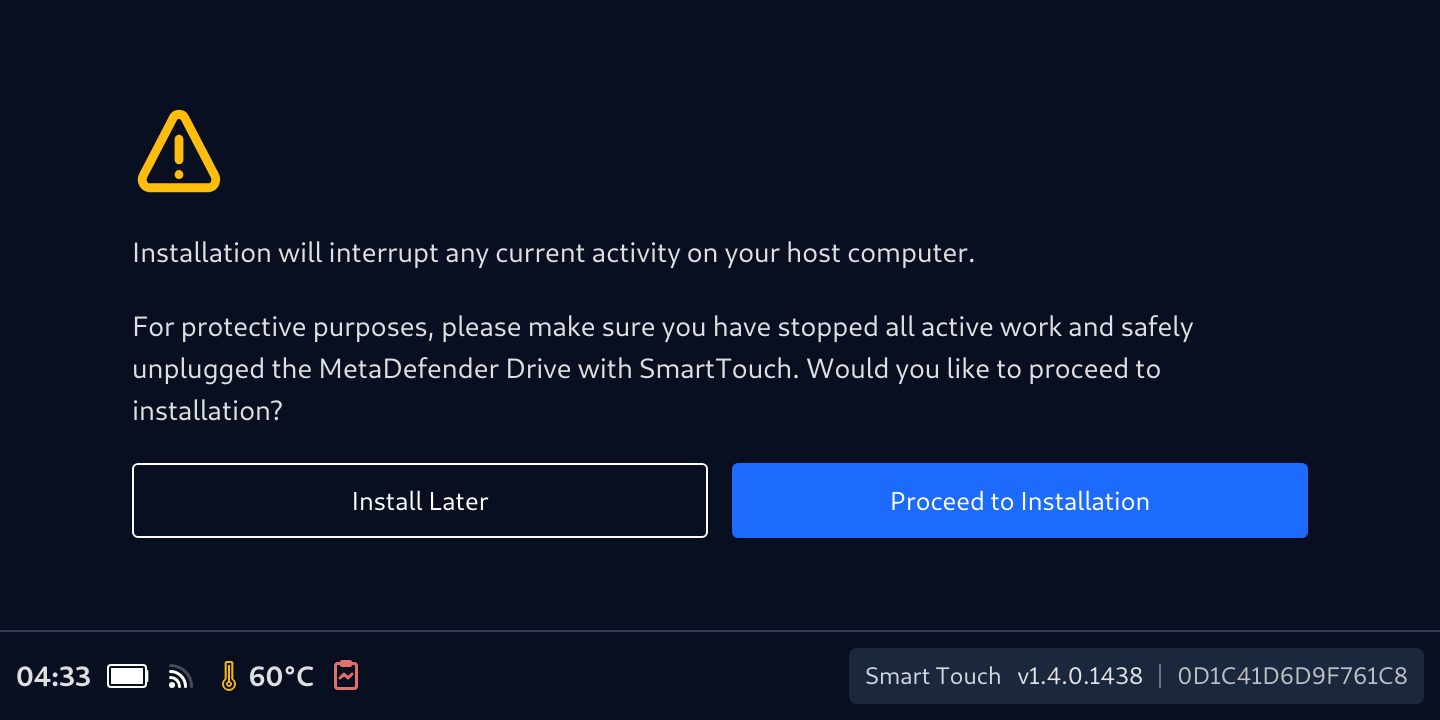
After the download is completed, a prompt will be displayed to confirm if you would like to proceed with the installation.
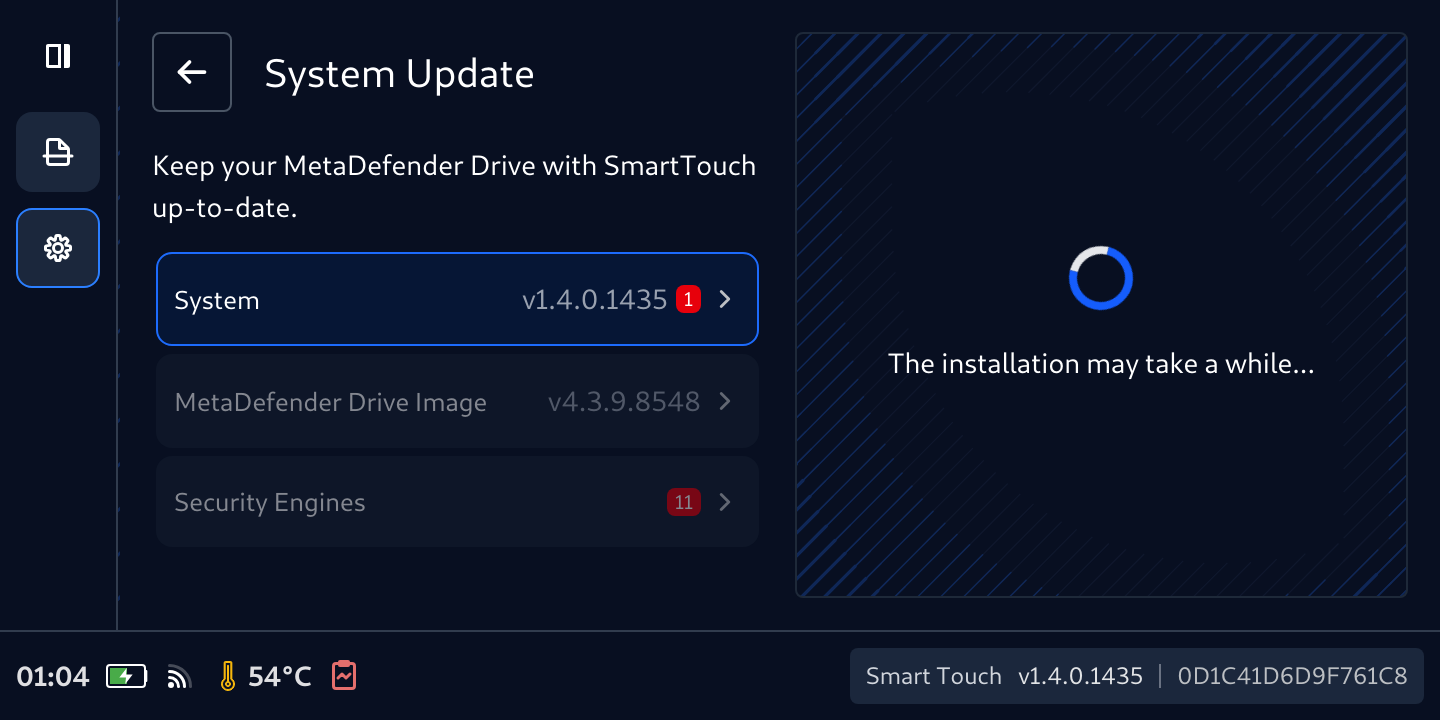
Monitor the Installation progress.
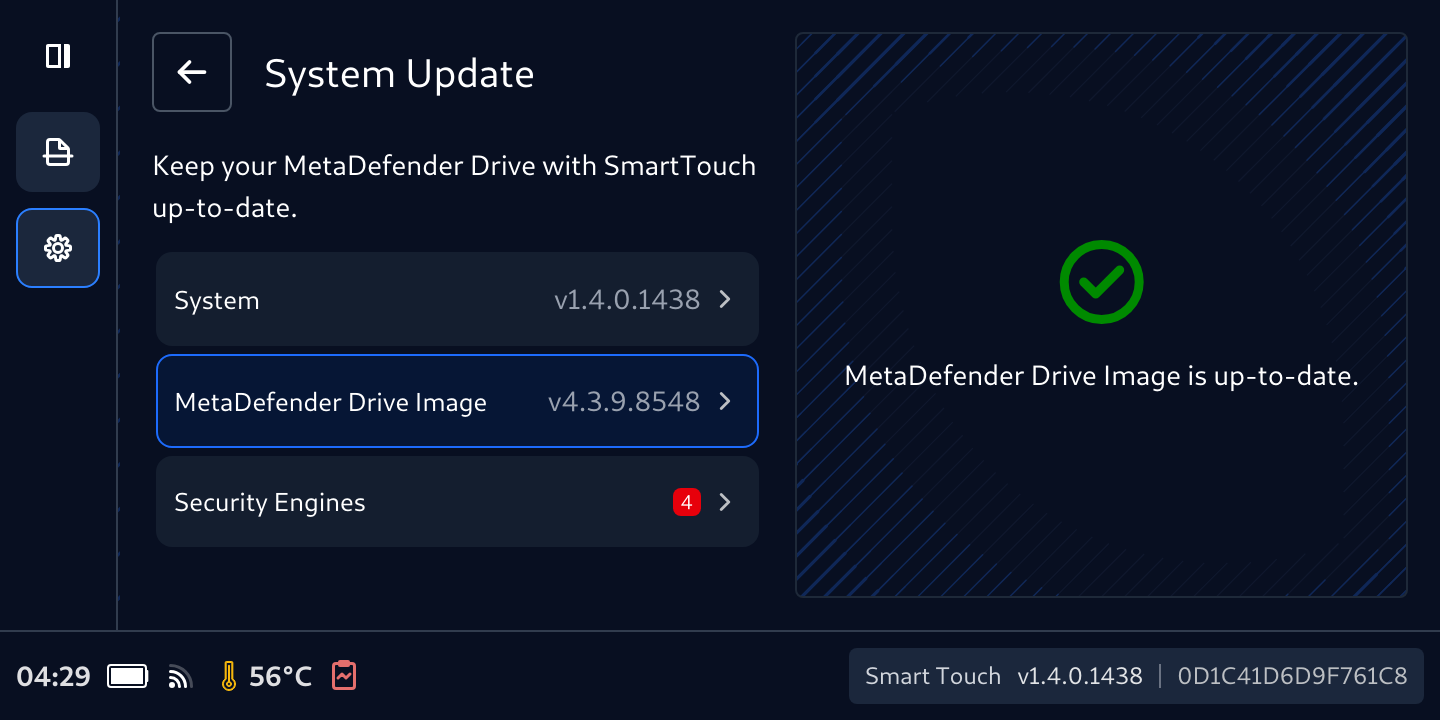
In case of system and image updates, MetaDefender Smart Touch will restart. After rebooting, go back the the System Update page to confirm that all updates are installed.
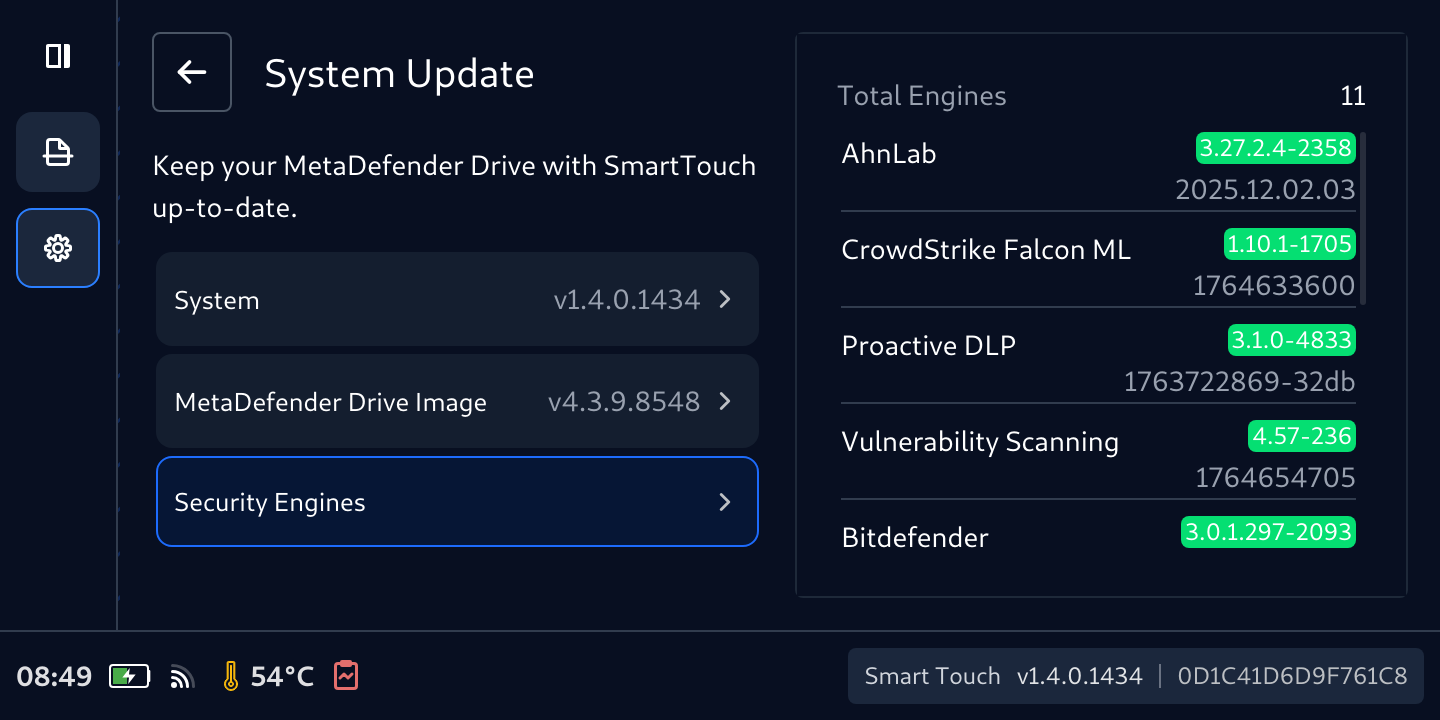
During the update process, MetaDefender Drive will not be ready to perform a scan.
Update Smart Touch Image and Engines with Drive Toolkit
MetaDefender Drive Image in a Smart Touch along with its Engines can be updated using MetaDefender Drive Toolkit, like a regular MetaDefender Drive Thumbdrive or Digital Display.
Switch MetaDefender Drive with Smart Touch back to Device Scanning if it is not.
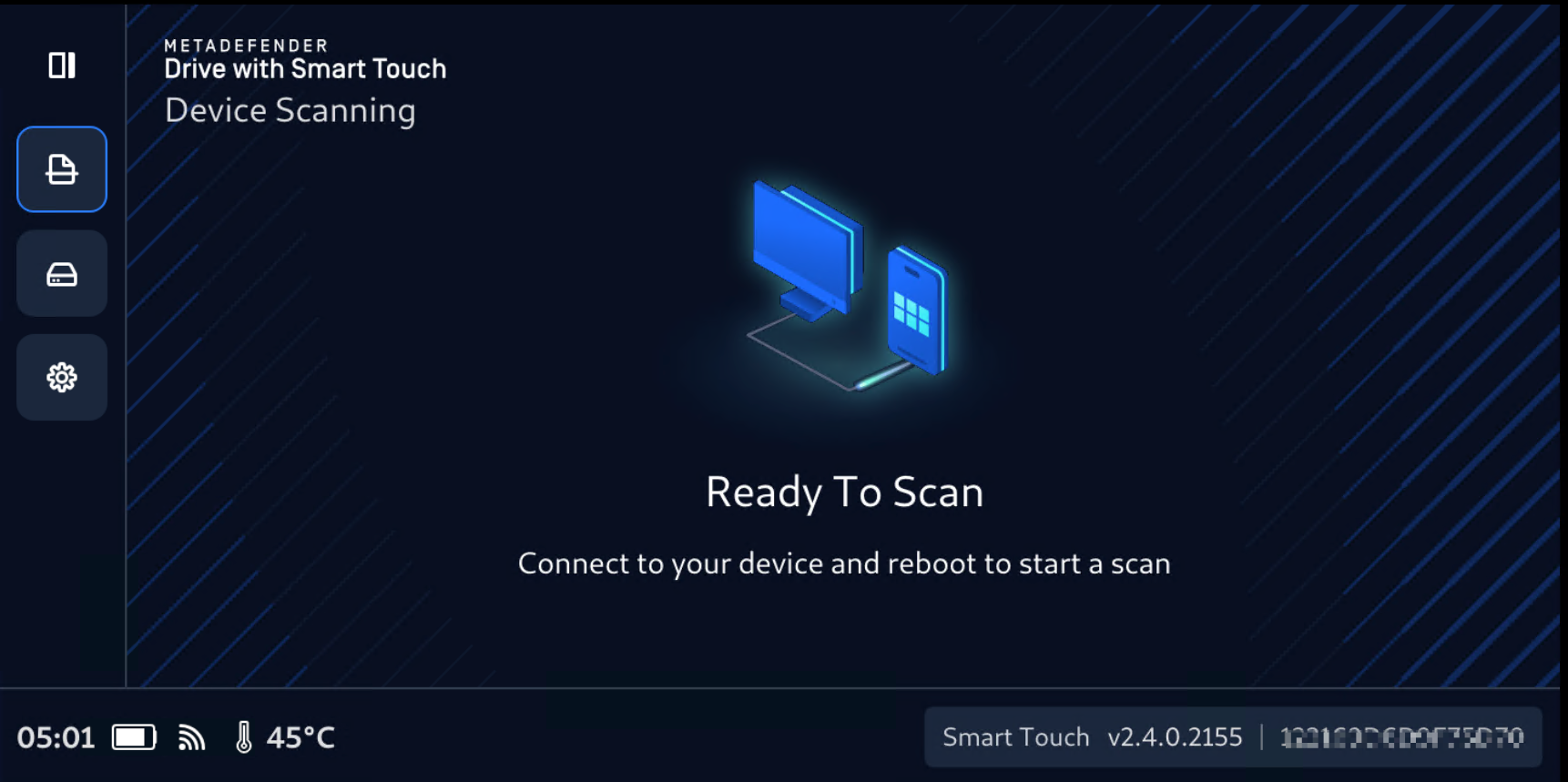
Plug the device to a PC that has MetaDefender Drive Toolkit running at latest version. Make sure on Smart Touch screen, Drive Toolkit Detected message appears.
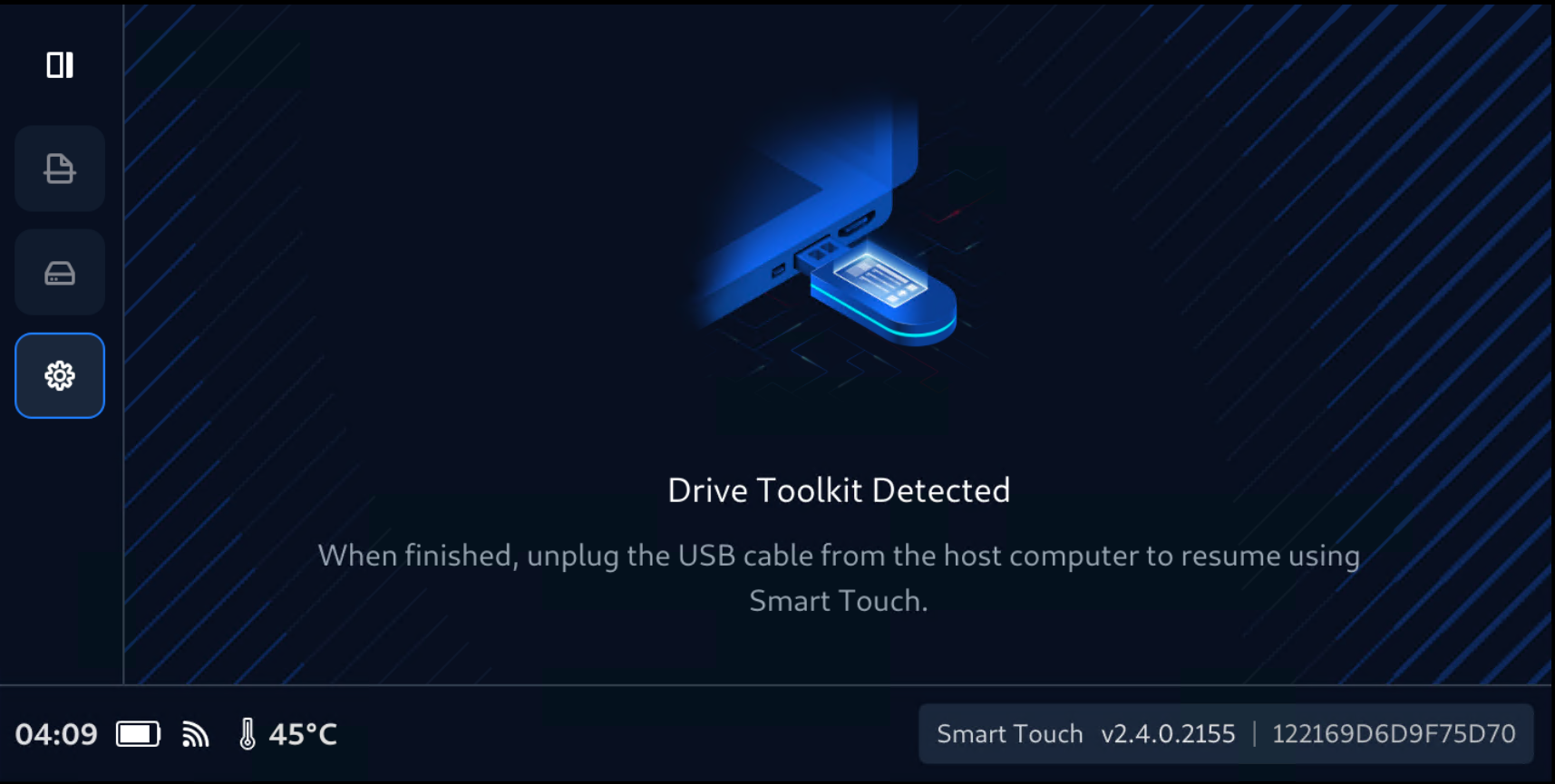
Follow the regular procedure to flash and update your MetaDefender Drive with Smart Touch using MetaDefender Drive Toolkit
Remove the cable and start using Smart Touch.