
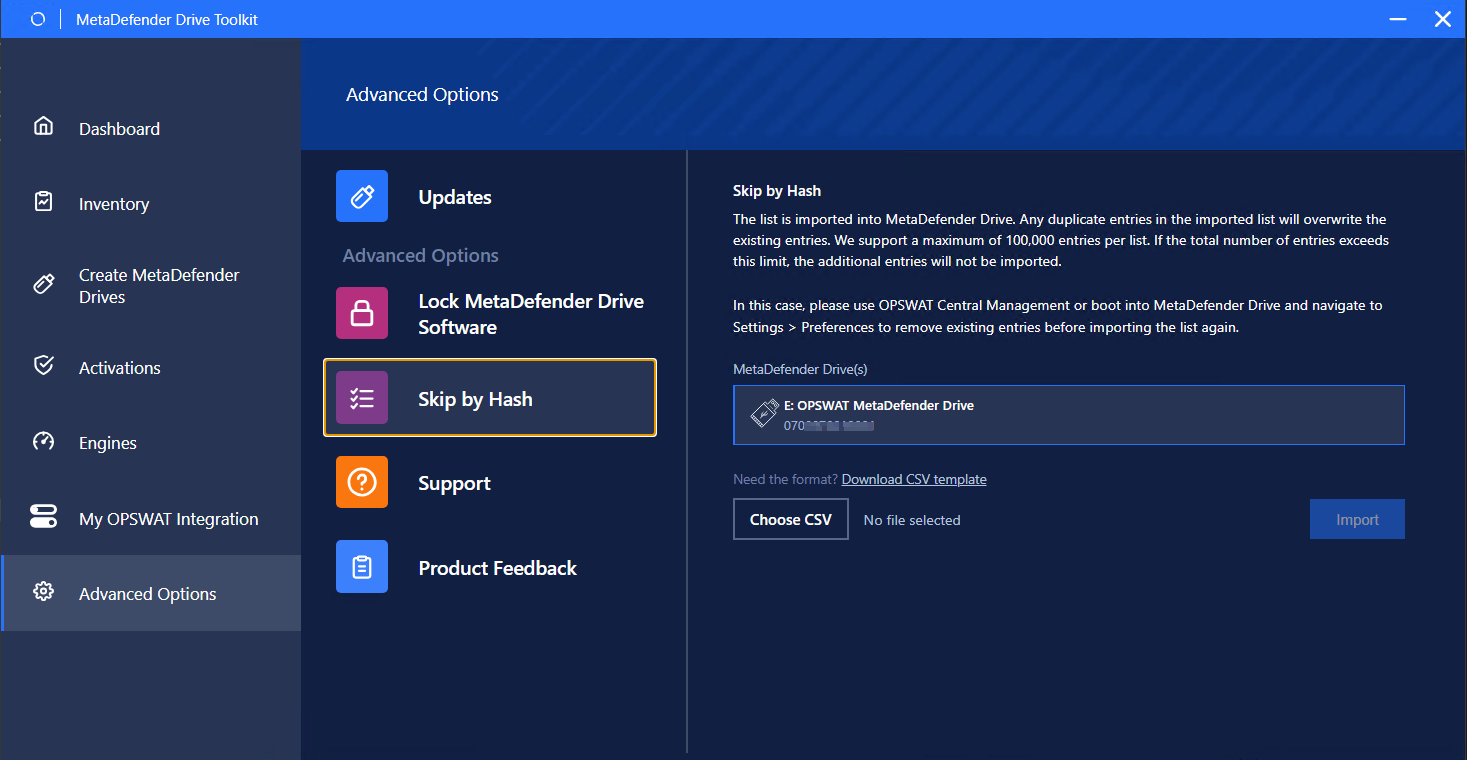
This feature under the Advanced Options allows administrator to import a list up to 100,000 of hash of files that then let MetaDefender Drive knows to skip when it hit any pre-defined hash during a scan.
To start, click Download CSV template
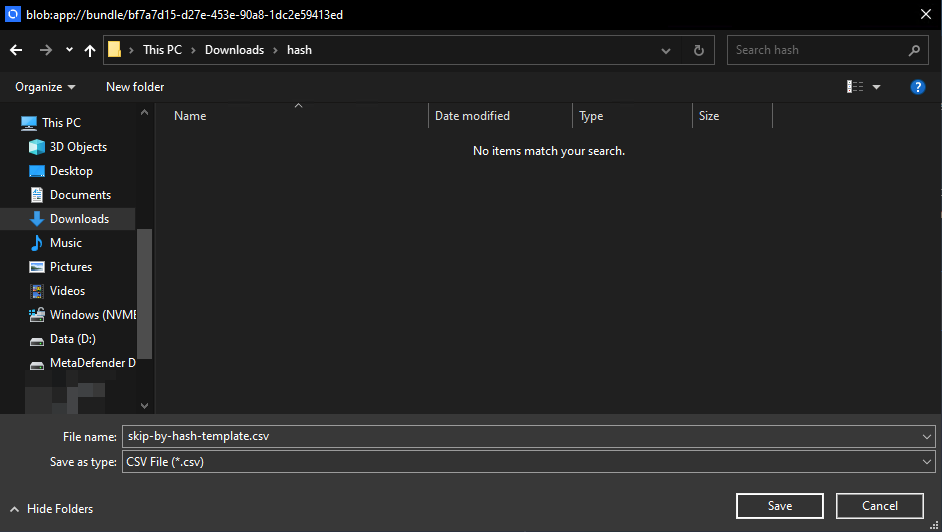
Save the template (csv) at a convenience place
Open the file and follow the template to add list of files to skip

Template "skip-by-hash.csv" 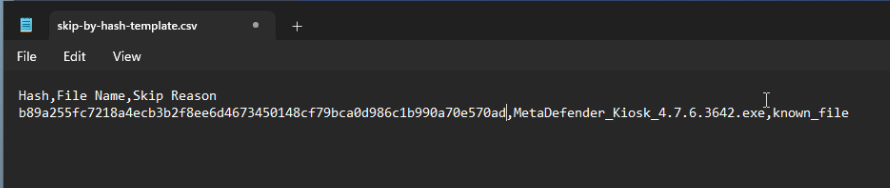
The list after editing with files to skip
After finishing, save the file.
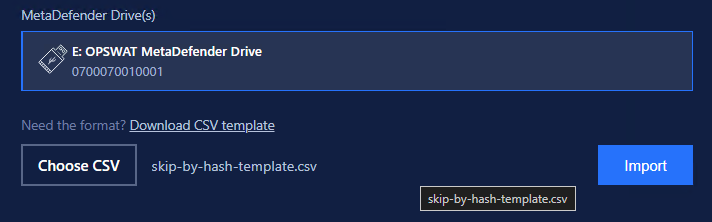
Click Choose CSV and point to the saved file. Click Import.
After then, when booting the MetaDefender Drive, the pre-defined list will appear under Preferences/Skip By Hash
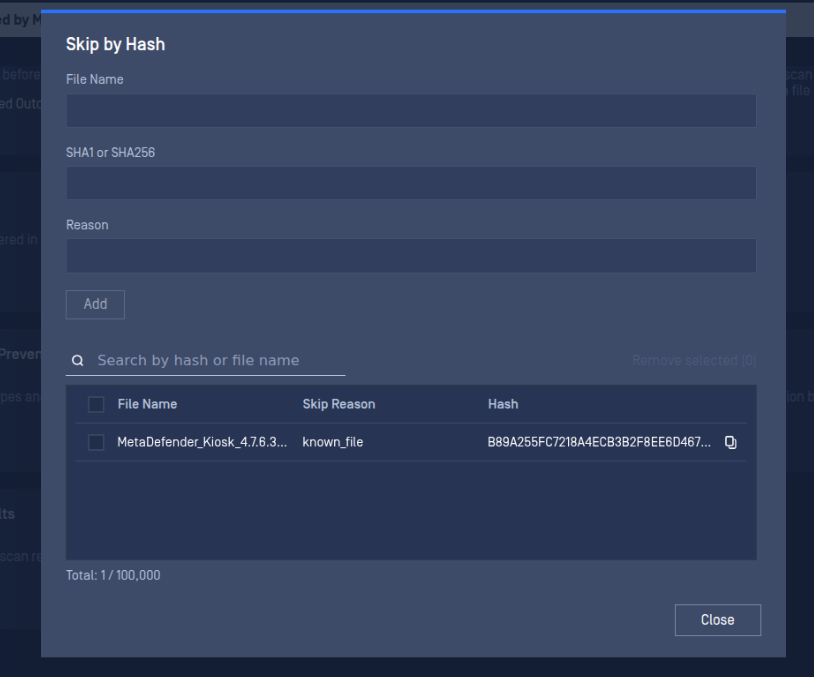
Refer to Preferences → Skip By Hash to understand more about how this feature works.
This list of skipping file hashes will be available in Central Management if the Drive is enrolled
If the list of hashes is not synced to Central Management, please unenroll then enroll MetaDefender Drive to Central Management again.