Engines
MetaDefender Drive will automatically update the engines if an active internet connection is enabled.
You may see the message Required engines are initializing right below the engines list. MetaDefender Drive requires a minimum subset of initiated engines to function. As a result, it is required to wait for the engines initialization to finish before you can start performing any scan.
It is highly recommended that you update your engines regularly via an online connection, from OPSWAT Central Management or using the Update Downloader tool for Offline Environment.
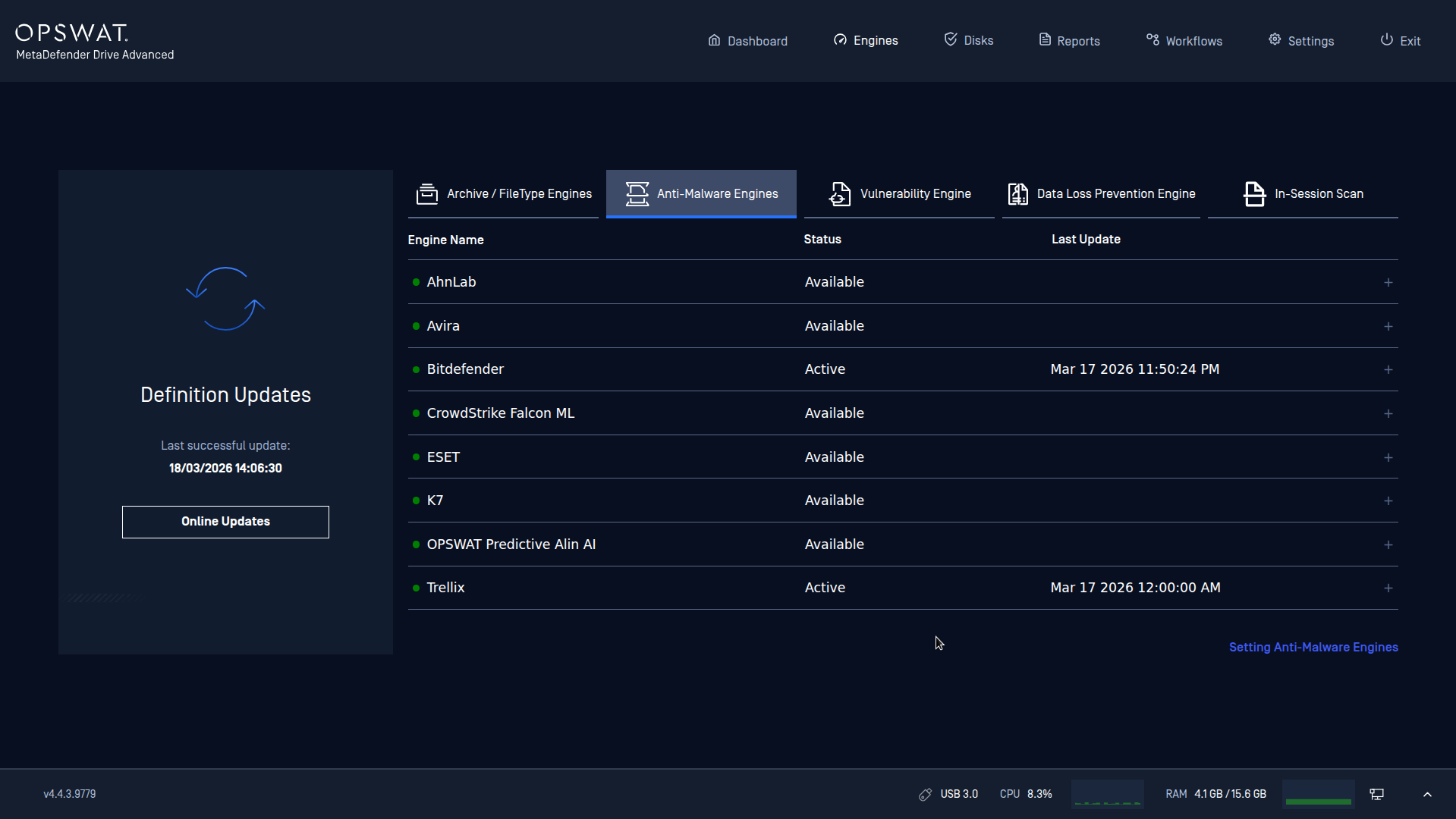
Updating engines from the MetaDefender Drive OS requires the target device to have at least 8GB of RAM and to be inserted in a USB 3.0 port.
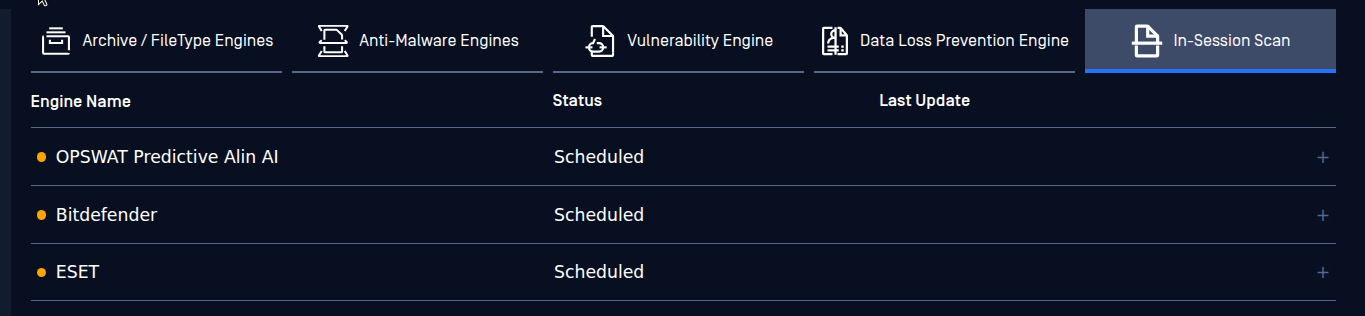
Engines for In-Session Scanner are also downloaded together with other engines for MetaDefender Drive. You can see them in the different tab names: "In-Session Scan".
The Scheduled status means engines are download and ready to be used when running in In-Session Scan from Windows host machine.