
Issue:
In Light Mode, the selected engine is not active automatically
Solution:
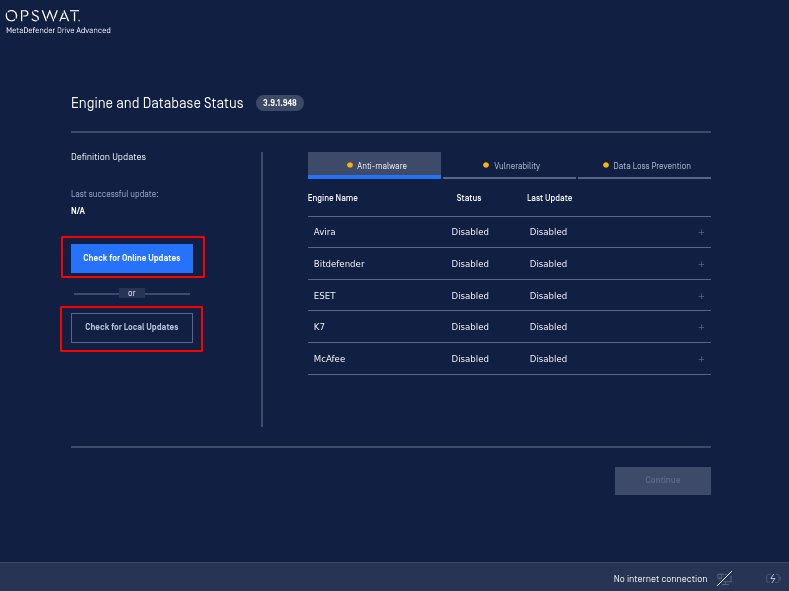
Please try triggering an online update by pressing “Check for Online Updates” as shown in below picture. The selected engine can also be activated if by pressing “Check for Local Updates”.
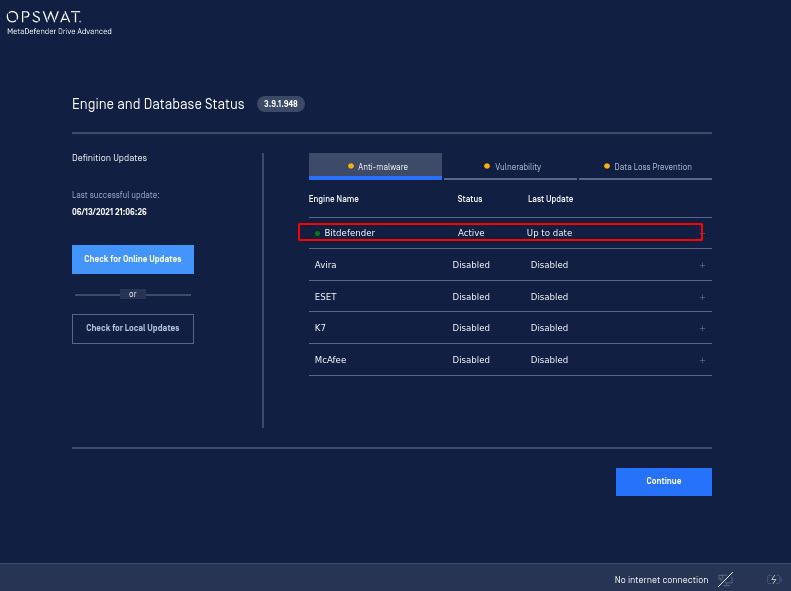
After the update triggered, the engine will be processed to be activated.
Was this page helpful?
Troubleshooting