Knowledge Base
v3.3.1
Search this version
Knowledge Base
Knowledge Base
Title
Message
Create new category
What is the title of your new category?
Edit page index title
What is the title of the page index?
Edit category
What is the new title of your category?
Edit link
What is the new title and URL of your link?
Why Am I Getting "No Rows to Show" When Using a Proxy Without Authentication in Browser Settings?
Copy Markdown
Open in ChatGPT
Open in Claude
Problem
When you set the proxy without authentication in Edge or Chrome, it typically applies to the system proxy settings. However, the MetaDefender Update Downloader relies on WinHTTP instead of WinINet, meaning it does not inherit the browser's proxy settings.
As a result, you may encounter the error: "No rows to show."
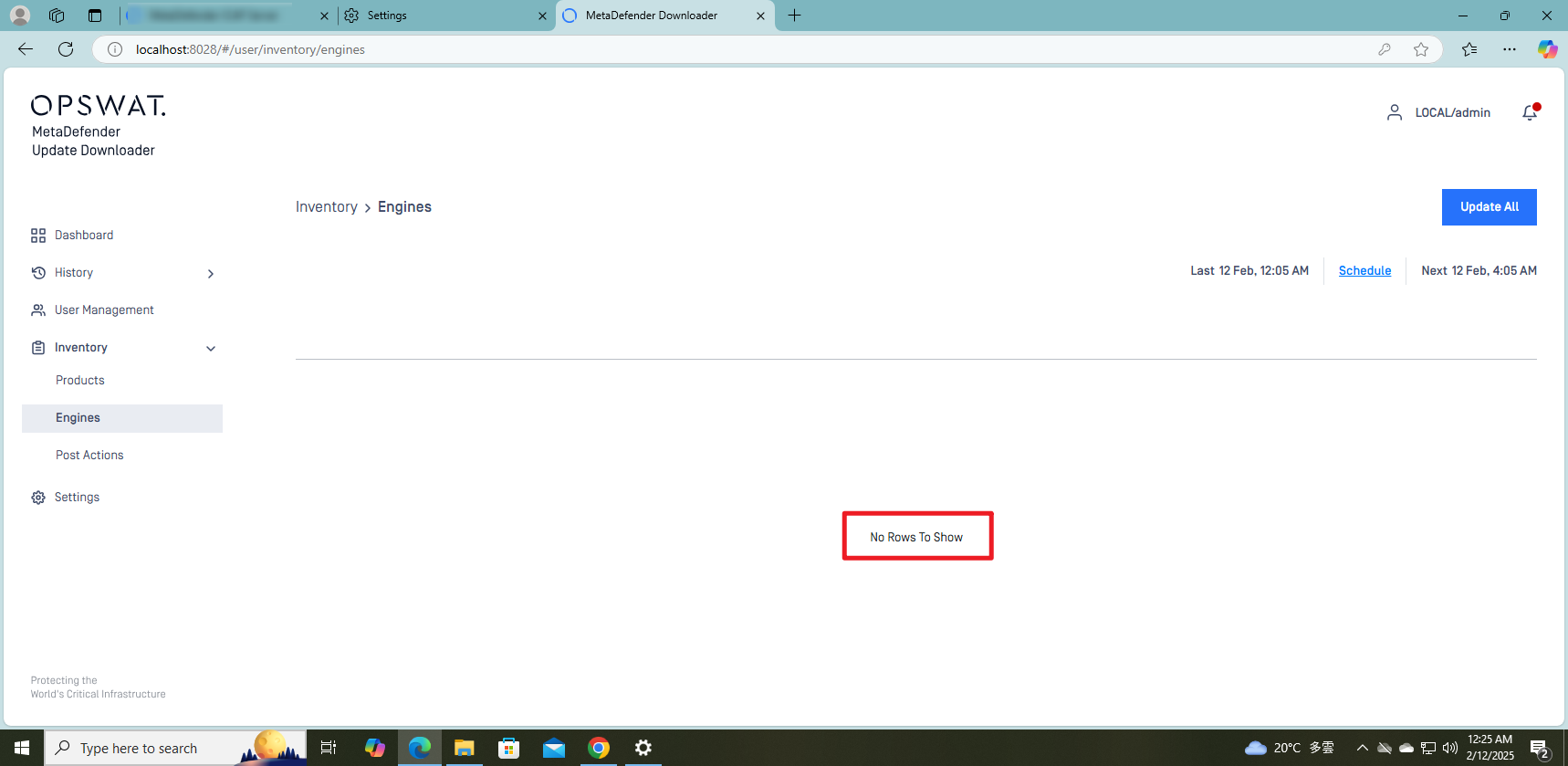
Solution
Since the MetaDefender Update Downloader currently does not provide a UI option to configure proxy settings, you need to set the WinHTTP proxy manually using the netsh command:
Open Command Prompt as Administrator:
- Press
Win + R, typecmd, and pressCtrl + Shift + Enter.
- Press
Set the WinHTTP Proxy:
- Run the following command, replacing
<proxy_ip>:<port>with your actual proxy details:
- Run the following command, replacing
HTML
1
1
1
netsh winhttp set proxy <proxy_ip>:<port>Example:
HTML
1
1
1
netsh winhttp set proxy 192.168.1.100:8080- Refresh the Update Downloader web console and click "Update All."
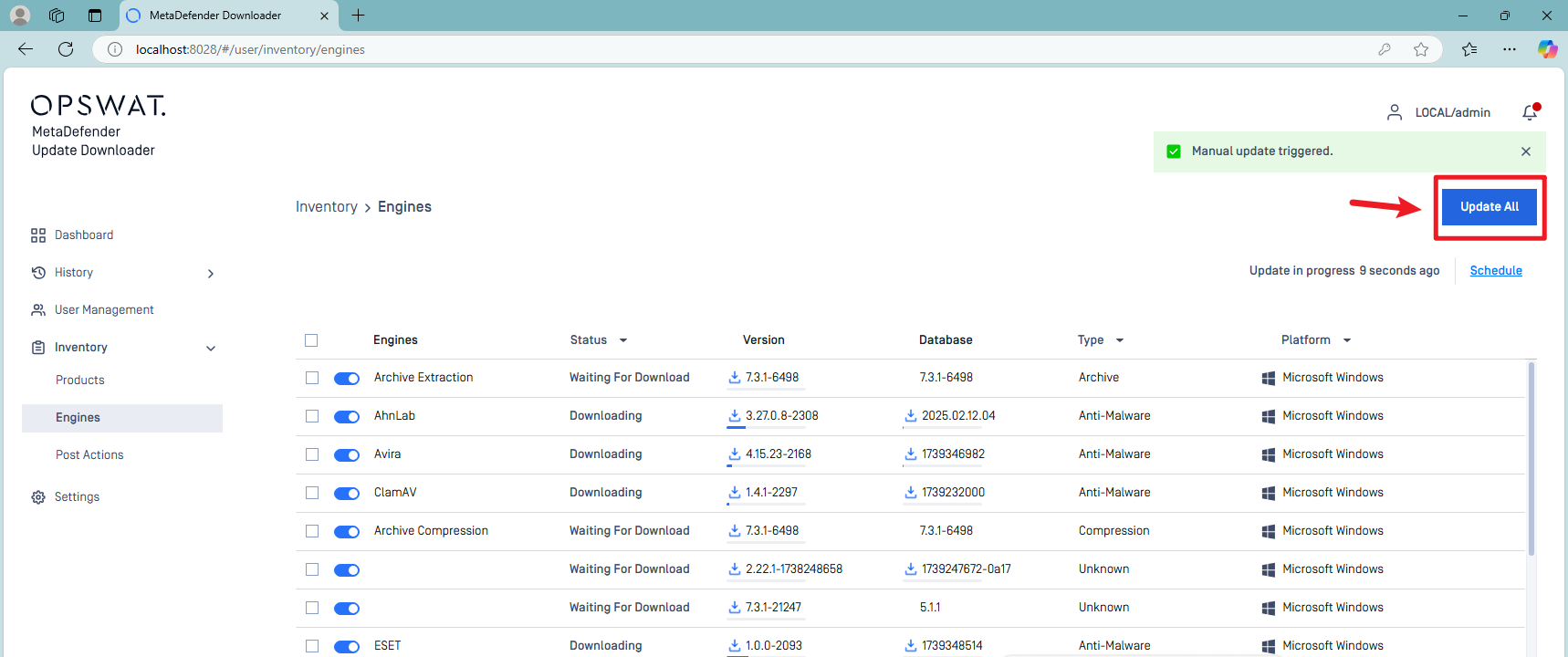
- Check if the page now displays correctly.
If Further Assistance is required, please proceed to log a support case or chatting with our support engineer
Type to search, ESC to discard
Last updated on
Was this page helpful?
Discard Changes
Do you want to discard your current changes and overwrite with the template?
Archive Synced Block
Message
Create new Template
What is this template's title?
Delete Template
Message
