
The default System Log provides a paginated and static (non-refreshing) view of the local device system logs. The data displayed is presented in reverse chronological (newest first) order. The initial System Logs pane provides unfiltered events going through the OTfuse.
The initial System Log pane provides unfiltered events going through the appliance.
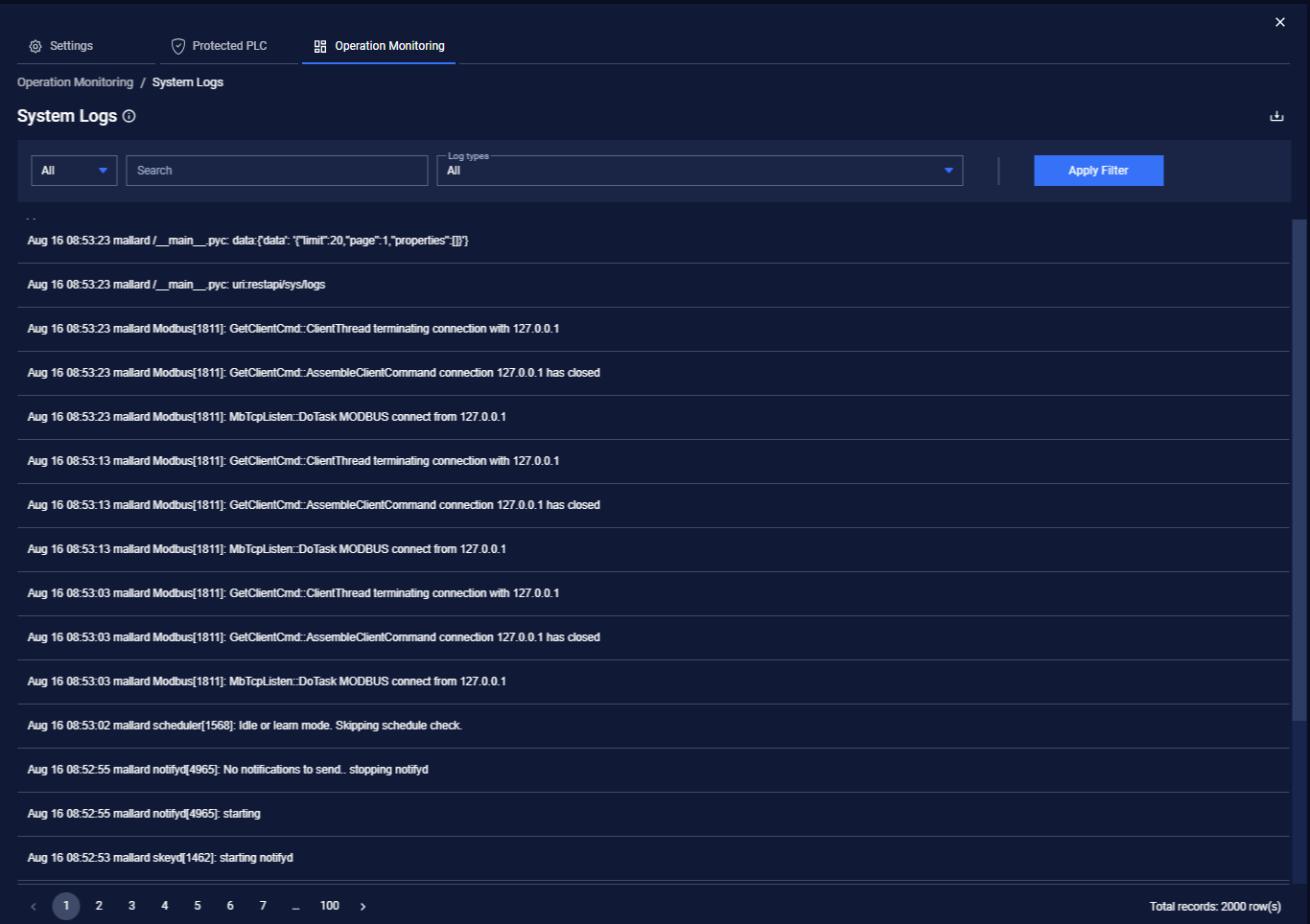
From the System Log pane, you can:
Filter by full-text
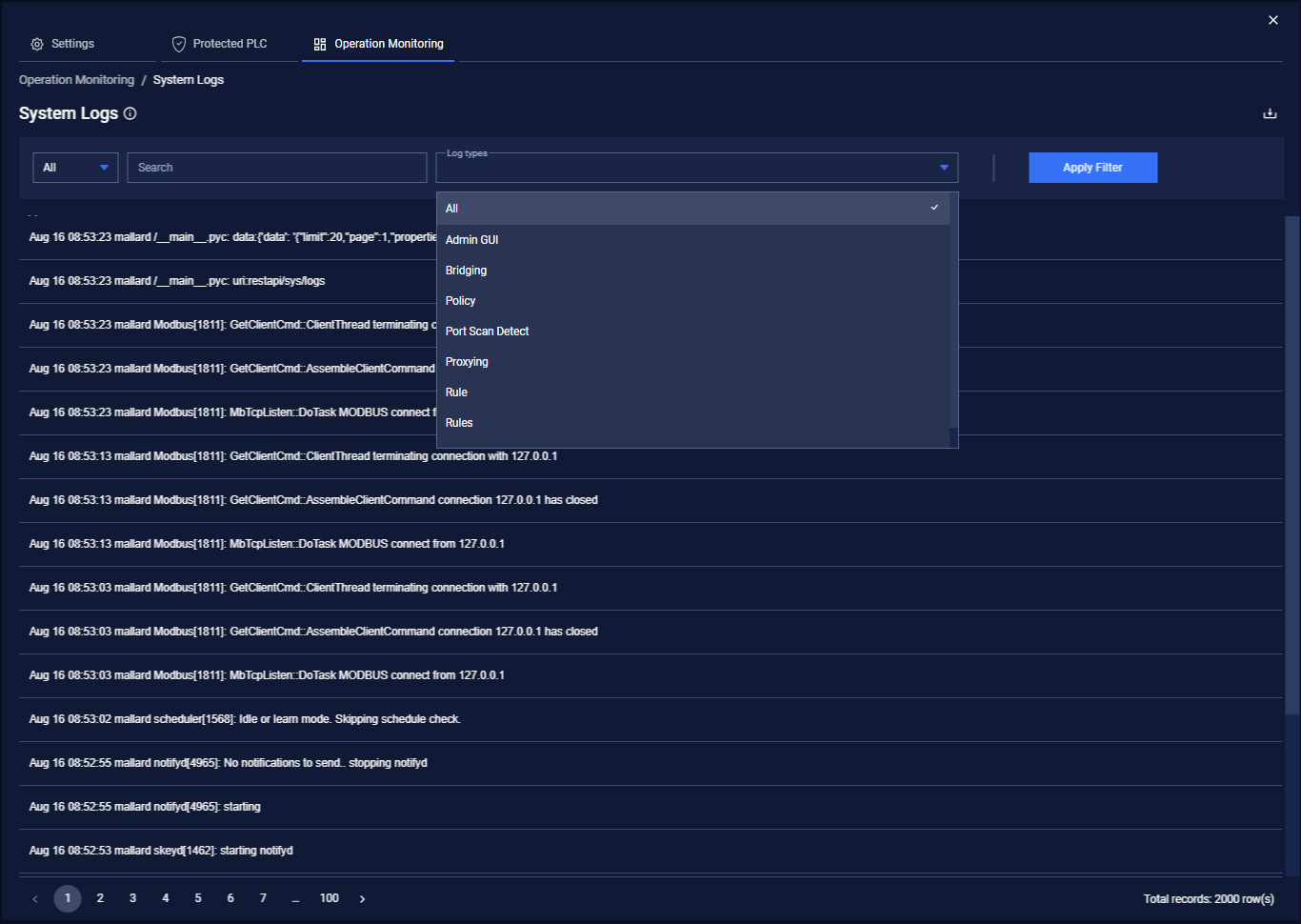
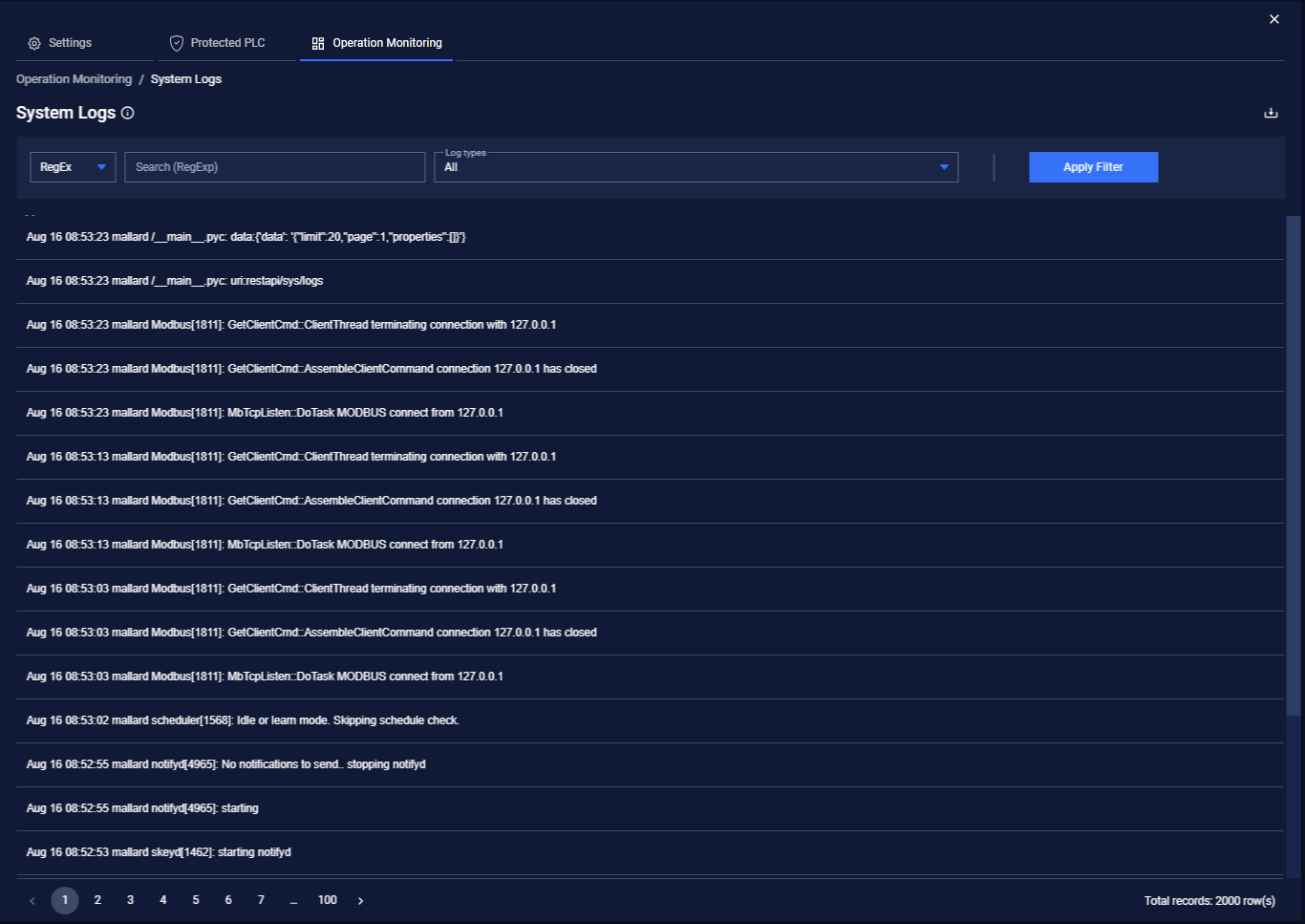
Filter using RegEx
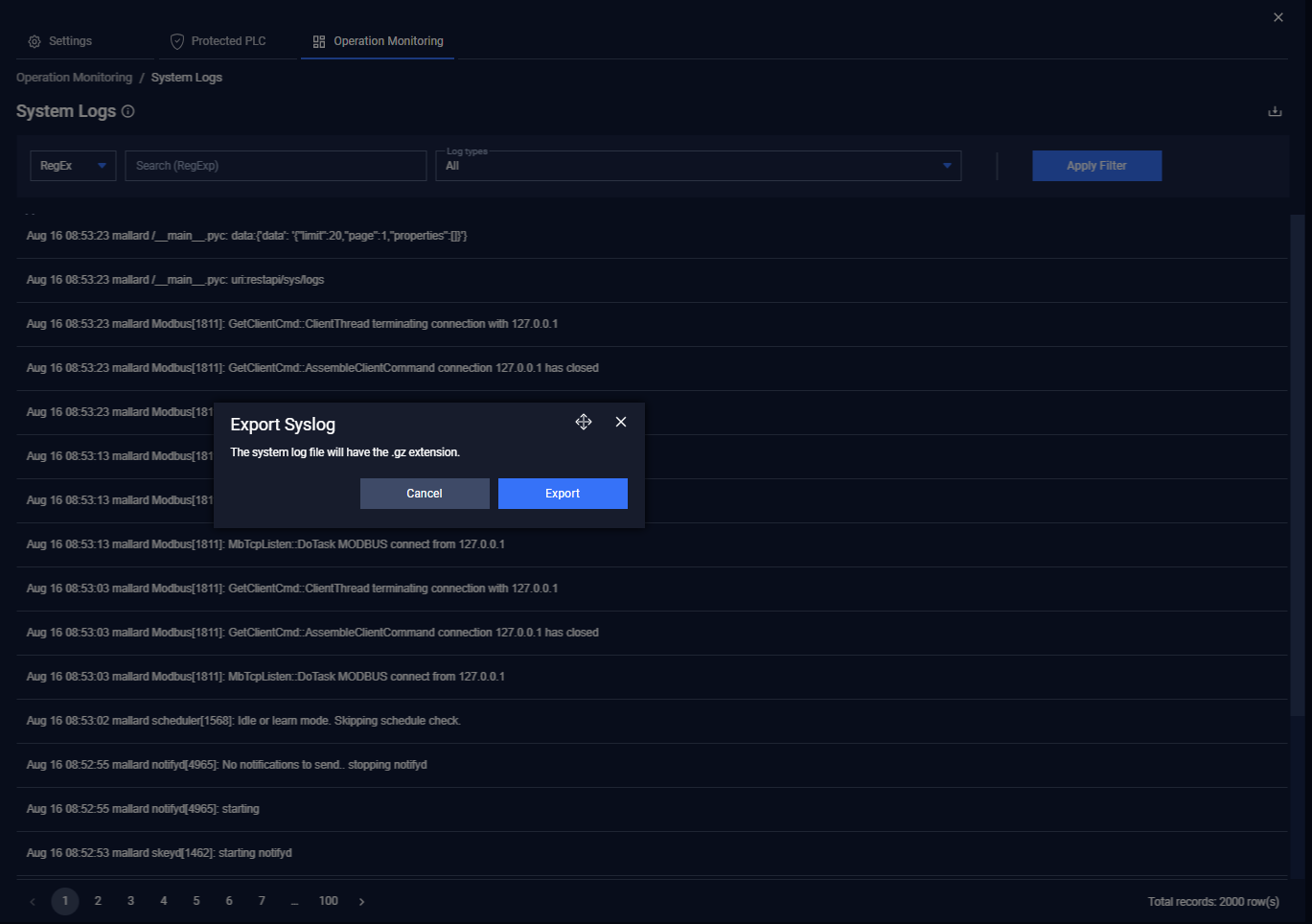
User also can export results with compression. The default saved file name is “opswat_skey___syslog.gz”
Was this page helpful?
Operating