NAC Cloud
nac_v8.1.0
Search this version
NAC Cloud
NAC Cloud
Title
Message
Create new category
What is the title of your new category?
Edit page index title
What is the title of the page index?
Edit category
What is the new title of your category?
Edit link
What is the new title and URL of your link?
Device authorization
Copy Markdown
Open in ChatGPT
Open in Claude
- Navigate to Inventory → Devices
- Click on Import button, select a data file (CSV or JSON)
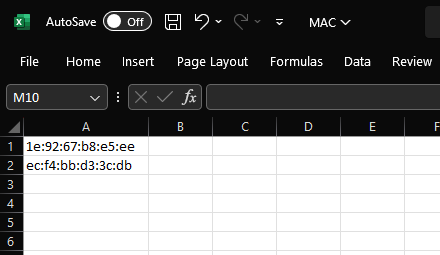
- CSV format:

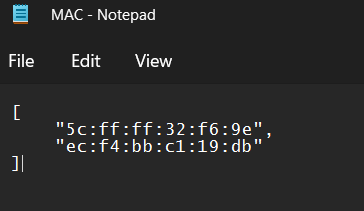
- JSON format:

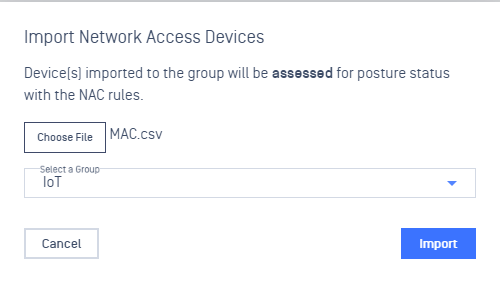
- Select a specific Device group and proceed to import the data file
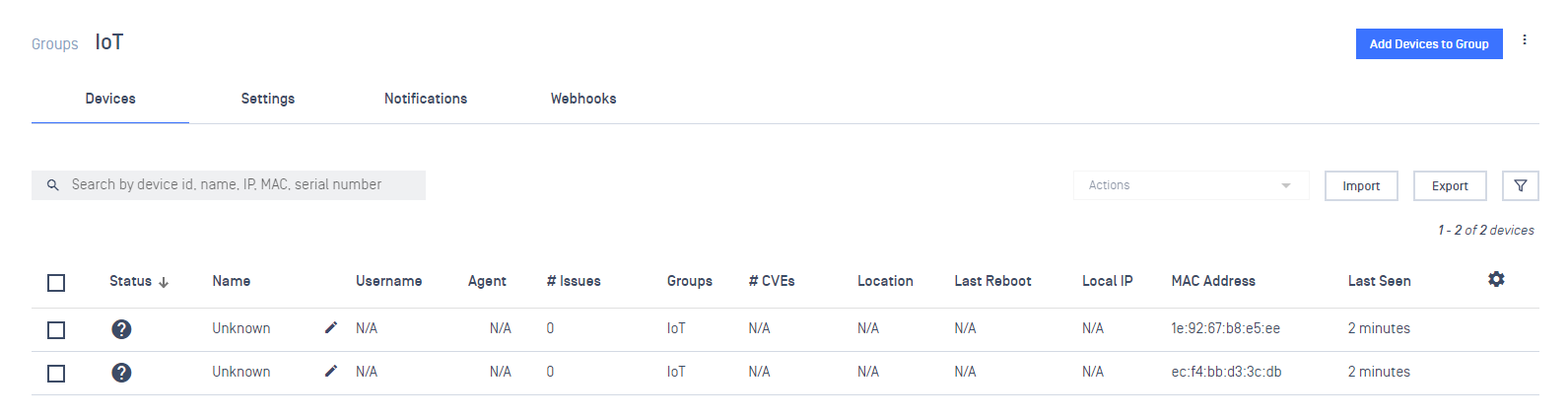
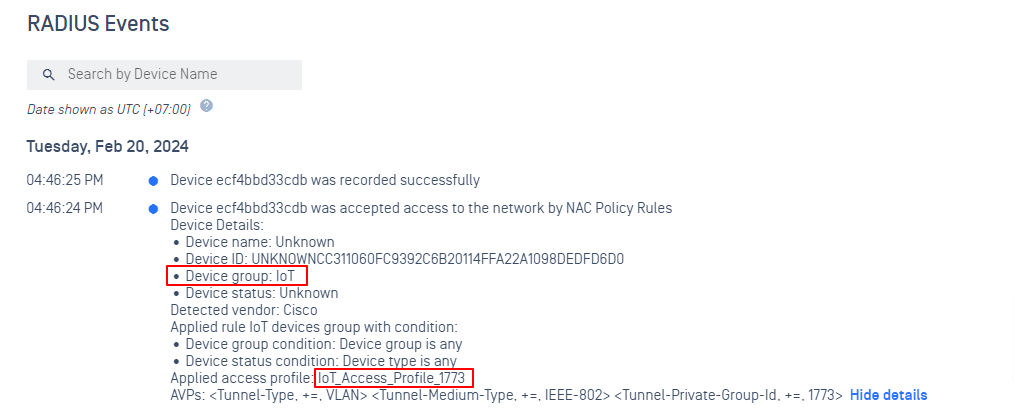
After import successfully, those MAC addresses should display in the correct Device group
After connect to the Network, the device should be assigned to the corresponding Access Profile
Type to search, ESC to discard
Last updated on
Was this page helpful?
Next to read:
Configuration Captive PortalDiscard Changes
Do you want to discard your current changes and overwrite with the template?
Archive Synced Block
Message
Create new Template
What is this template's title?
Delete Template
Message