
One or more Threat Indicators can be disabled, so those will not be evaluated during the verdict calculation process. After finding the ID of the corresponding Threat Indicator, we need to modify the transform.cfg configuration file using the terminal.
Steps to Disable the Threat Indicator
Outlined below are the steps that should be followed so that a Threat Indicator can be disabled. In this example, the aim is to disable the following Threat Indicator: "Found a call for action (e.g. 'enable macros')"
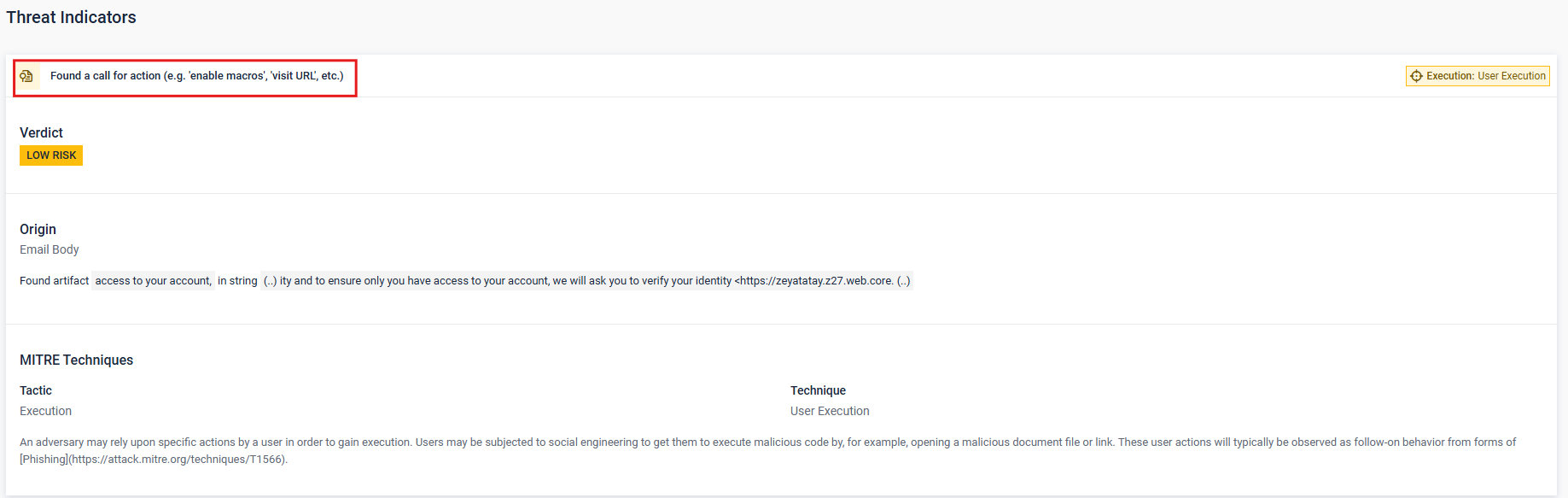
Find the ID of the Threat Indicator
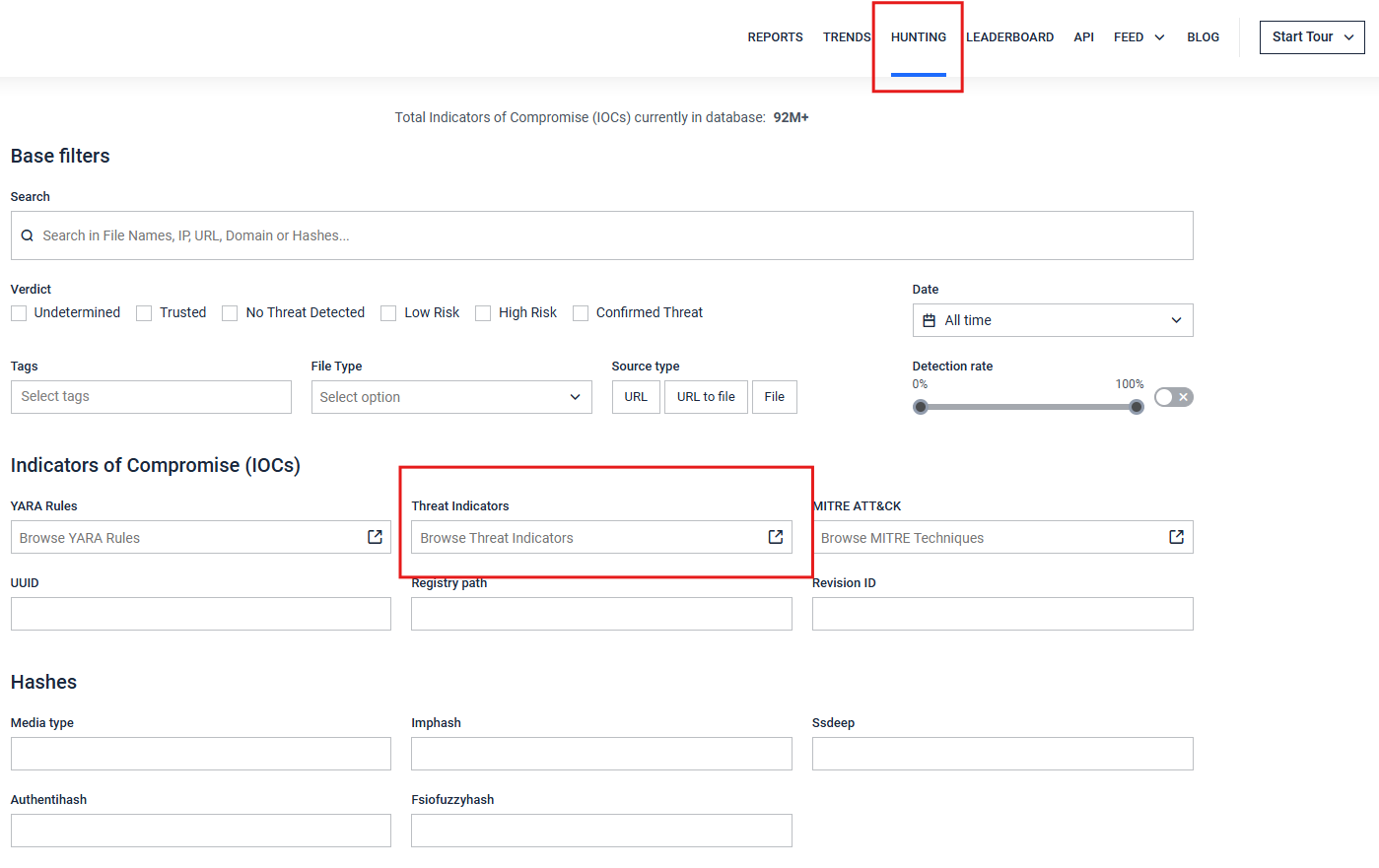
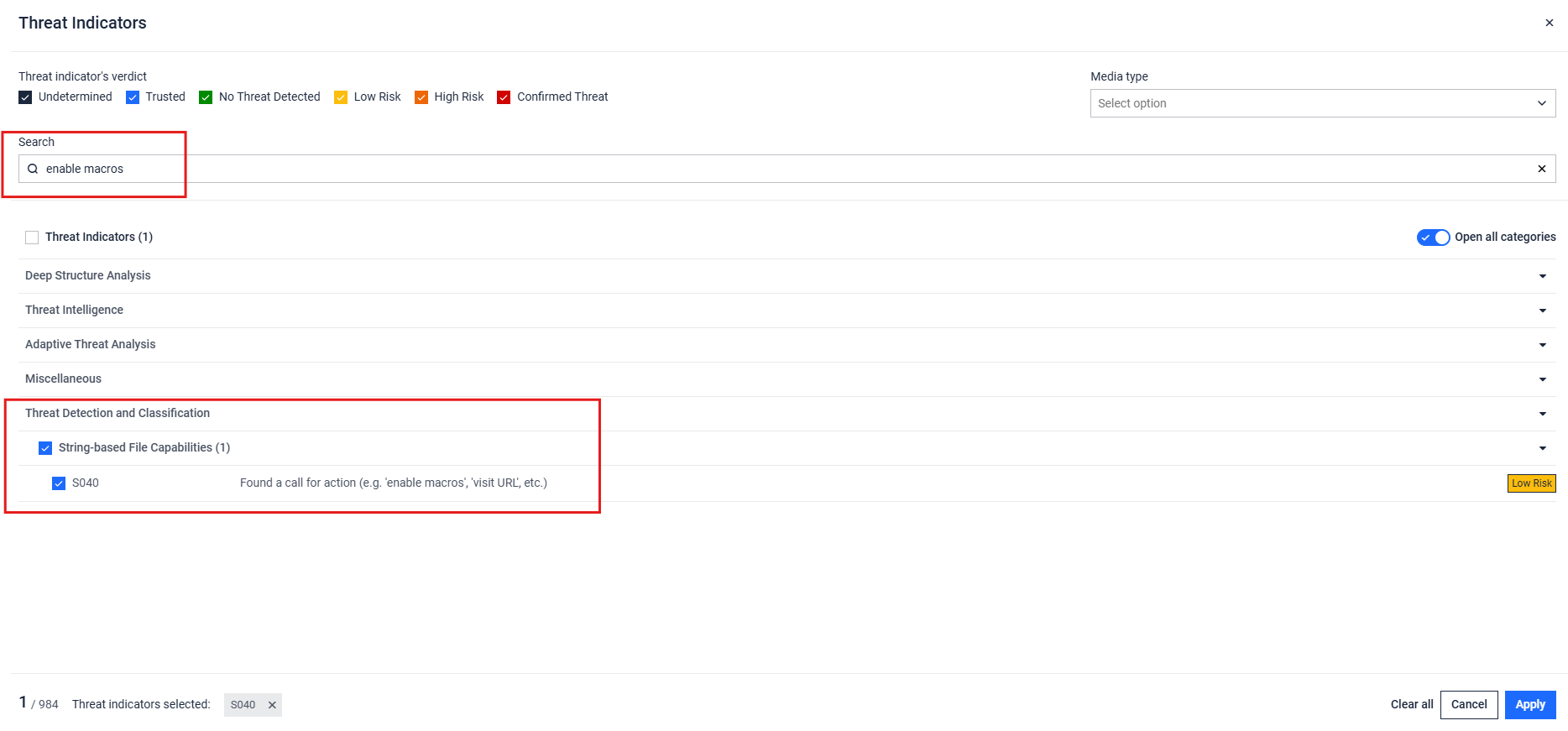
Find the Threat Indicator ID within the Hunting page by searching for the Threat Indicator description.
In this case, it is S040.
Change Configuration to Disable Threat Indicator
Please follow the steps outlined in Verdict Adjustment.
Step #1 - Open /home/sandbox/sandbox/transform.cfg in a text editor
Step #2 - Modify the configuration by adding or modifying the properties on this page
In this example, we add the ID that we found above: S040
Step #3 - Save the file and restart the sandbox service