
This onboarding guide aims to help you get started with My OPSWAT Central Management platform, enroll MetaDefender products, navigate core functions, and manage your account with maximum efficiency.
On This Page
Pre-Onboarding Setup
A couple of quick checks to make sure everything goes smoothly before you dive in.
Check Network Requirements
You’ll need to configure your firewall or proxy settings to ensure proper communication between product instances and My OPSWAT Central Management.
Refer to the Networking Requirement guideline for more details.
Set Up SaaS Account
You’ll need an active OPSWAT account to log in. If you haven't registered yet, navigate to the SaaS Account Setup guideline.
Getting Started
Steps to execute once your account is active.
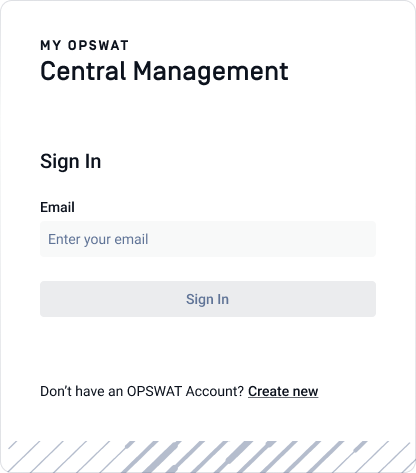
Access My OPSWAT Central Management
Log into the My OPSWAT Portal.
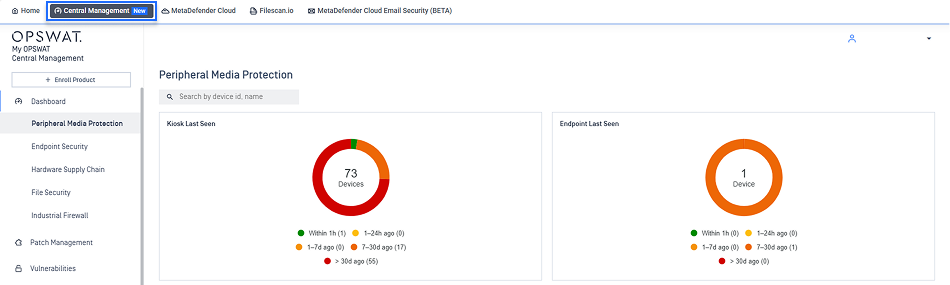
Select Central Management from the top menu.
Your account is initialized with default settings upon your first login. You can customize these at any time via the Settings menu.
Enroll Products
Enrollment connects your distributed MetaDefender products to My OPSWAT Central Management console. Select the specific enrollment workflow for your product:
Once enrollment is complete, head over to the Inventory tab where you can view and manage all enrolled assets.
Navigate Core Functions
This section outlines the core functions available to help you view, monitor, and manage your environment effectively.
Dashboard
Gain near real-time insights into your security posture through specialized dashboards. Instead of digging through logs, you get a clear, intuitive visual of what’s happening across your infrastructure.
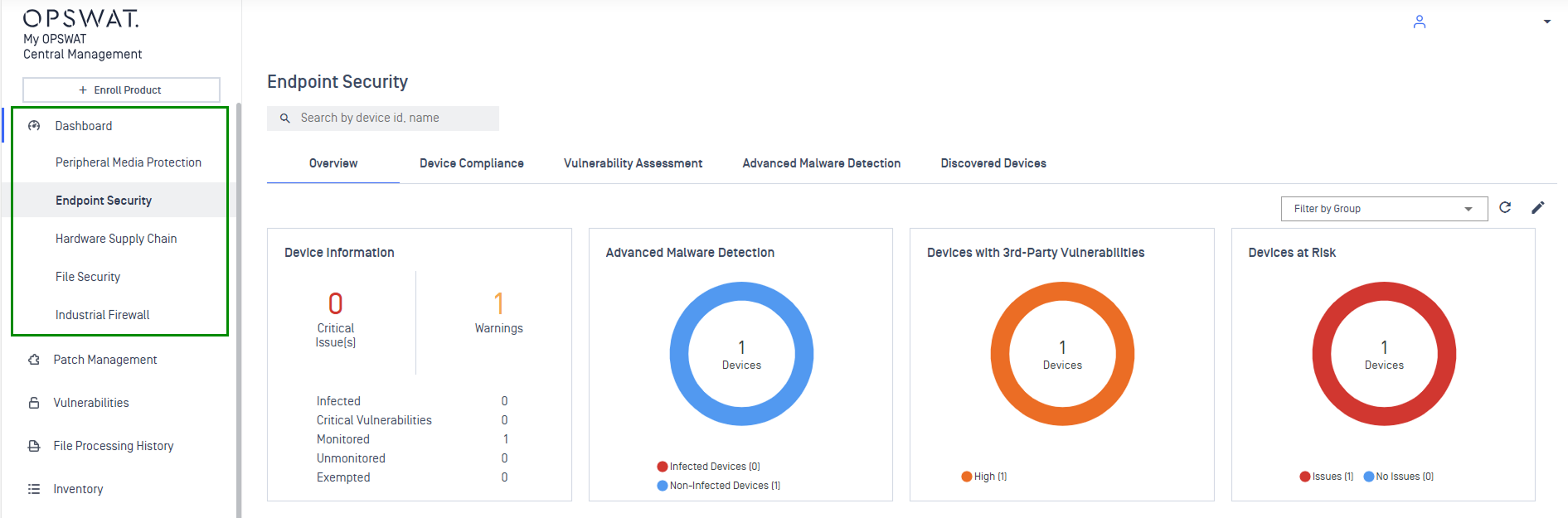
Peripheral Media Protection Dashboard: Monitors the security lifecycle of removable media across your Kiosk, Media Firewall, and Endpoint network to prevent physical-entry threats.
Endpoint Security Dashboard: Monitor device posture checks, track OS update status, and identify non-compliant devices.
Hardware Supply Chain Dashboard: Secure your hardware lifecycle by identifying vulnerable hosts and tracking supply chain integrity across your MetaDefender Drive deployments.
File Security Protection Dashboard: Centralizes statistics and data from your MetaDefender Core and MetaDefender ICAP, ensuring file-processing security measures are performing effectively.
Industrial Firewall Dashboard: Centralize the configuration and management of MetaDefender Industrial Firewall deployments across OT environments.
Inventory
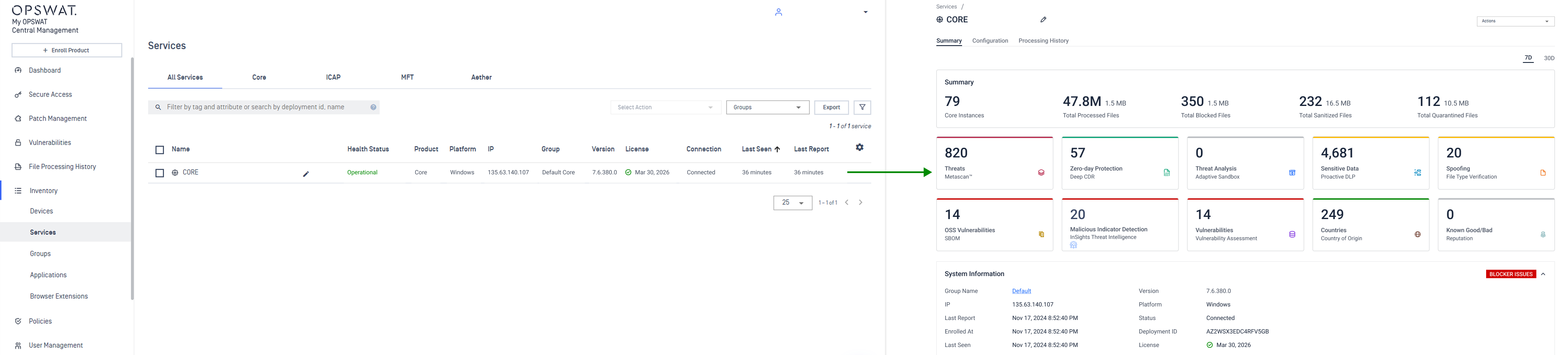
The Inventory serves as the centralized digital warehouse for every service, device, and application in your environment. Use this function to view real-time health status, track event logs, and organize assets into Groups for streamlined management.
Refer to the Inventory guideline for a full walkthrough of every filter, view, and action available.
Policies
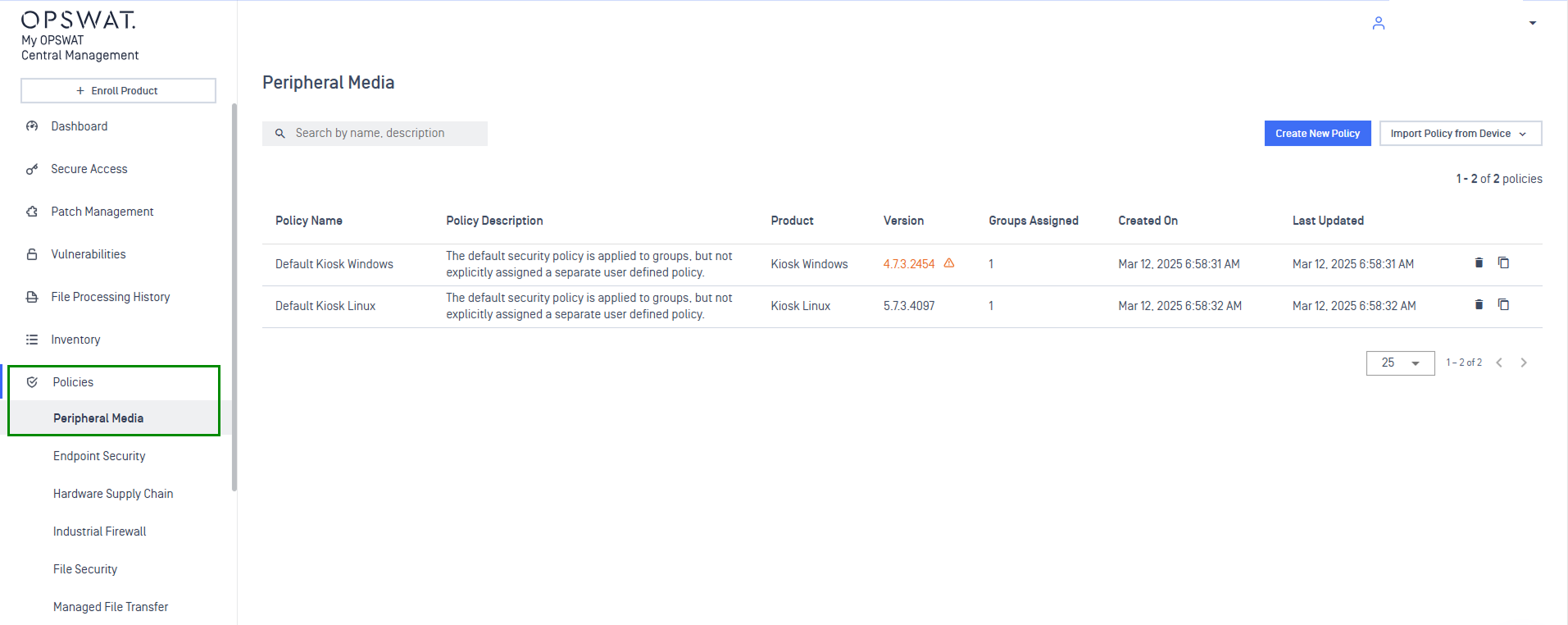
The Policies function allows you to define and enforce security standards and push them out to all your devices at once. It ensures every instance is following the same security rules without manual effort.
Refer to the Policies Management guideline for detailed configuration steps.
Settings
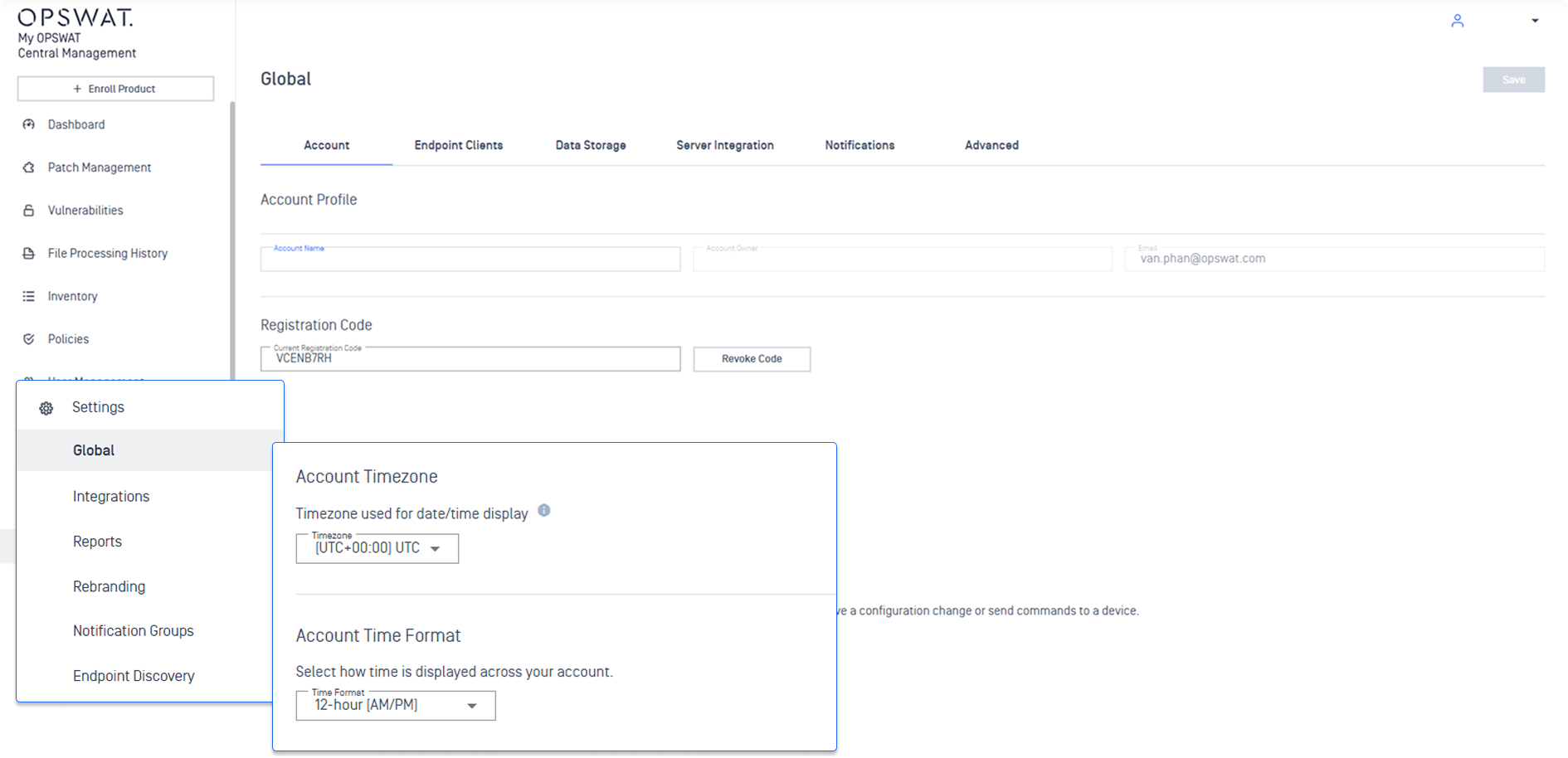
Fine-tune your platform-wide configurations by navigating to the Settings tab.
Refer to the Global Settings guideline for more details on the settings you can customize to tailor your account to your needs.
Manage Your Account
Keep your platform running efficiently with these administrative workflows.
Users & Roles
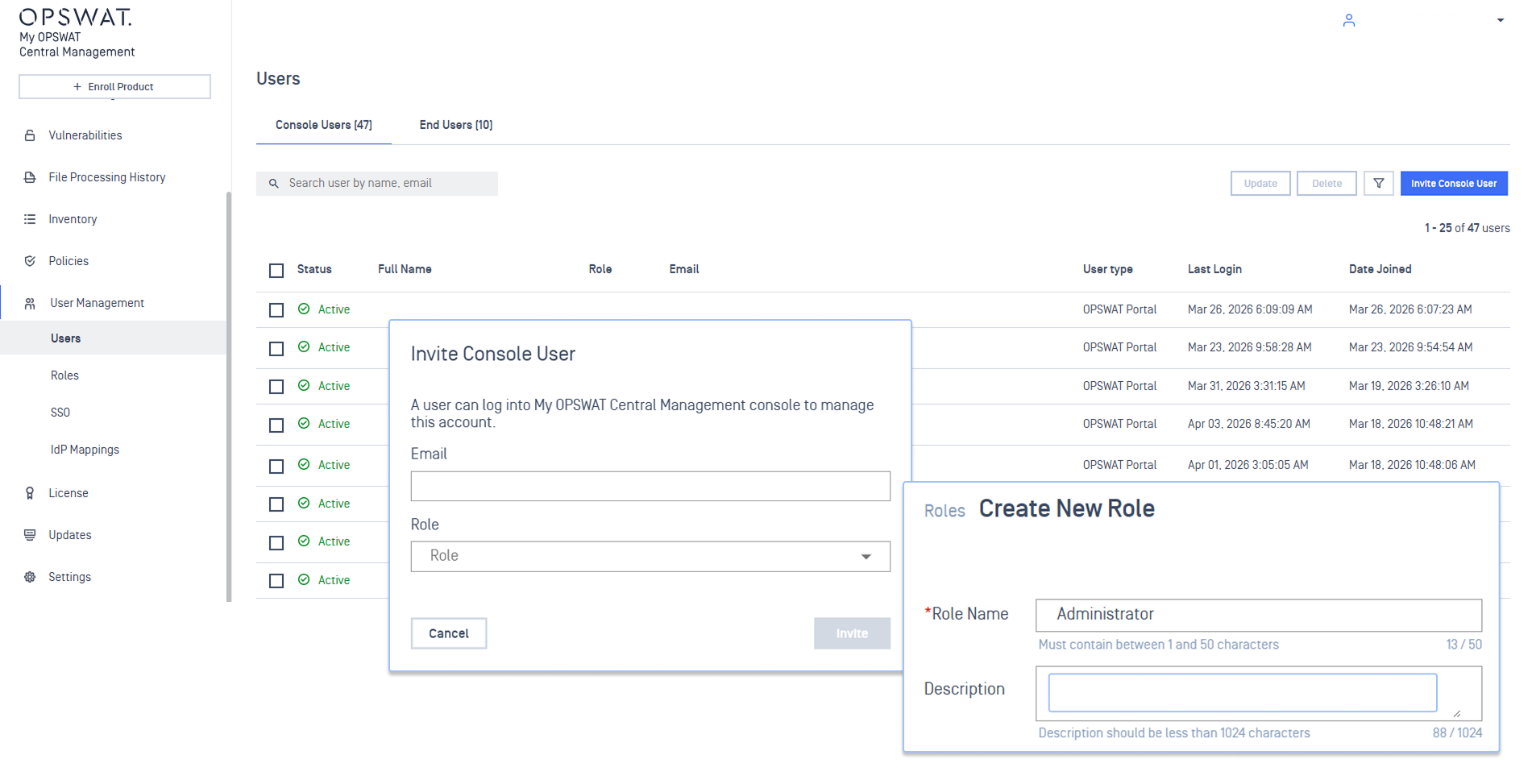
Provision console users and define granular access levels.
To provision users who will access the My OPSWAT Central Management console, refer to the Provision Users guideline.
To create a customized level of access for console users, follow the Role Management guideline.
Server Configuration
Refer to the Server Configuration guideline for detailed instructions on how to configure server settings.
Product Updates
Use the Product Updates guideline to learn how to manage product updates.