
Endpoint Security in My OPSWAT Central Management gives you real-time visibility into device health, automates vulnerability discovery, enforces endpoint compliance policies, and provides remote remediation tools across managed Endpoint.
You'll find it in the left navigation under Solution > Endpoint Security. It contains four sub-pages: Dashboard, Regulation and Standards, Vulnerabilities, and Policies.
Endpoint Security Workflow at a Glance
Steps | Details |
|---|---|
Step 1: Enroll | Enroll MetaDefender Endpoint devices into My OPSWAT Central Management by following Enroll MetaDefender Endpoint |
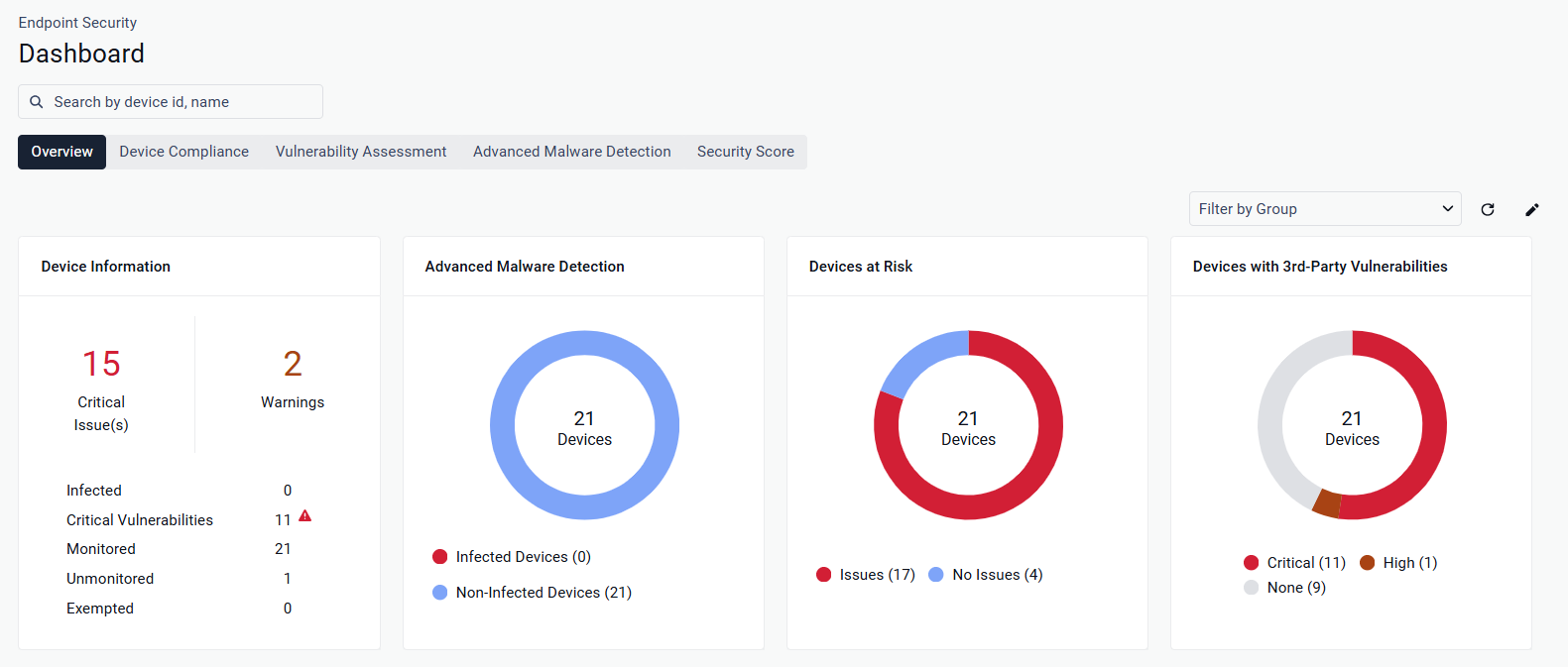
Step 2: Assess | Get a single view of your endpoint security posture with Endpoint Security Dashboard |
Step 3: Enforce | Configure MetaDefender Endpoint Policies for anti-malware engines, local firewalls, disk encryption, and browser extensions. |
Step 4: Remediate | Identify unpatched operating system and application CVEs, filter by severity, and suppress approved exceptions with Allowlist CVEs. |
Step 5. Maintain | Run automated full-image Backup & Restore. Track device health with Endpoint Performance Monitoring. |