
Check Your Version:
This article applies to MetaDefender Software Supply Chain deployments on Linux.
Overview
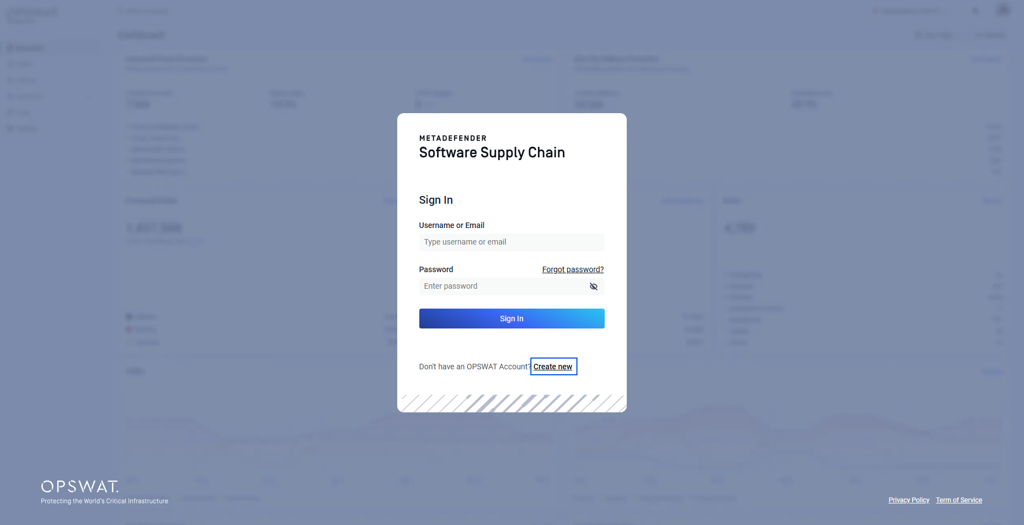
After a fresh installation of MetaDefender Software Supply Chain (MD SSC) using our official guide: Installing using the command line - MetaDefender Software Supply Chain, you are welcomed with the login panel instead of setup instruction. This is the expected behavior.
Explaination
MetaDefender Software Supply Chain does not have a pre-configured Administrator account or default password.
The system is designed so that the first registered user automatically becomes the Administrator.
Steps to Register:
Navigate to
<your-mdssc-ip>:80.On the login screen, click on Create new
Complete the registration.
Log in using these new credentials.
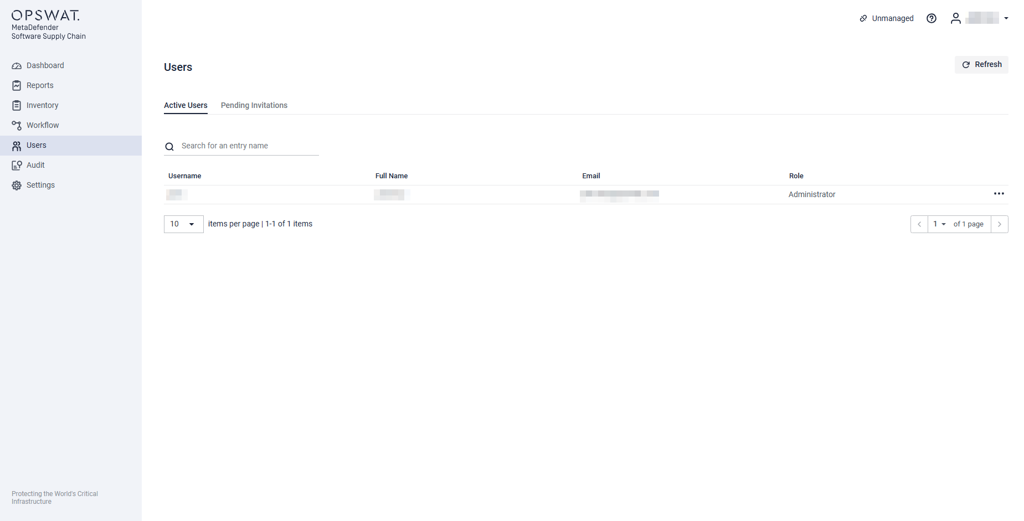
You will have full Administrator access to configure the instance.
Support:
If Further Assistance is required, please proceed to log a support case or chatting with our support engineer.