
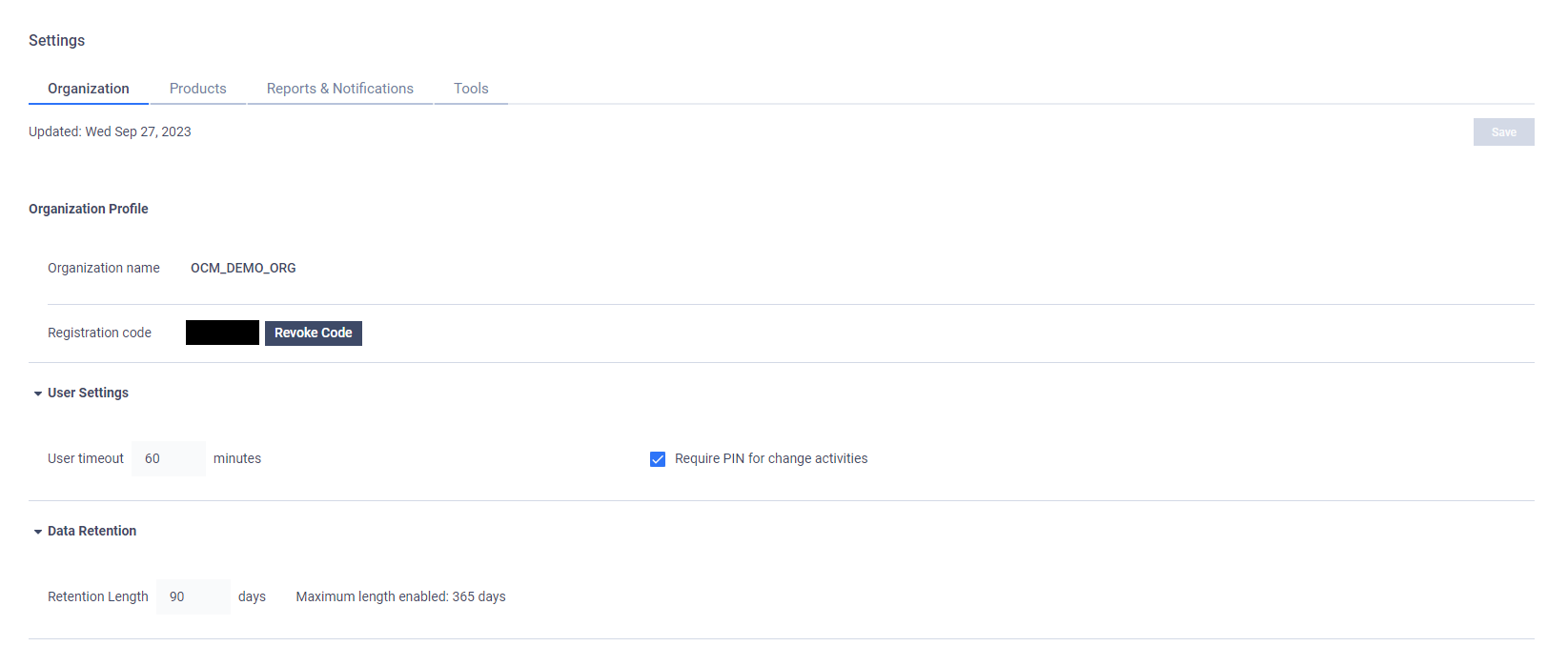
The Organization tab of the Global settings page contains settings related to the current organization that your user session belongs to.
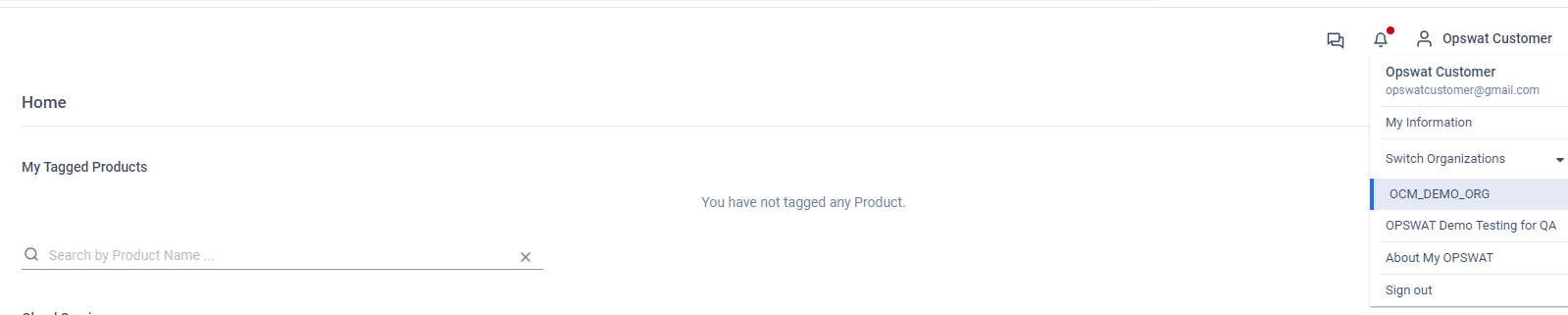
If your user account belongs to multiple organizations, to change organization, open the drop-down menu next to your username in the top-right corner of the web interface and under Switch Organization click the Organization you want to switch to.
Was this page helpful?
Configuration