OPSWAT Central Management allows administrators to set different security requirements for different device groups.
To manage device policies, you can find all policies under your account by navigating to Device Policies
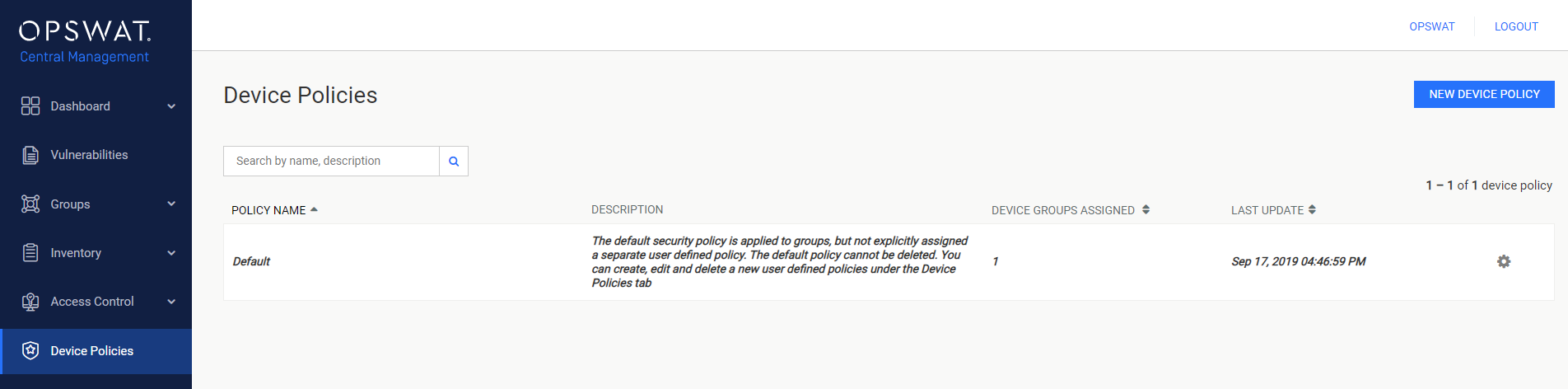
Create a new policy
In case the administrators would like to create a new policy from an existing policy, they can clone an existing policy by clicking on the setting icon on the desired policy and Clone it.
Otherwise, here are the steps to create a new policy with default settings.
Click on Create New Policy.
Fill out the required basic information for the new policy.
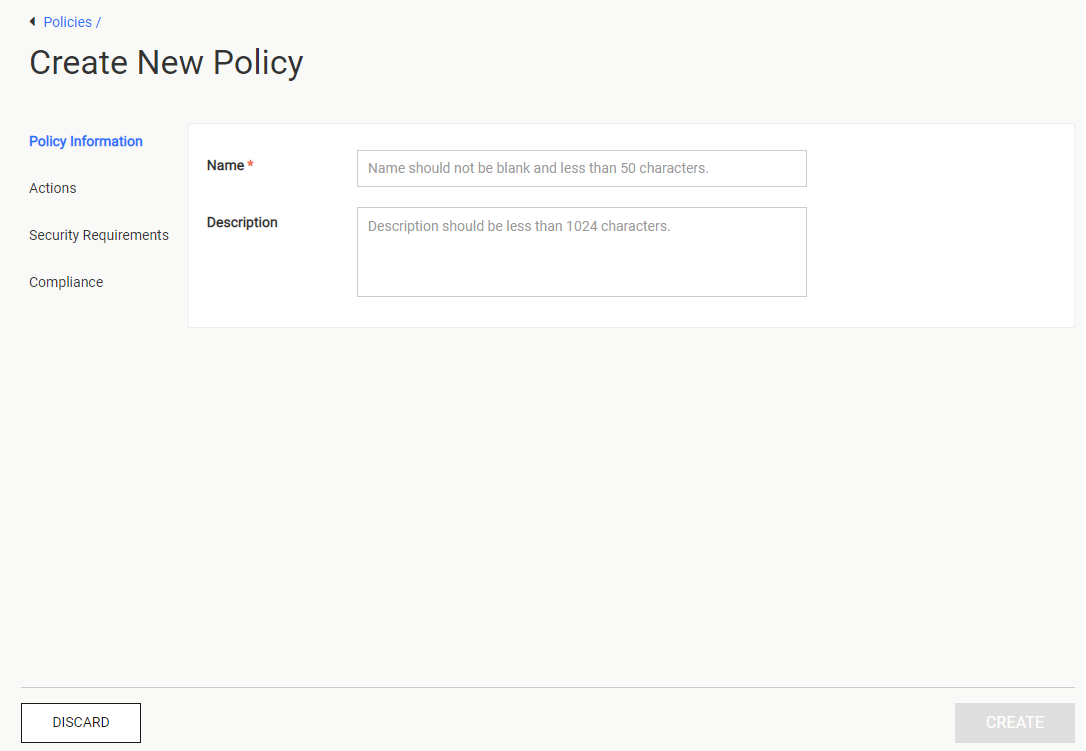
- Name: The new policy's name
- Description: The new policy's description
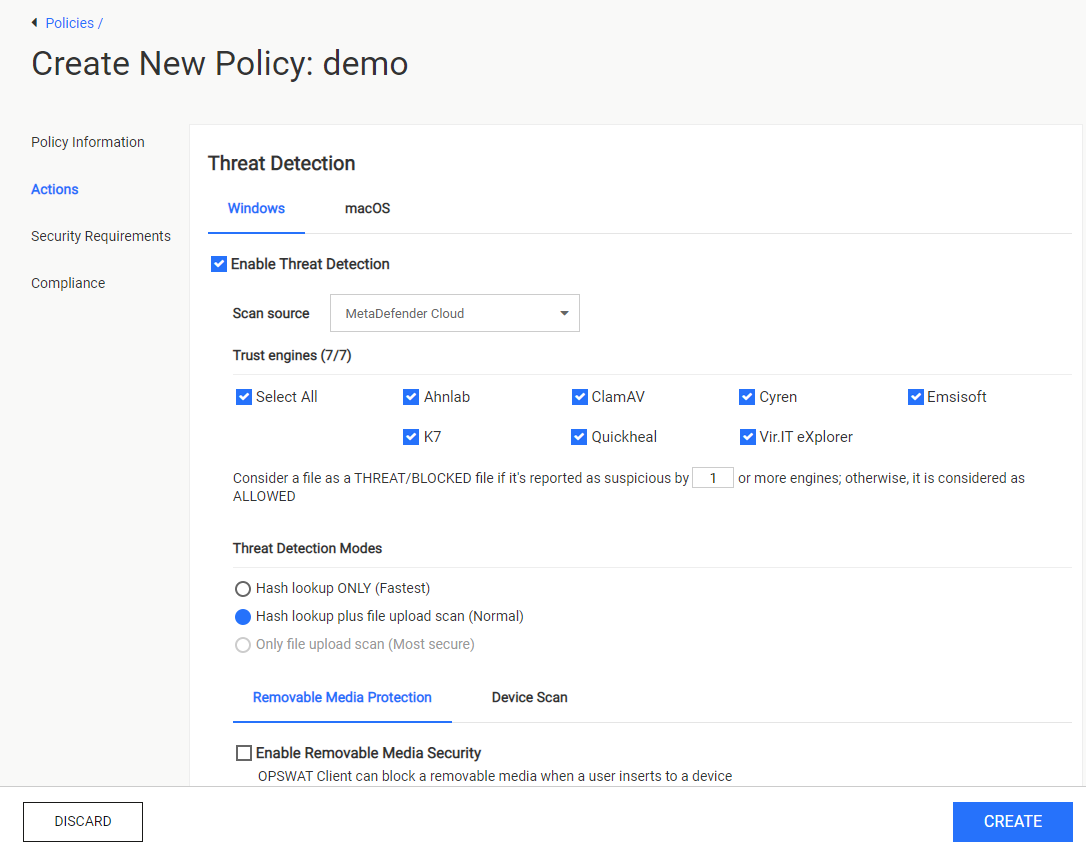
The Actions page allows administrators to customize the device's security behaviors. Click on Actions
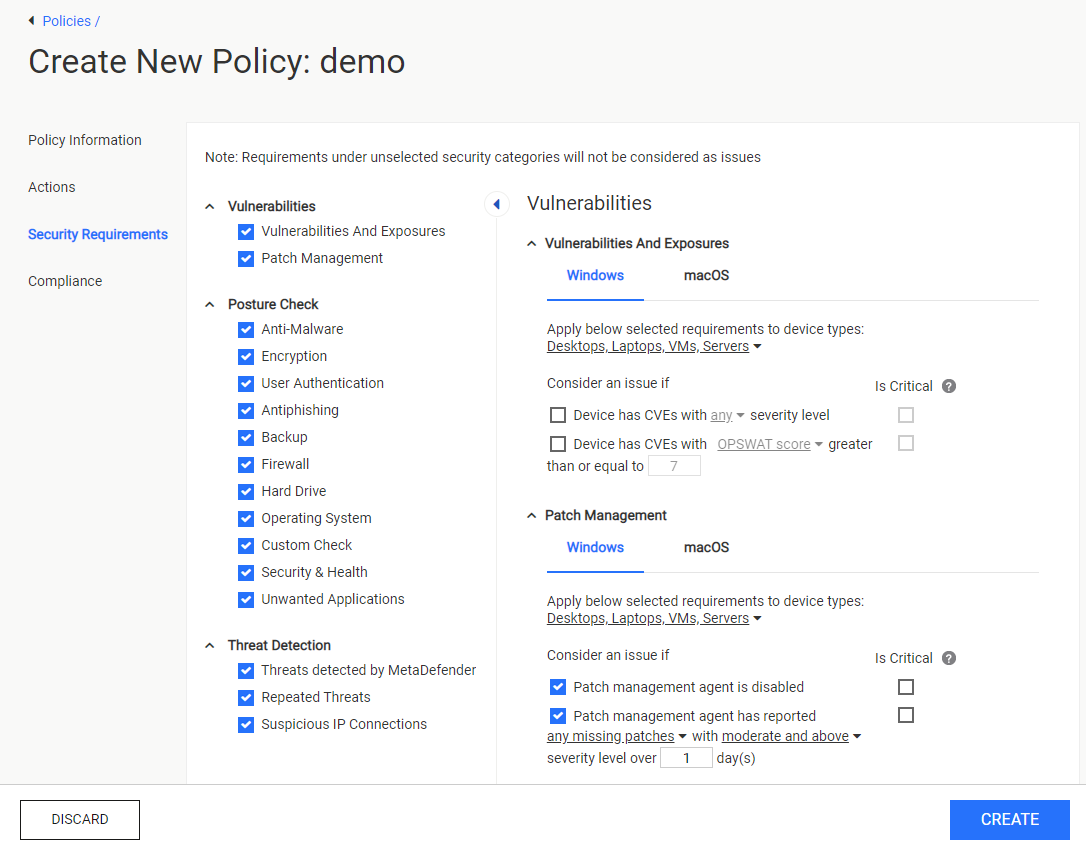
The Security Requirements page specifies when a device should report a security issue for consideration. Click on Security Requirements
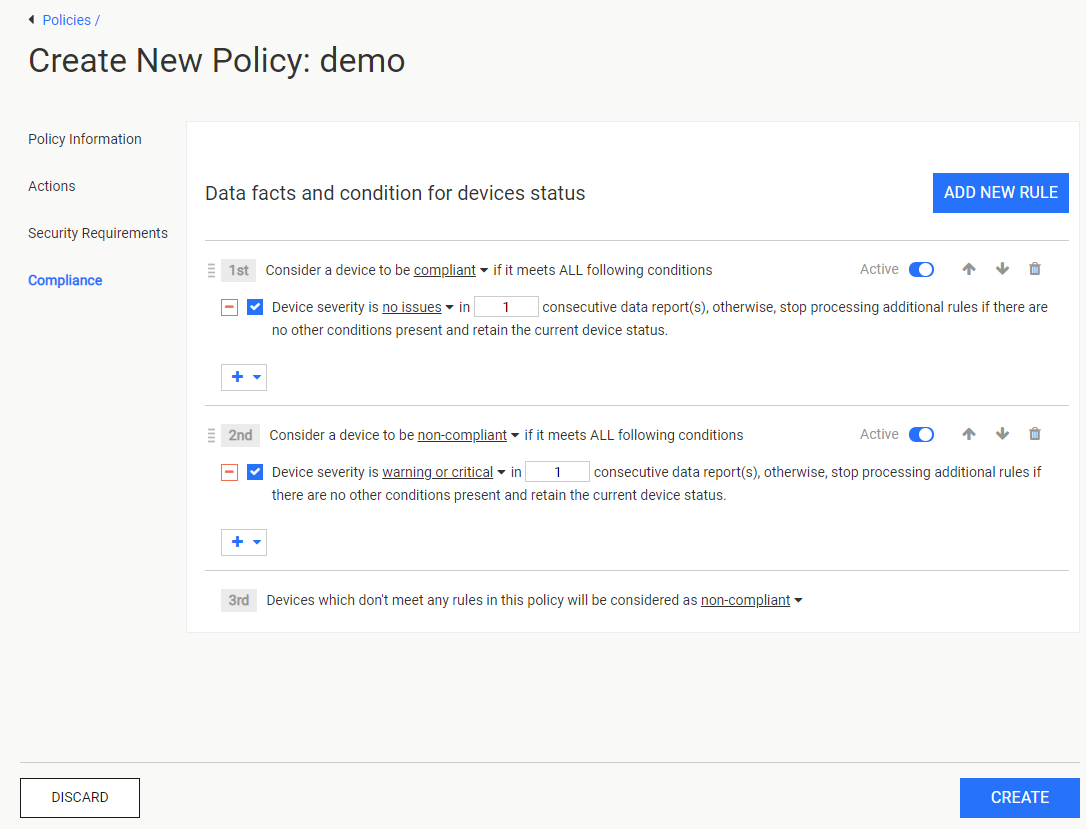
The Compliance page specifies the criteria to judge whether a device is compliant or non-compliant based on the security issues reported. Click on Create to finalize the new policy's creation, which will be displayed in the Policies management page.