
The following guideline describes how to add an existing MetaDefender For Secure Storage instance to OPSWAT Central Management.
Go to the MetaDefender For Secure Storage management page under Inventory in the sidebar.
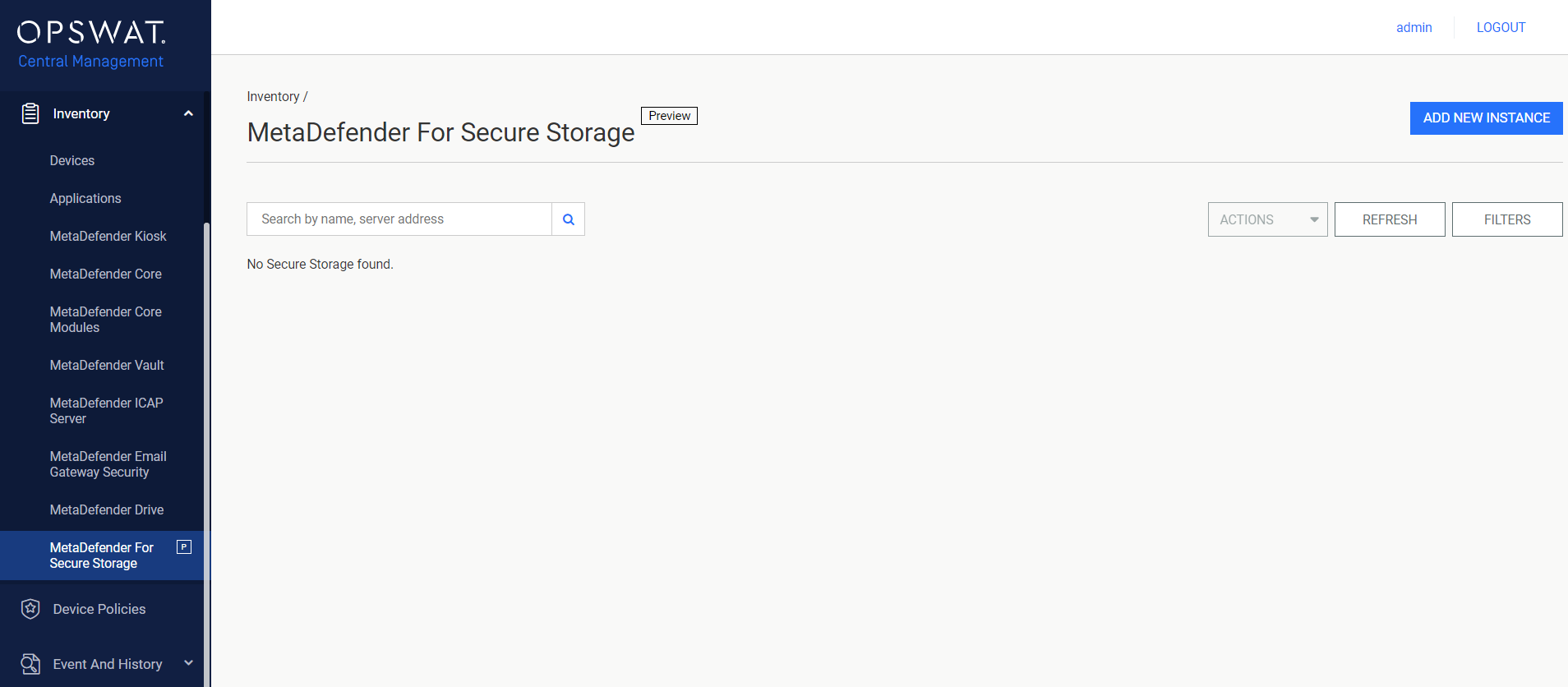
Click the ADD NEW INSTANCE button in the right top panel.

The dialog Add An Existing Instance will be opened. Fill in the proper inputs. You can click the TEST CONNECTION button to check the connection status.
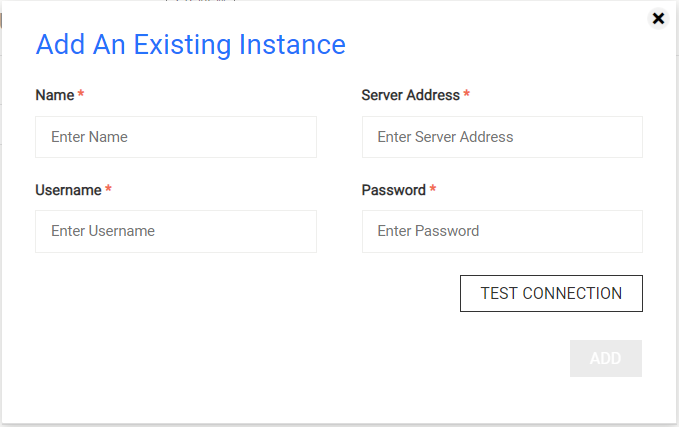
- Name: The name you want to assign to the new Secure Storage instance
- Username: The account's username of the Secure Storage instance that should be used to authenticate the request
- Password: The account's password of the Secure Storage instance that should be used to authenticate the request
- Server Address: The address of the Secure Storage instance
After checking the connection status, the button ADD is enabled.
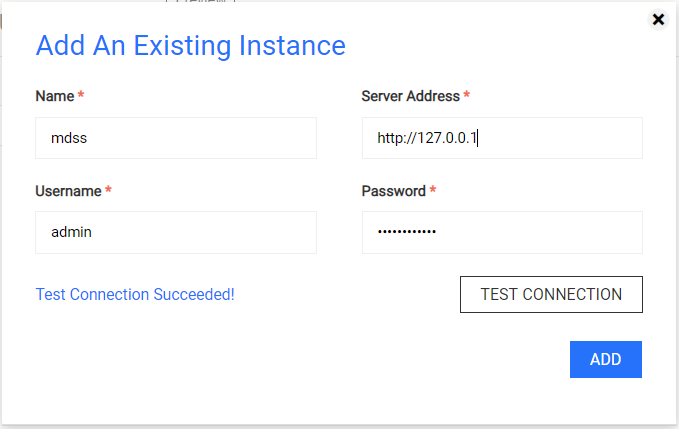
The dialog will be closed and the Secure Storage page will be reloaded automatically if the result is successful.
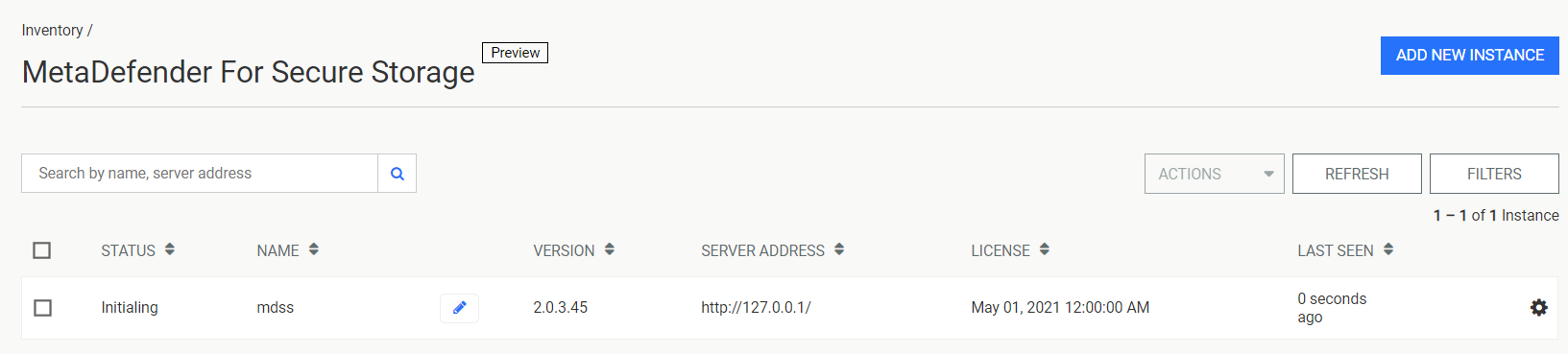
The status of the Secure Storage instance is Connected after fetching its version successfully.