
The following guideline describes how to change the configuration of a MetaDefender Kiosk Windows instance remotely.
Go to the MetaDefender Kiosk Windows management page under Inventory in the sidebar.
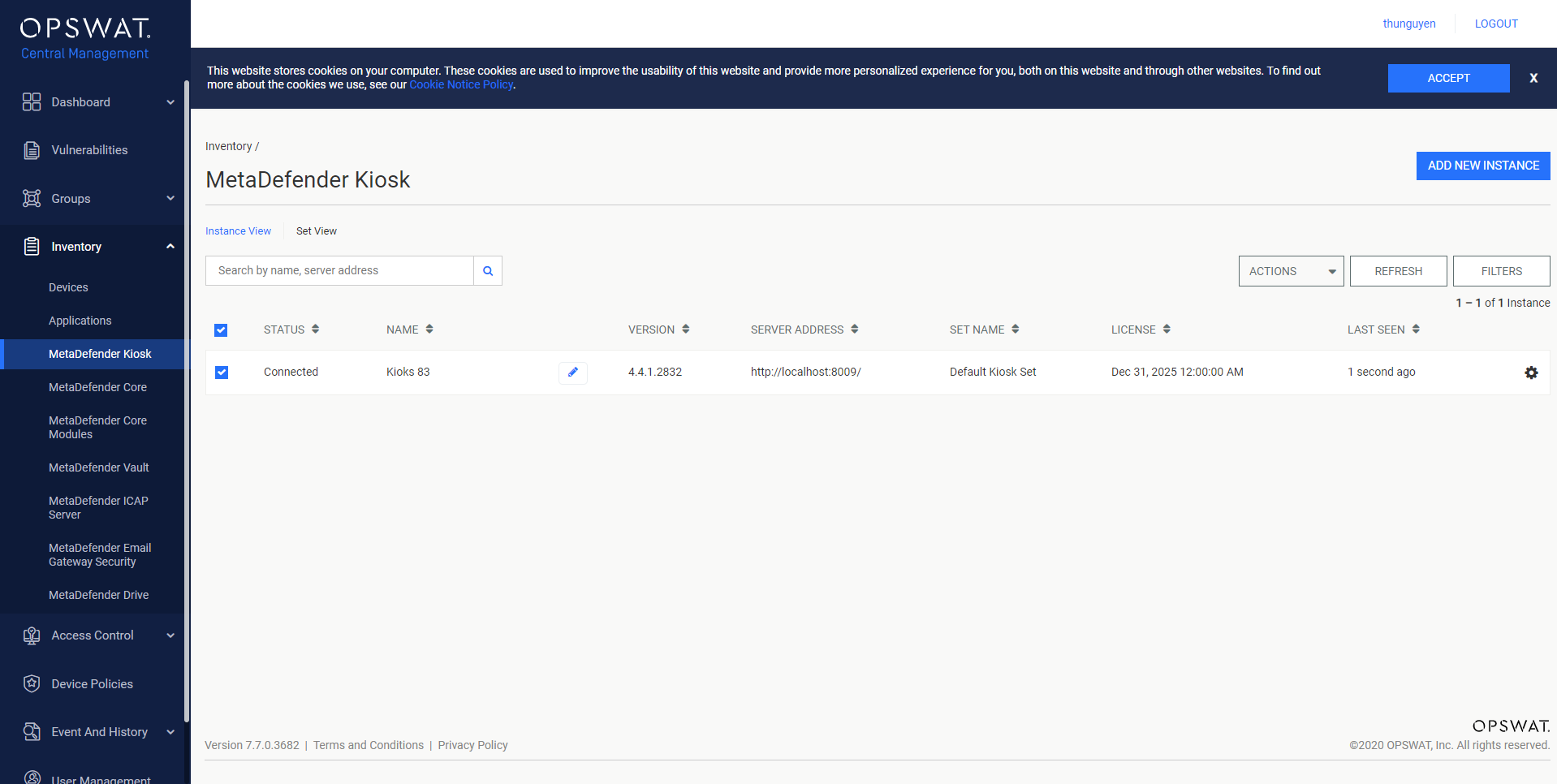
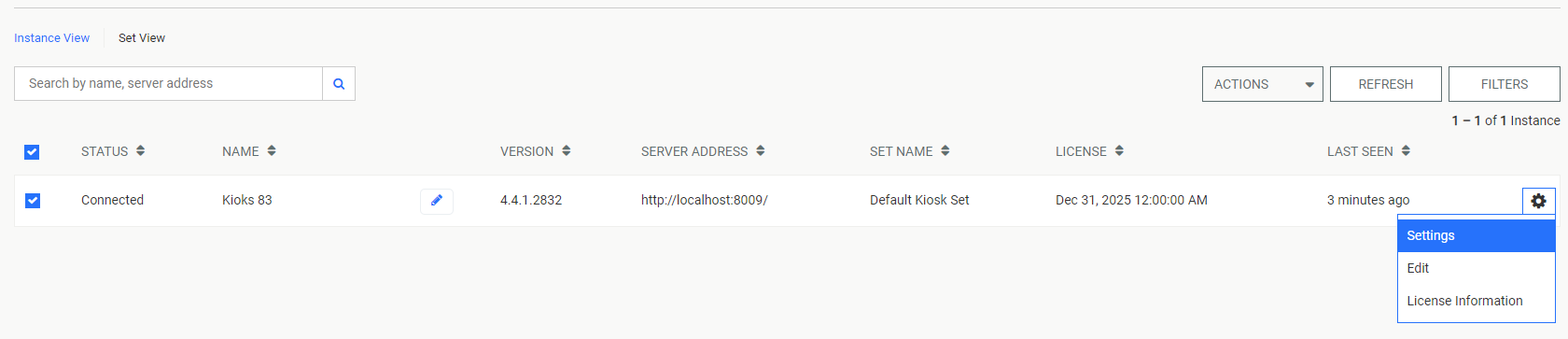
Click the Setting button (from the gear icon) of the MetaDefender Kiosk Windows instance you wish to configure.
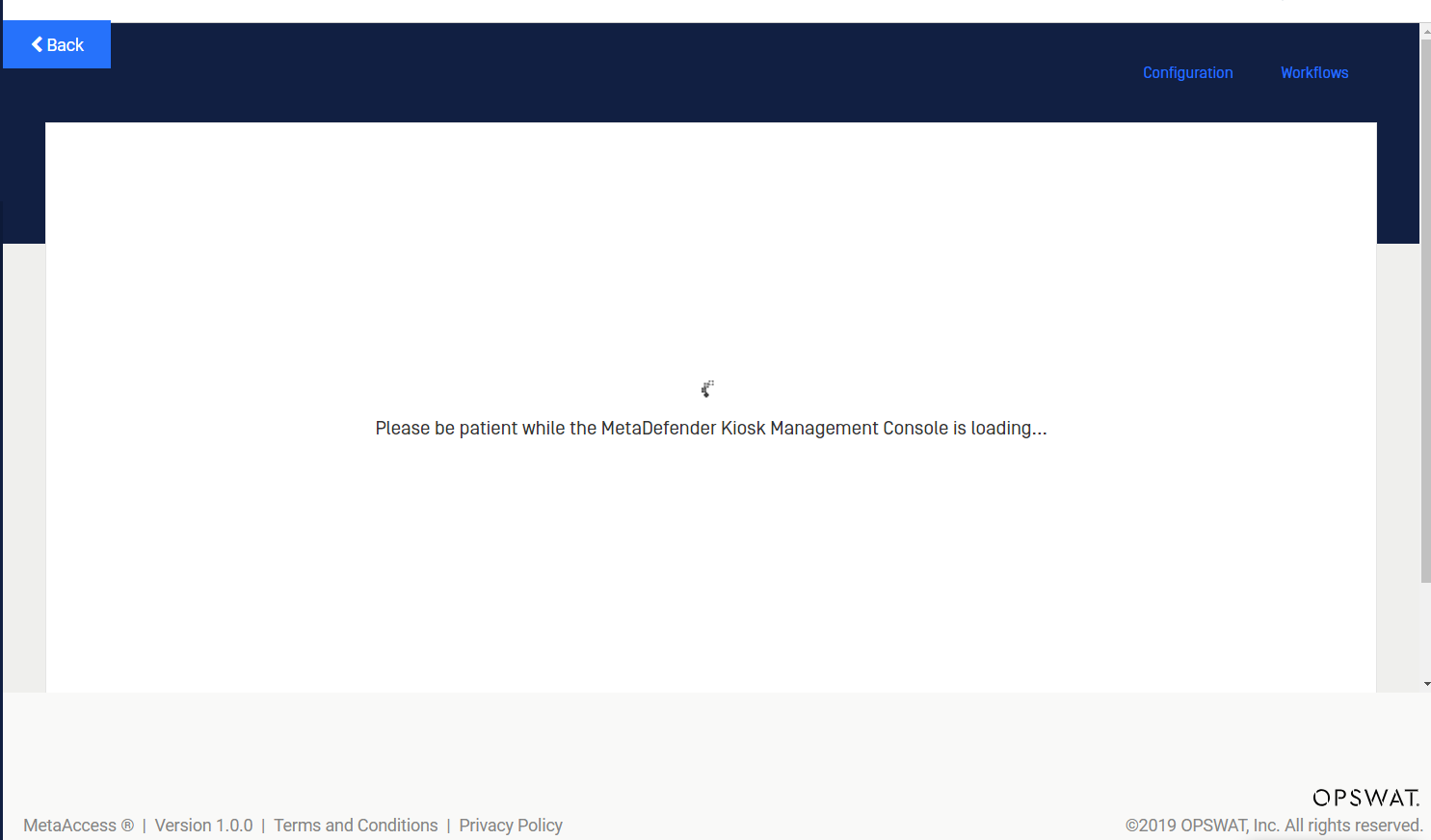
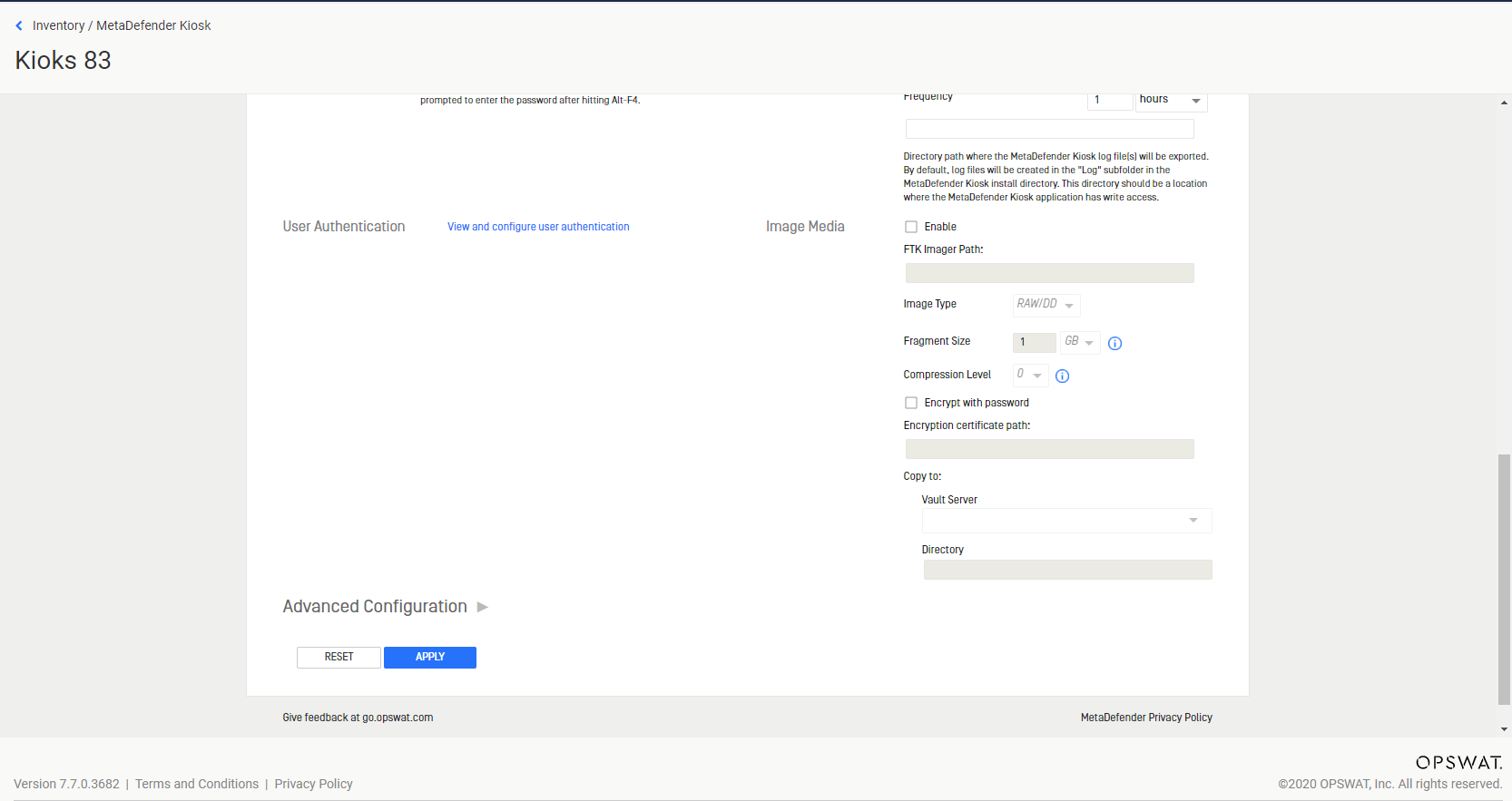
OPSWAT Central Management will load the setting of the MetaDefender Kiosk Windows.
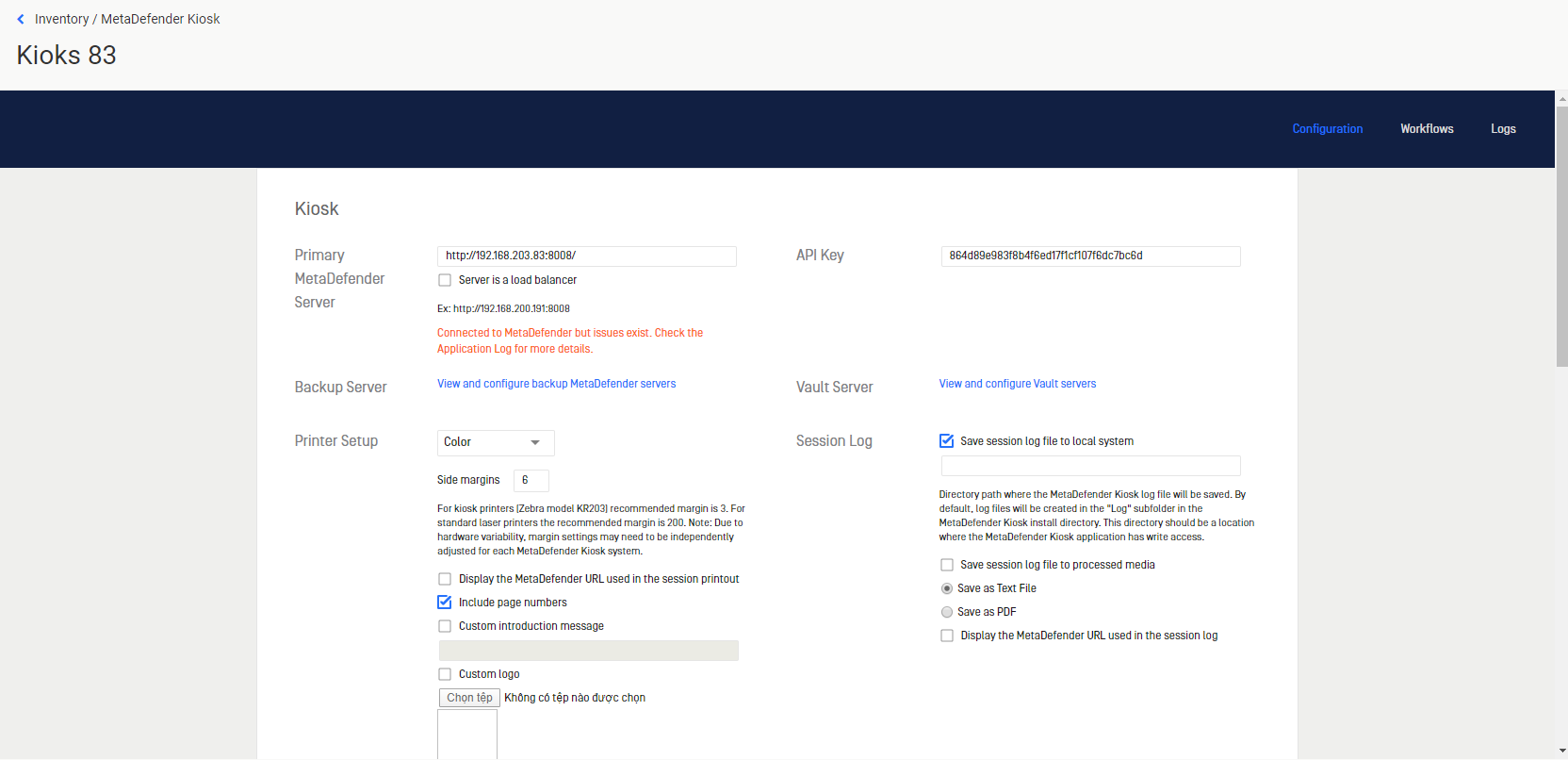
Change any settings and click APPLY button.
Was this page helpful?
Integrations