
Navigate to Settings tab -> Profile.
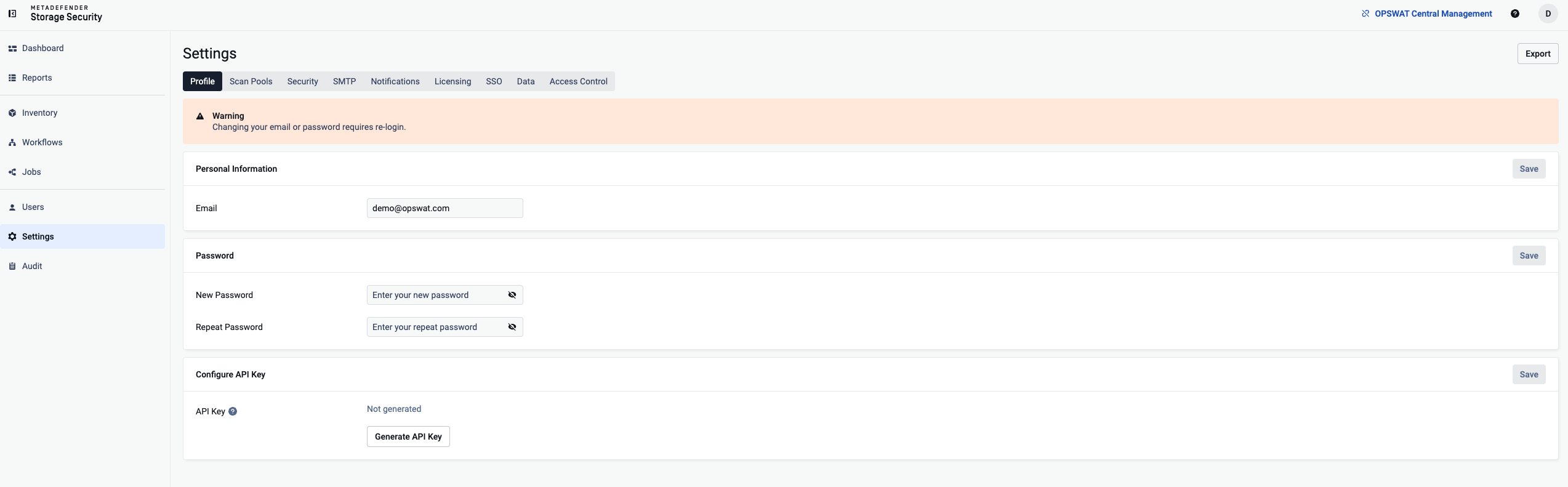
Change password
Please enter the current password associated with the account.
After validating it, you will be allowed to provide the new password and to confirm it.
To finish changing the password, please click on Update password.
Change email
Please enter the current password associated with the account.
After validating it, you will be allowed to provide a new email address.
To finish changing the email, please click on Update email.
Change full name
Provide the new full name you wish to use for the account.
To finish changing the full name, please click on Update full name.
Generate API Key
Click on Generate API Key button
Copy the generated API Key
Click on Save button
Was this page helpful?
Configuration and Management