
Operating
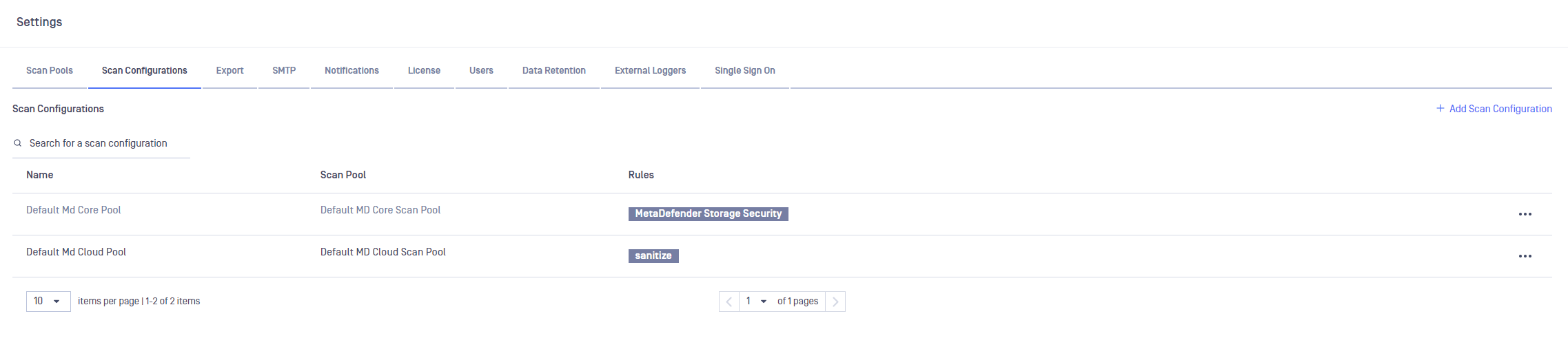
MetaDefender Storage Security employs scan configurations to offer a versatile method for initiating scanning processes using various workflow rules from either MetaDefender Core or MetaDefender Cloud.
Scan configurations are linked with scan pools to ensure uniform configuration across all instances of MetaDefender Core/Cloud.
Info
The default workflow rule for MetaDefender Core is 'MetaDefender Storage Security'.
For MetaDefender Cloud rules, please check the following documentation.
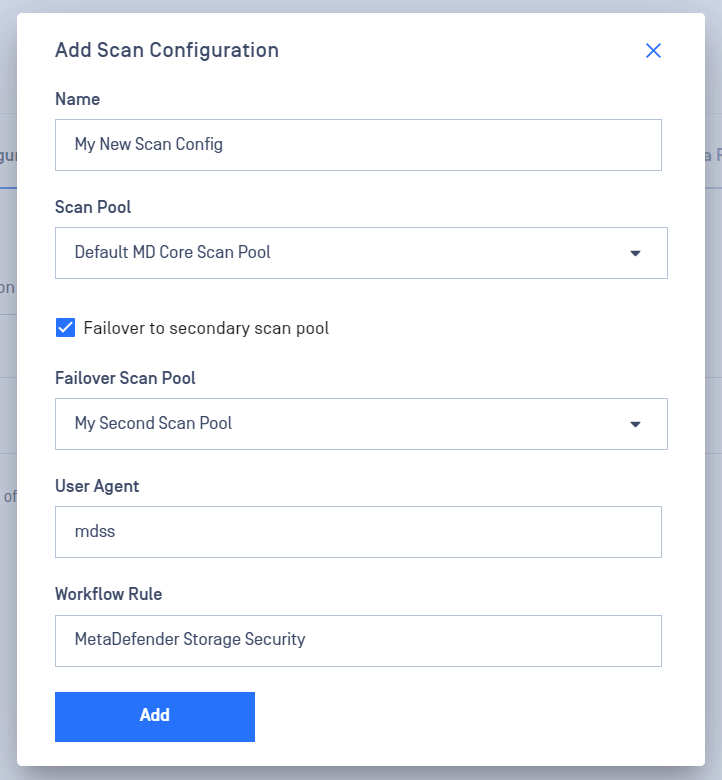
When creating a new scan configuration, you can select a name, associate it with a scan pool, and optionally designate a secondary scan pool for failover in cases where all scan instances from the primary pool are unavailable or unresponsive.
Was this page helpful?