
Configuration
MetaDefender Storage Security has a generic webhook endpoint that can be invoked through the Box Webhooks. These monitor Box content for events and notify you whenever an event occurs. There are two types of Box Webhooks: V1 and V2, but only V2 is supported by MetaDefeder Storage Security
How to create Box Webhooks
- Log in to Box and then go to Developer Console
- If you do not have an existing app, create a new one (Please check How can I generate a public/private key pair)
Box V2 Webhooks can only be created when the scope Manage Webhooks is selected and the application has been authorized
- Navigate to your application
- Select the Webhooks tab
- Click the Create webhook button
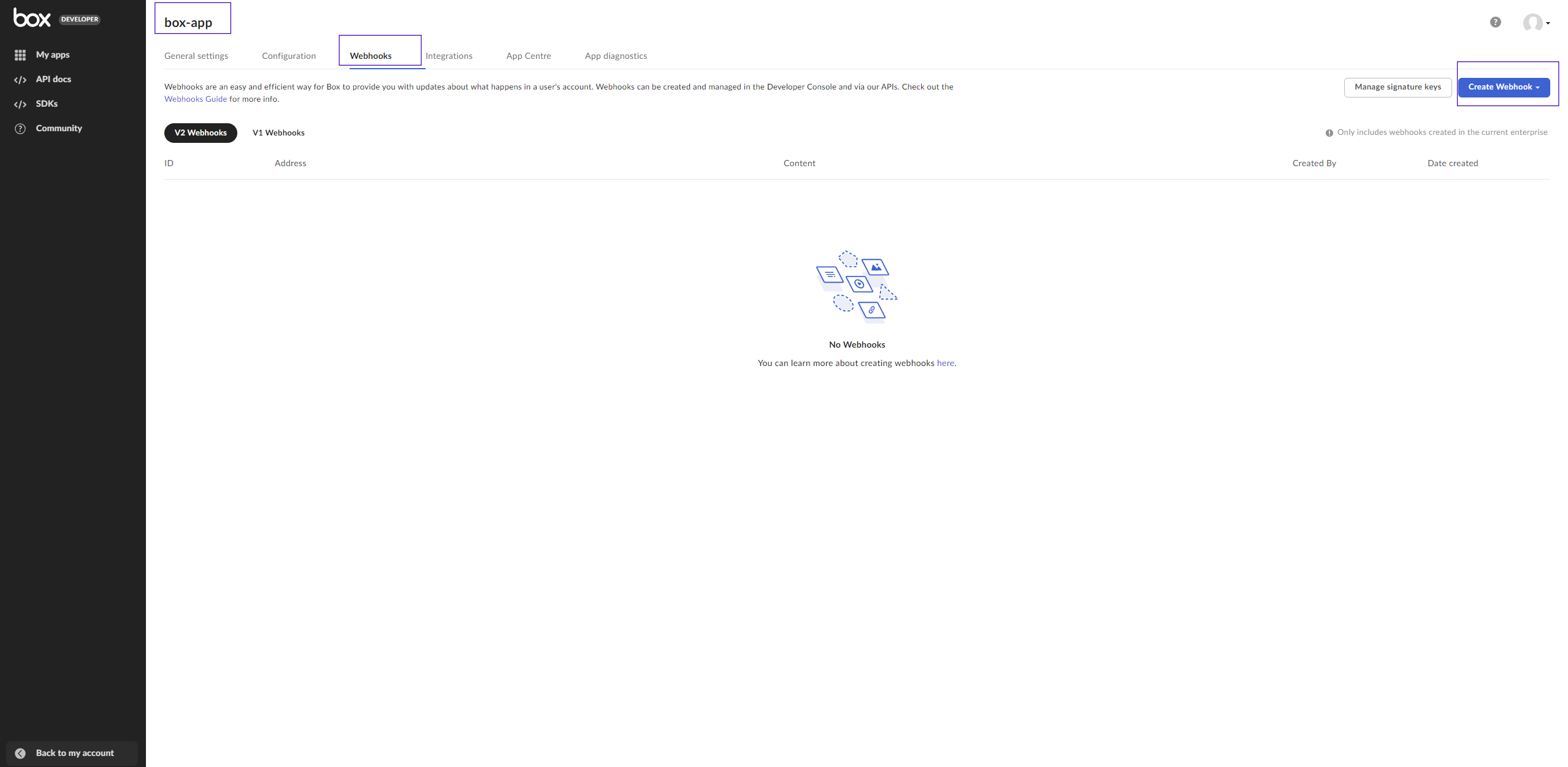
- Select V2 from the drop-down list
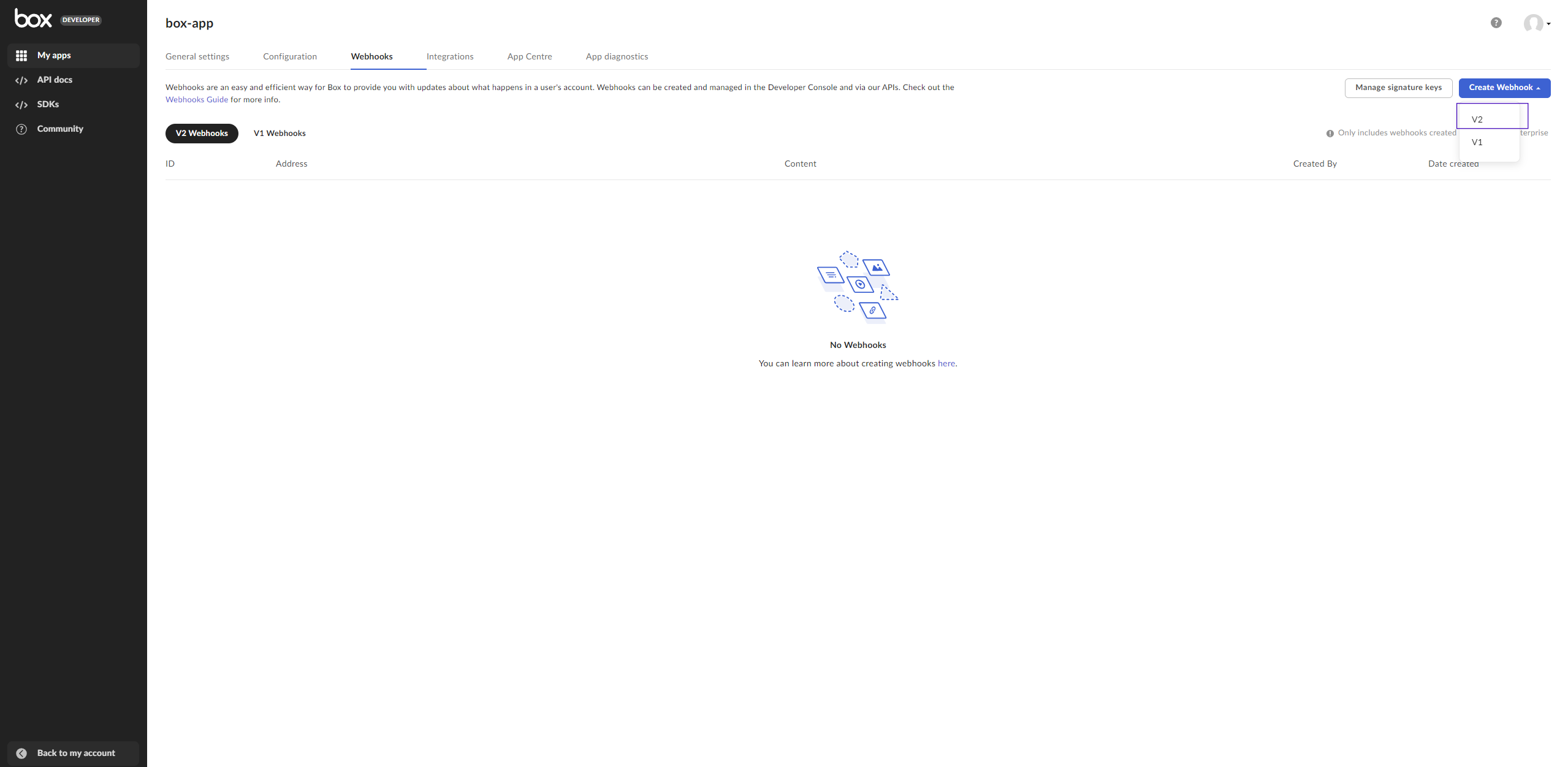
- Fill in the form:
- Enter the URL address that will be notified when the webhook is triggered (the address where MetaDefender Storage Security is hosted)
URL Address must have a secure URL (HTTPS)
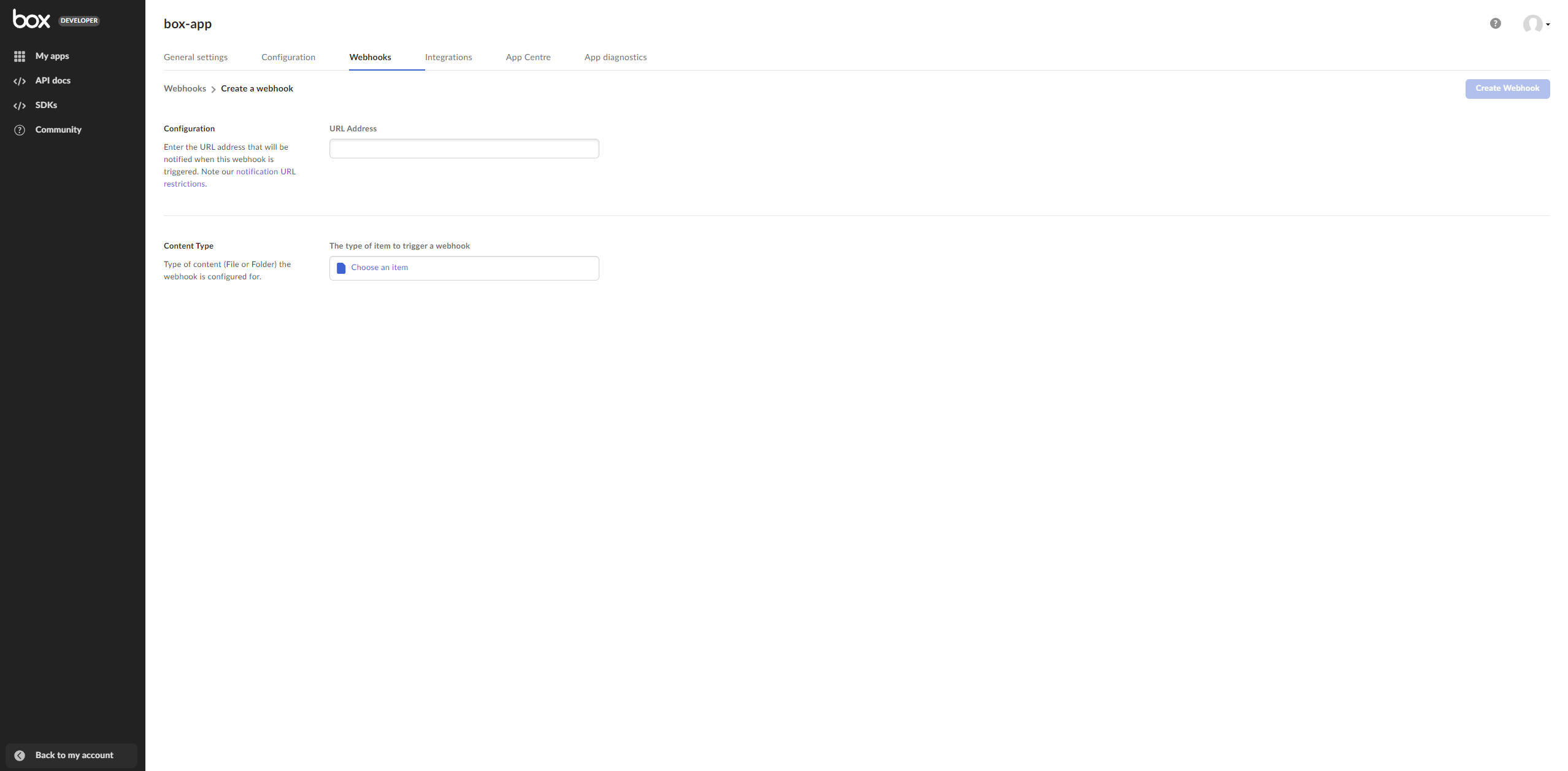
b. Select the folder that you have set in MetaDefender Storage Security as the element that triggers the webhook
c. Choose File Uploaded as the trigger for the selected folder
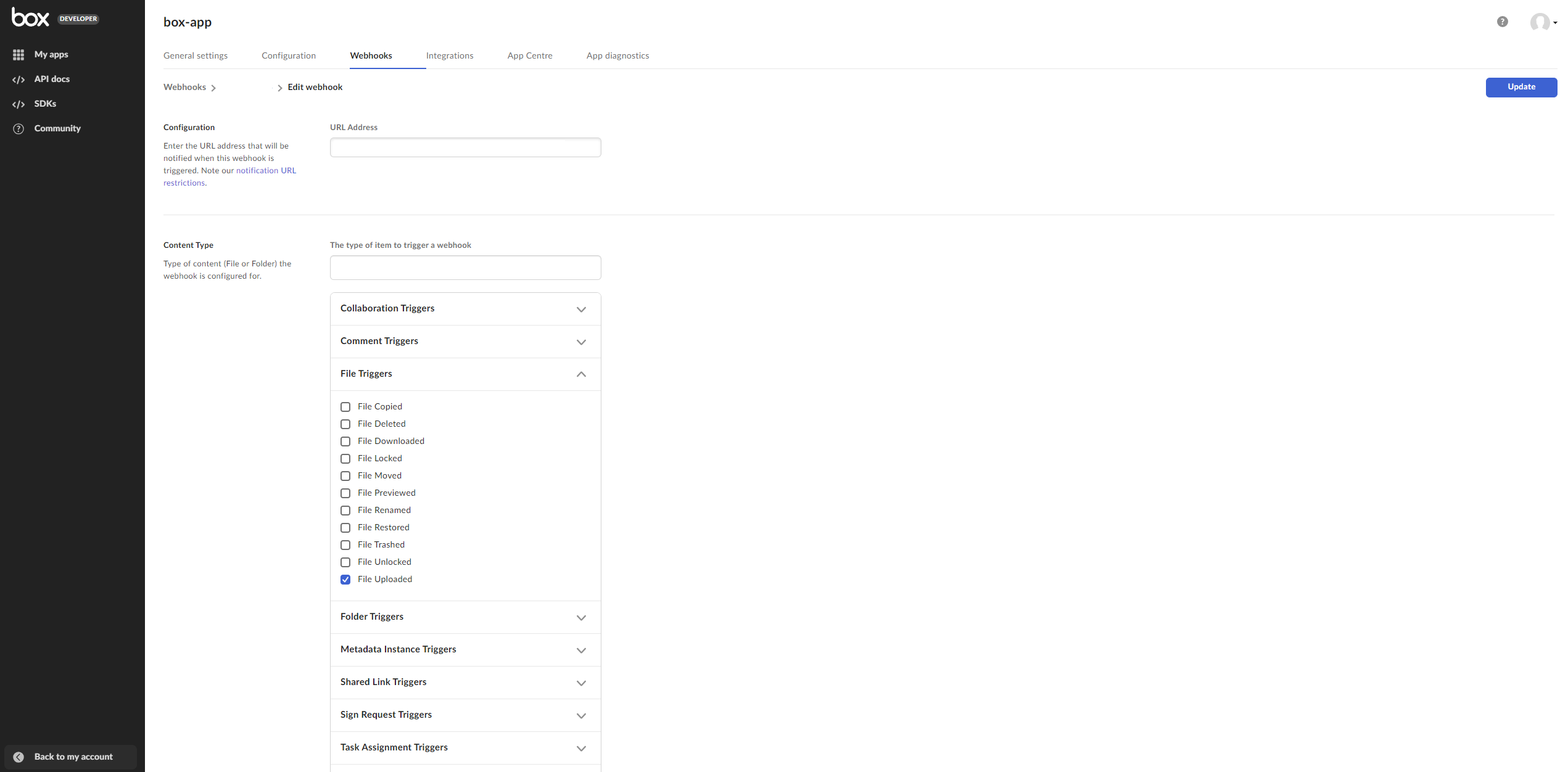
8. Click the Create webhook button to save your changes
Was this page helpful?

