
Installation
Uninstall using the command line
Debian / Ubuntu package (.deb)
In order to remove any files installed by MetaDefender for Secure Storage the following command should be executed:
In order to remove the _mdss _package from the system the following command should be executed:
Red Hat Enterprise Linux / CentOS package (.rpm)
In order to remove any files installed by MetaDefender for Secure Storage the following command should be executed:
In order to remove the mdss package from the system the following command should be executed:
Uninstall using the Uninstall Wizard
The Uninstall Wizard is only for the Windows installer (.exe file).
Step by step uninstall
- Go to Start → Control Panel → Uninstall a program
- Find and double click the MetaDefender for Secure Storage entry
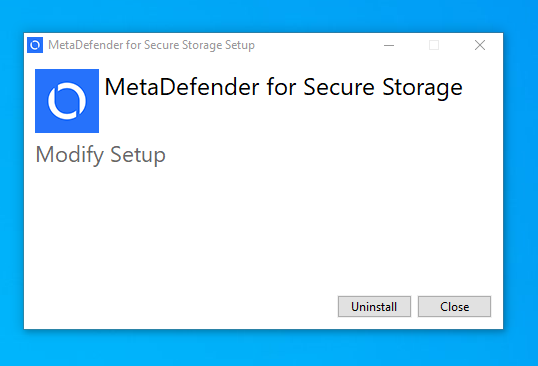
- Click Uninstall to proceed with uninstalling MetaDefender for Secure Storage.
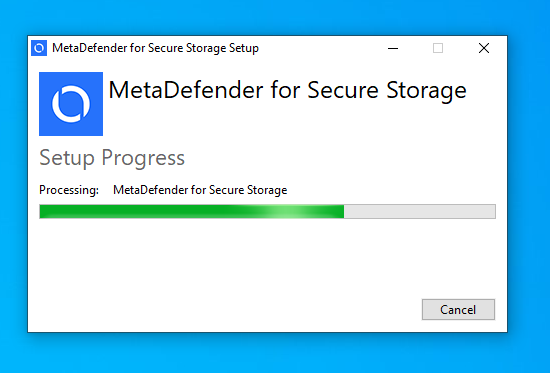
- Please wait while the product is being uninstalled.
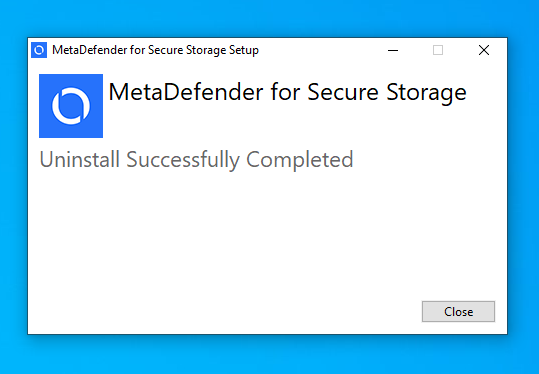
- Click Close to complete the uninstall.
Was this page helpful?