
The "UpdateCredentials" tool, found in the "Tools" directory of your MetaDefender Managed File Transfer installation (typically located at C:\Program Files\OPSWAT\MetaDefender Managed File Transfer\Tools), enables modification of user credentials, including username, email, password, and the activation status of local administrator accounts.
Run this tool on the same machine where MetaDefender Managed File Transfer™ is installed.
Only local administrator accounts can be changed.

How to Use
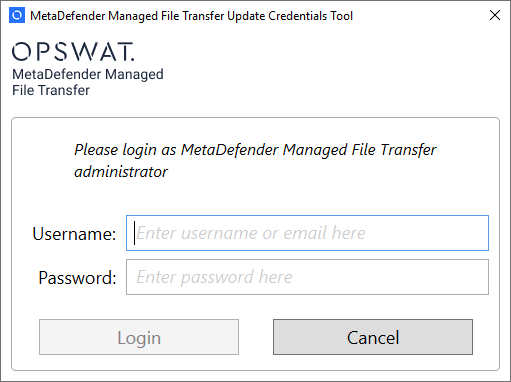
Run the tool and log in with the administrator account credentials you want to change.
If the password is correct, enter a new username, email, and password, and change the enabled status.
Click "Update credentials".
Close the tool. You will now be able to log in using the specified username and password.