
Uninstalling Using the Install Wizard
Go to Start → Control Panel → Uninstall a program
Select whether to do a complete uninstallation. If you select no, a normal uninstallation will take place
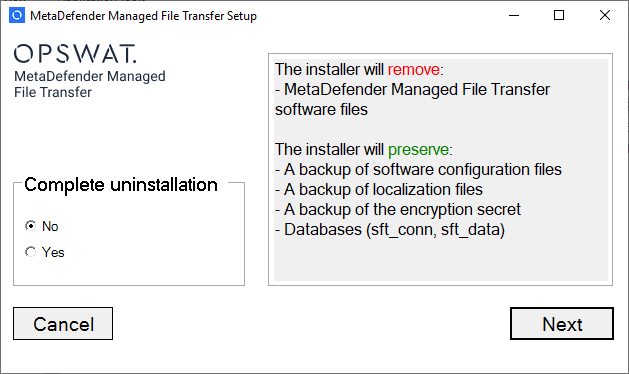
Normal Uninstallation
When you choose this option you the installer will preserve your data, configurations, and licenses.
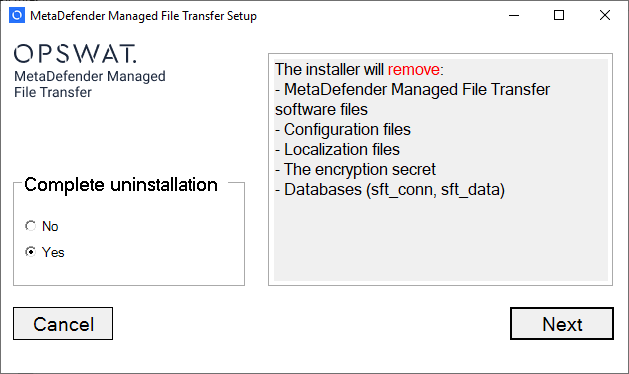
Complete Uninstallation
When you choose this option the installer will remove all data created by MetaDefender Managed File Transfer™
Uninstall From Command Line
Normal uninstallation
metadefender-managed-file-transfer.exe /uninstall
Complete uninstallation
metadefender-managed-file-transfer.exe /uninstall CompleteUninstall=yes
Was this page helpful?
Installation