Overview MetaDefender Managed File Transfer Release Notes
Getting Started
Deployment & Usage
Support
Operating
v3.6.1
Search this version
Operating
Operating
Title
Message
Create new category
What is the title of your new category?
Edit page index title
What is the title of the page index?
Edit category
What is the new title of your category?
Edit link
What is the new title and URL of your link?
Reset password for local accounts
Copy Markdown
Open in ChatGPT
Open in Claude
Overview
First of all, it is very important to have SMTP configured in MetaDefender Managed File Transfer in order for users to be able to reset their passwords.
This feature only works for local users. Guests or third party users like AD or SSO users cannot reset password through the bellow steps.
Steps
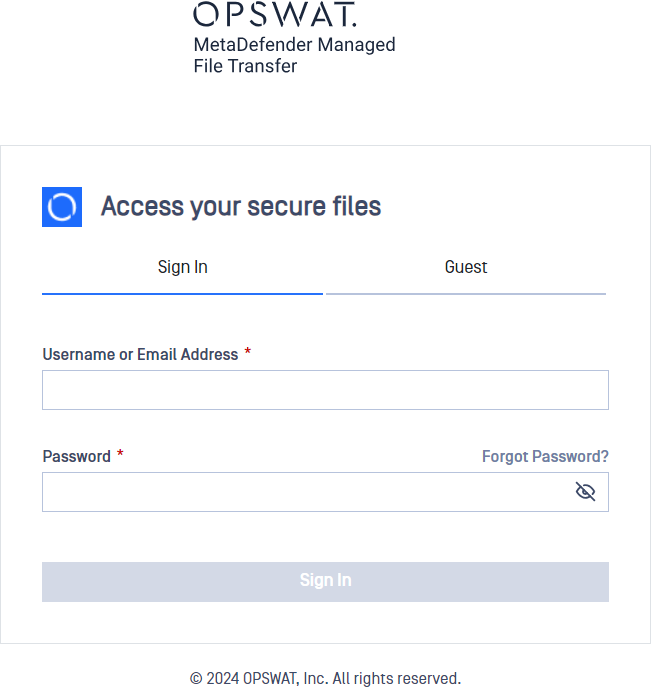
- Click on "Forgot Password?" button

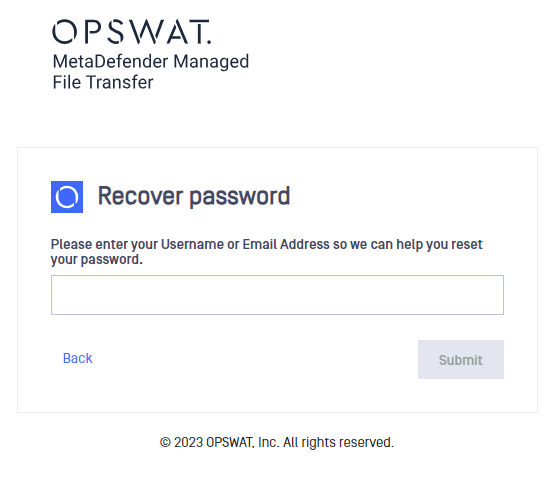
- Write your username or email and submit
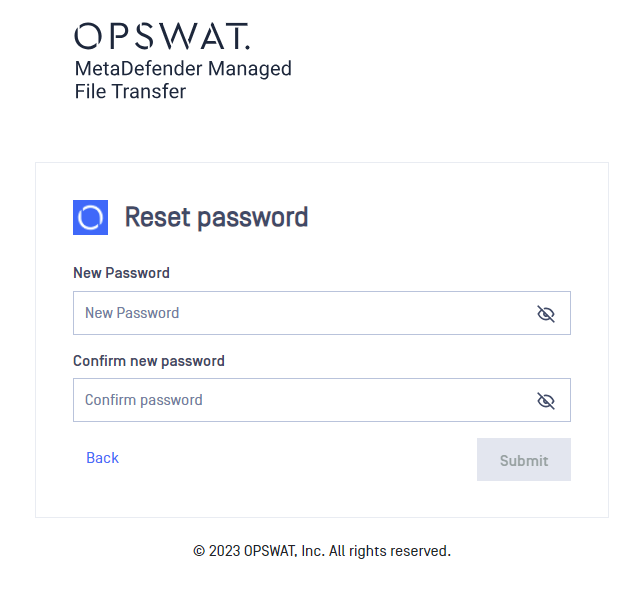
- An email was sent to the email account. The link from the email will redirect you to the bellow view where you can set a new password, after submitting you can login with the new password
Type to search, ESC to discard
Last updated on
Was this page helpful?
Next to read:
Custom MetaDefender Core Workflow rule for Local UsersDiscard Changes
Do you want to discard your current changes and overwrite with the template?
Archive Synced Block
Message
Create new Template
What is this template's title?
Delete Template
Message