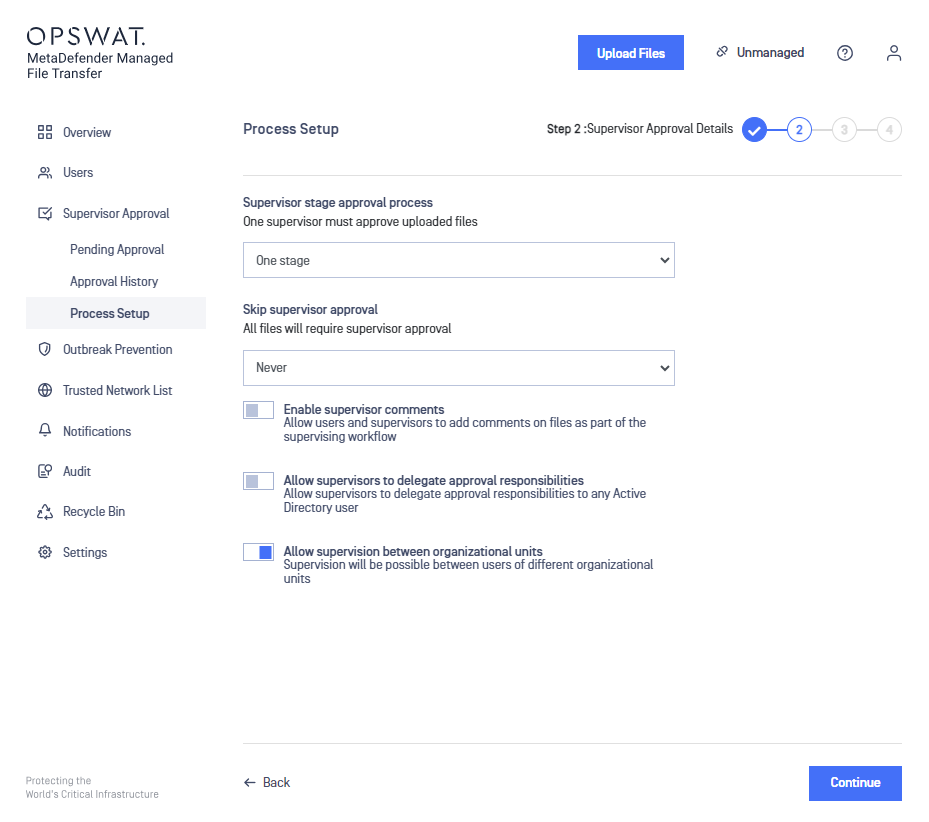
This feature allows supervision between users of different groups/organizational units.
Enabling supervision between groups/organizational units feature
In order to enable the supervision between groups/organizational units feature please go to Supervisor Approval →Global Settings. Enable the "Allow supervision between groups/organizational units" toggle.
With the feature enabled, users from other containers will be available for selection as supervisors. This applies to both list and filter selection methods.
Supervision between groups/organizational units flow
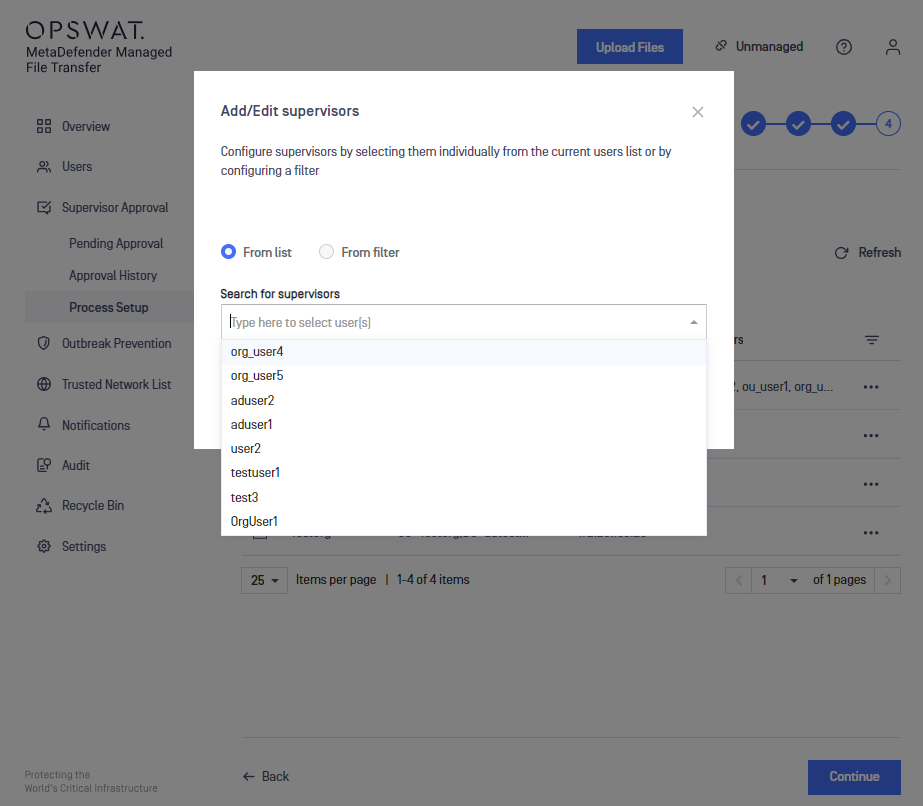
At Process Setup's third step, when assigning supervisors for a specific group/organizational unit, users from all Active Directory groups/organizational units can be selected.
Disabling supervision between groups/organizational units feature
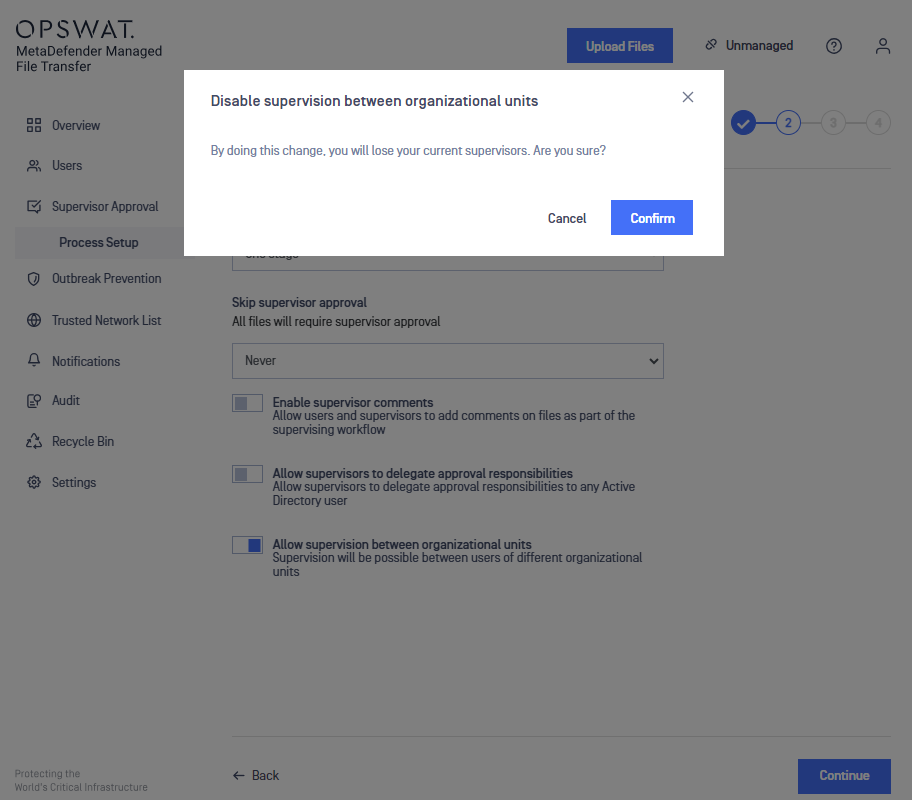
By doing this change, all current supervisors will be removed. A new reassignment of supervisors is required afterwards.
When disabling this feature, a warning message will appear prompting the confirmation or rejection of the action.
If confirmed, this feature will be disabled and supervisors will need to be reassigned.