
Knowledge Base
v4.8.3
Search this version
How to manually install Windows patches in Kiosk Hardened Image
The purpose of this document is to provide manual steps to install Windows patches in Kiosk device with Kiosk Hardened Image.
Step 1. Enable Windows Update
By default, Kiosk Hardened Image disabled Windows Update. Refer to the instruction in Enabling Windows Update - MetaDefender Kiosk Windows to re-enable Windows Update
Step 2. Restart the device
Reboot the device to ensure Windows Update services are active
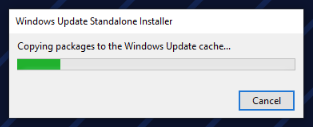
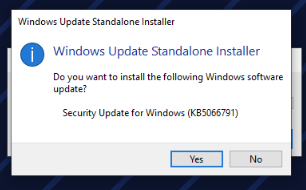
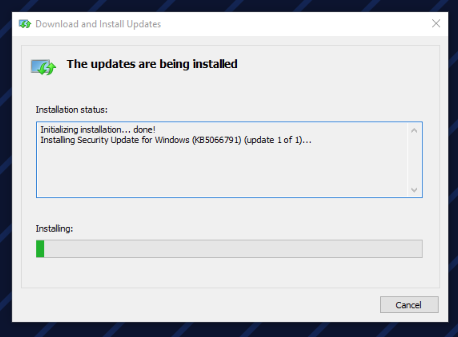
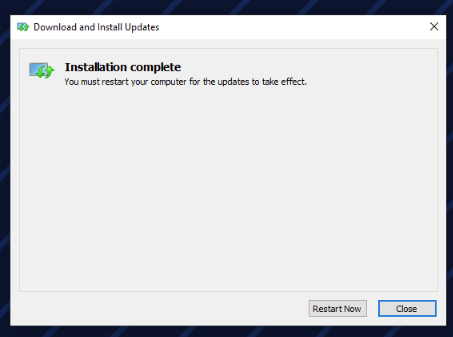
Step 3. Install the downloaded Windows patches
Step 4. Disable Windows Update again
Refer the instruction in Disabling Windows Update - MetaDefender Kiosk Windows to disable Windows Update
Step 5. Restart the device
Reboot the device to complete the disable of Windows Updates
Last updated on
Was this page helpful?
Next to read:
What is the latest MetaDefender Kiosk(Windows) version?Knowledge Base
Knowledge Base
Configuration & Setup
Error & Troubleshooting