Installation
v4.7.1
Search this version
Installation
Installation
Title
Message
Create new category
What is the title of your new category?
Edit page index title
What is the title of the page index?
Edit category
What is the new title of your category?
Edit link
What is the new title and URL of your link?
Configuring the Management Console for initial use
Copy Markdown
Open in ChatGPT
Open in Claude
The Management Console can be accessed by navigating to http://localhost:8009
An administrator user must be created to log into the Management Console after installing Kiosk for the first time. When navigating to the Management Console a configuration wizard will be presented:
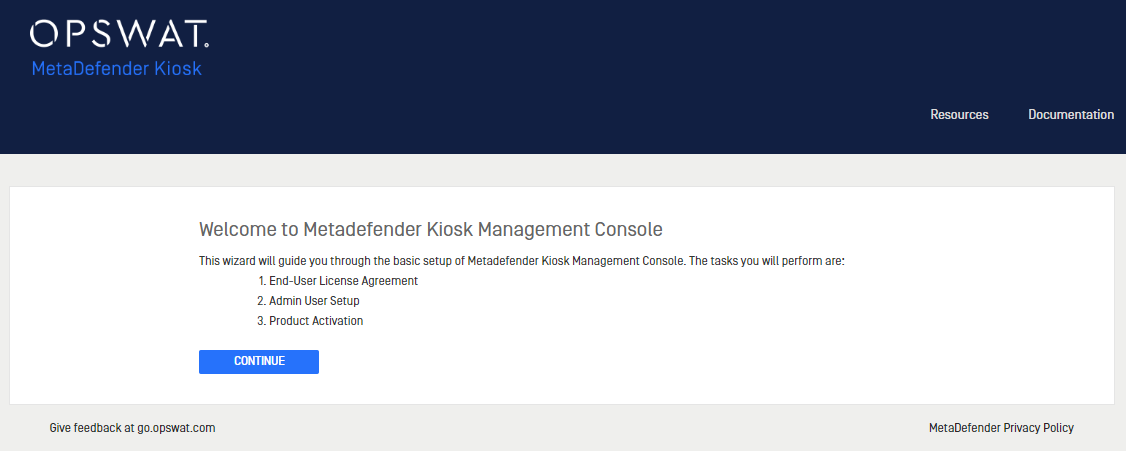
Follow the directions to accept the EULA, create an administrator user and activate the product license. After successful completion, the newly created user will be logged in.
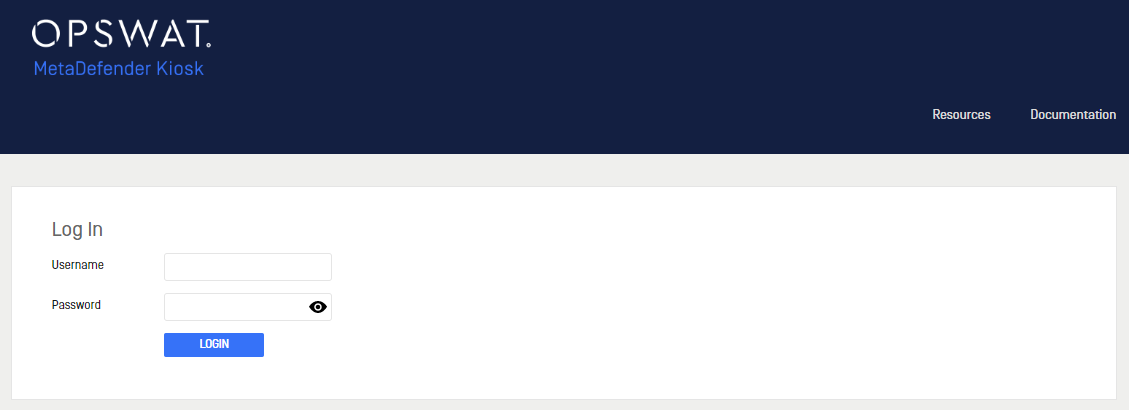
Each time the Management Console is accessed, the login screen will be displayed:
Type to search, ESC to discard
Last updated on
Was this page helpful?
Next to read:
Managing License InformationDiscard Changes
Do you want to discard your current changes and overwrite with the template?
Archive Synced Block
Message
Create new Template
What is this template's title?
Delete Template
Message
