
The deployment options vary depending on what are the number of instances where MetaDefender ICAP Server will be installed.
Options:
Single Instance deployment of MetaDefender Core and MetaDefender ICAP Server
Multi-Instance with Autoscaling for MetaDefender Core and autoscaling for MetaDefender ICAP Server.
OPSWAT provides a terraform project to deploy MetaDefender ICAP Server and MetaDefender Core in different instances using AWS services.
Prerequisites
AWS knowledge: This guide assumes familiarity with AWS Services
AWS account: needs permission to create AWS Services depending on the examples listed in Architecture Examples in CSPs
Tools installation: Terraform, AWS CLI
Single Instance Deployment
Deploy using Terraform
OPSWAT provides a terraform project to create the infrastructure needed to deploy
Locally clone the metadefender-csp repository and go to AWS/single-ec2
Modify terraform.tfvars with the desired options
To deploy MetaDefender Core, modify the section for MetaDefender Core variables
LICENSE_KEY required if wanted to have the MetaDefender Core instance activated automatically
APIKEY_GENERATION=true to have the apikey generated by terraform
There is one general section and one section for each product that is supported using this Terraform project
To deploy MetaDefender ICAP Server, modify the section for ICAP Server
Run terraform init and apply. Check the resource to be created, after that enter "y"
Deploy using AWS Console
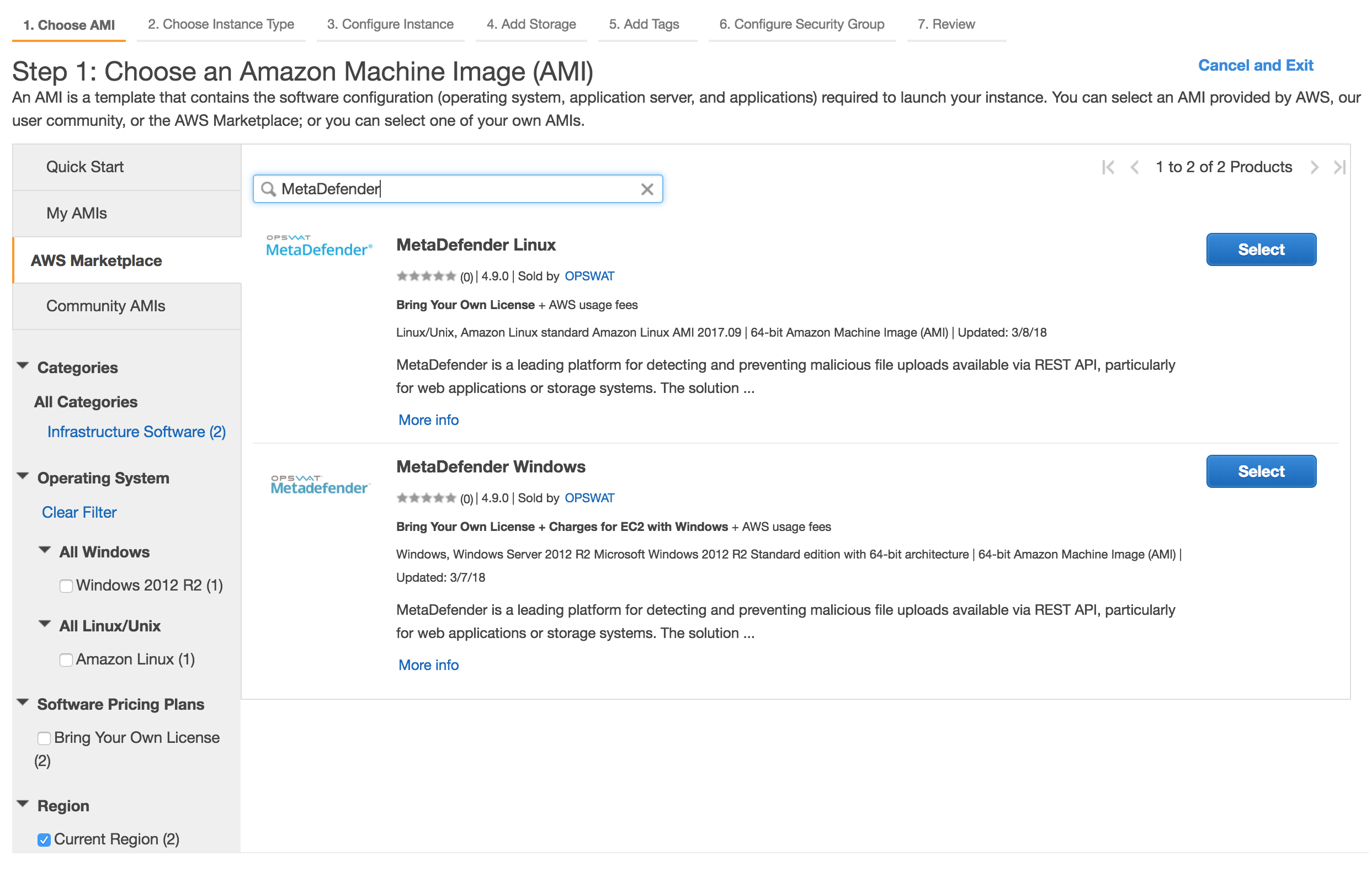
Select MetaDefender ICAP Server AMI
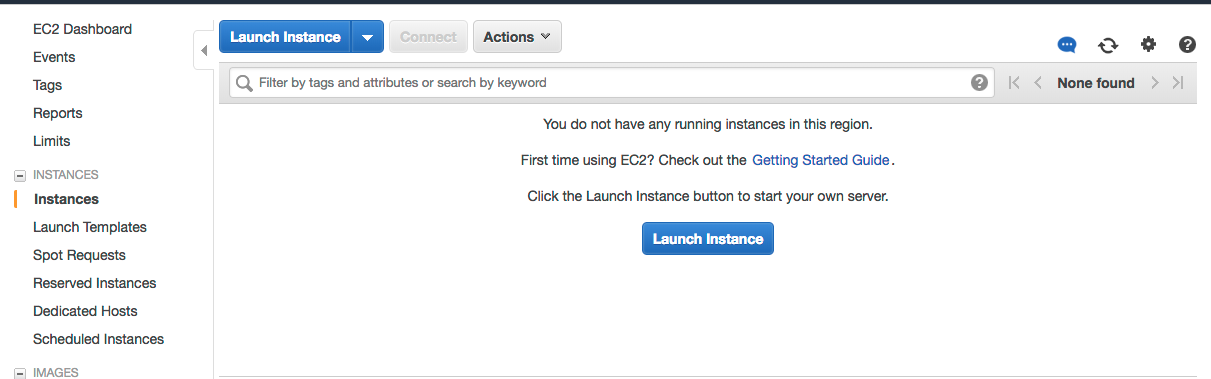
Go to the EC2 Management Console in AWS and select Launch Instance
Select the desired MetaDefender ICAP Server, based on the OS support:
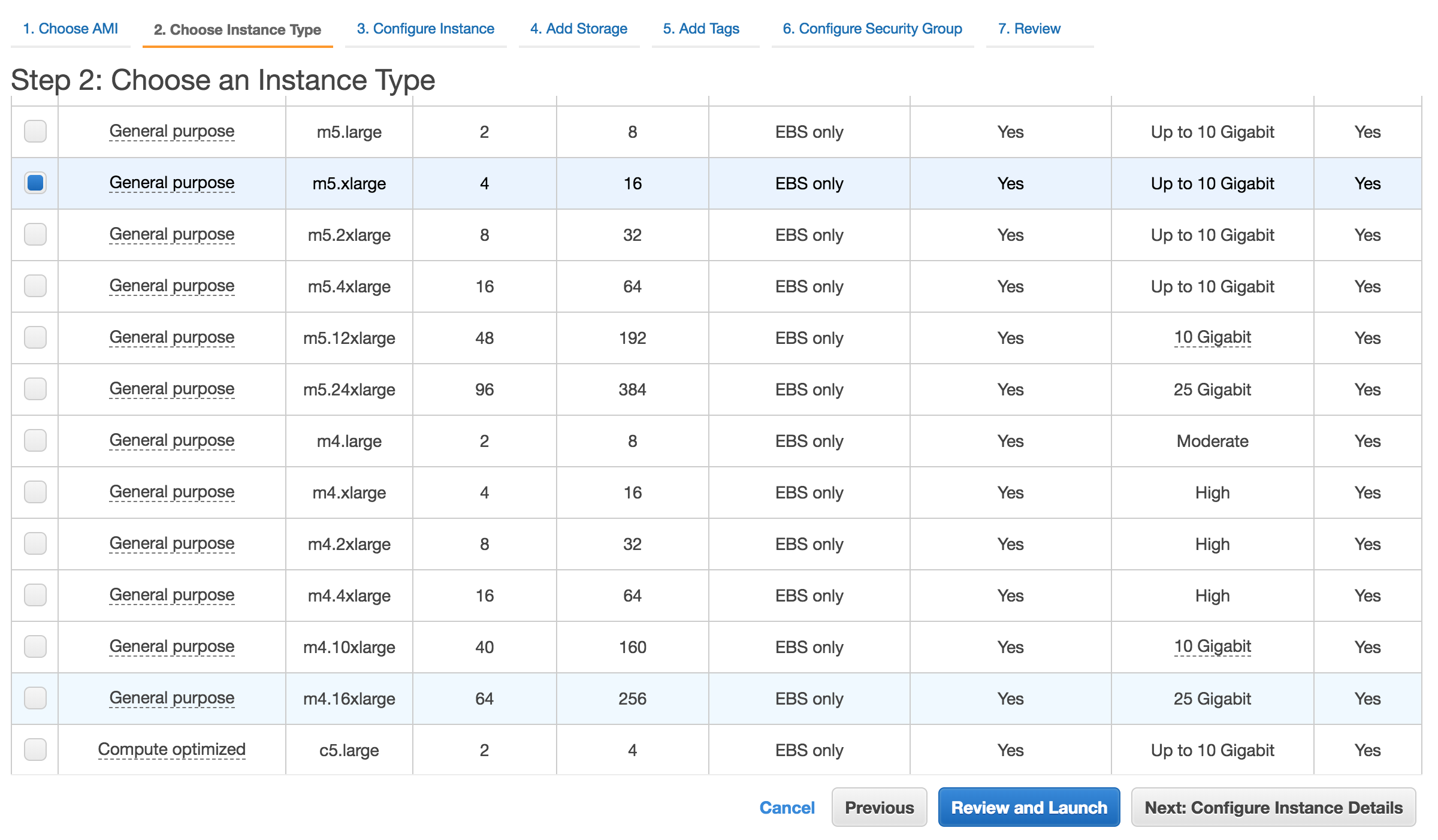
Choose the Instance type
Please review MetaDefender ICAP Server's system requirements before choosing the desired AMI and instance type. General System Requirements
Networking for EC2
Select the desired VPC and subnet you would like to have MetaDefender ICAP Server deployed.
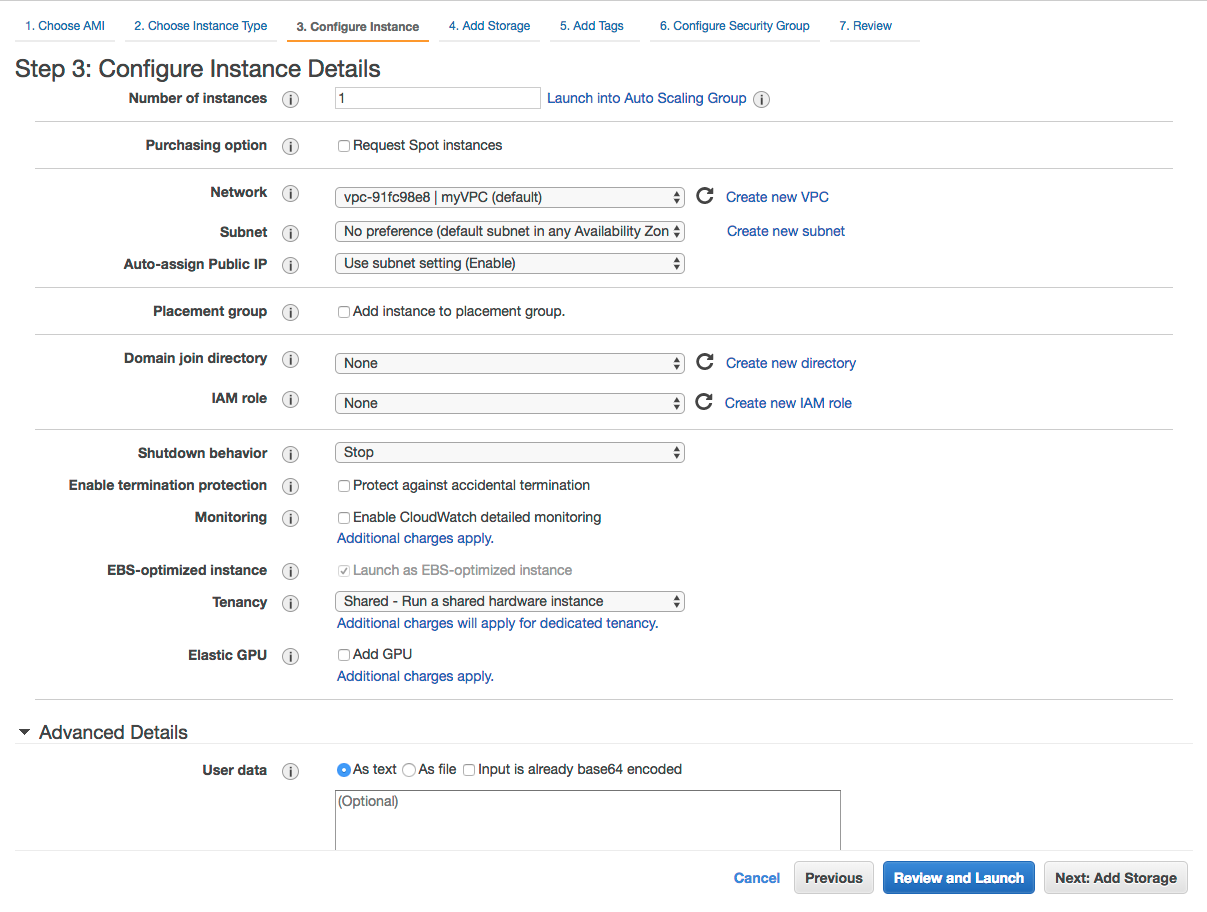
Depending on the deployment model, the recommendation would be to deploy MetaDefender ICAP Server in a private subnet.
Storage configuration
Storage step can be skipped
In general there's no need for additional storage by MetaDefender ICAP Server. Follow the system requirements for Storage.
Security Groups configuration
There are 2 rules that are needed to be opened during the installation phase, after which only one rule should remain:
Custom TCP: 8048
MetaDefender ICAP Server exposes the web UI by default to port 8048. However this port can be changed during the installation phase or updated during it's lifetime.
RDP / SSH
In order to install MetaDefender ICAP Server on Windows add access for RDP and for Linux add support for SSH
Highly recommended would be not to allow traffic to RDP or SSH from anywhere, but to limit to your IP address
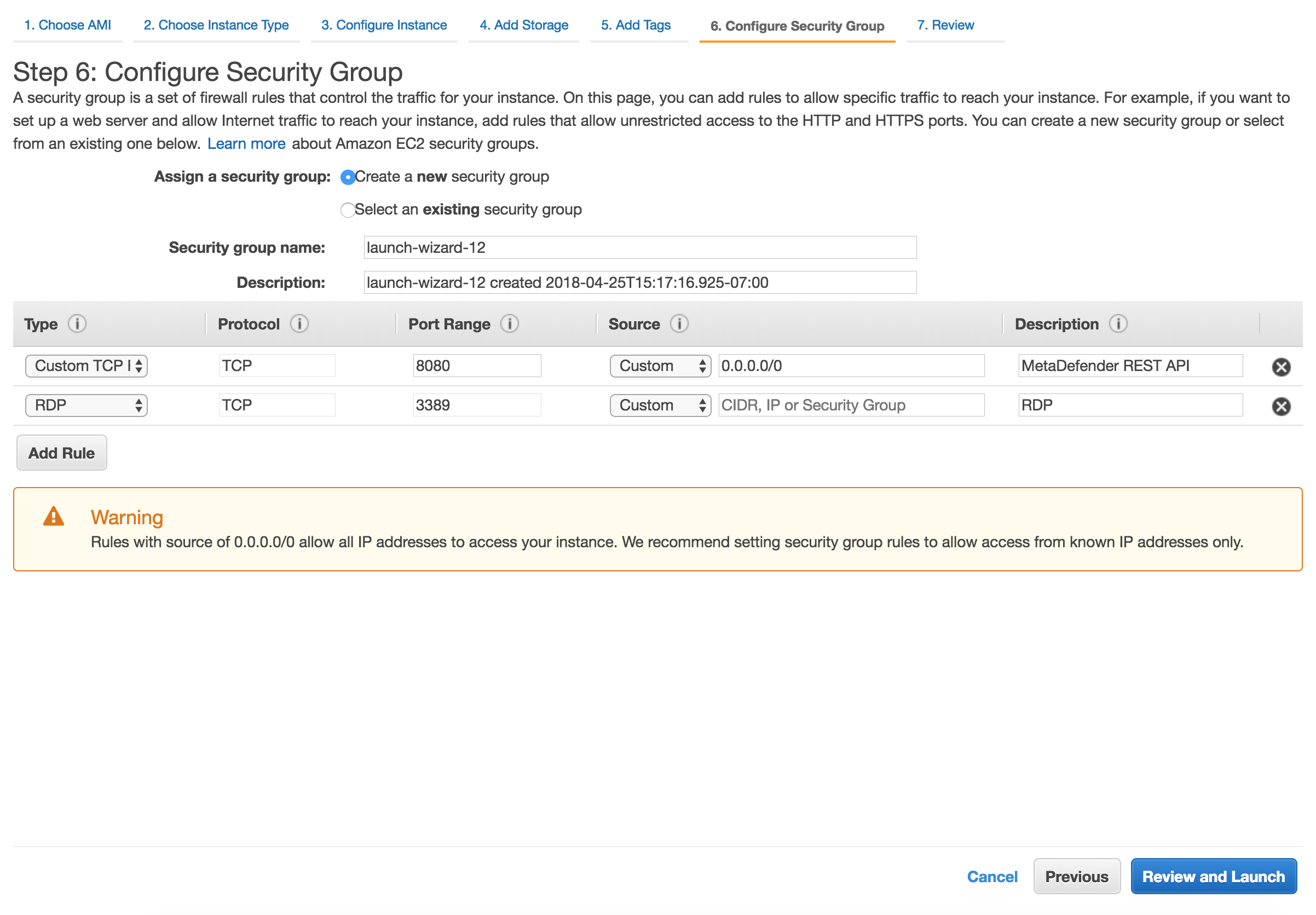
After the installation remove RDP or SSH from this Security Group!
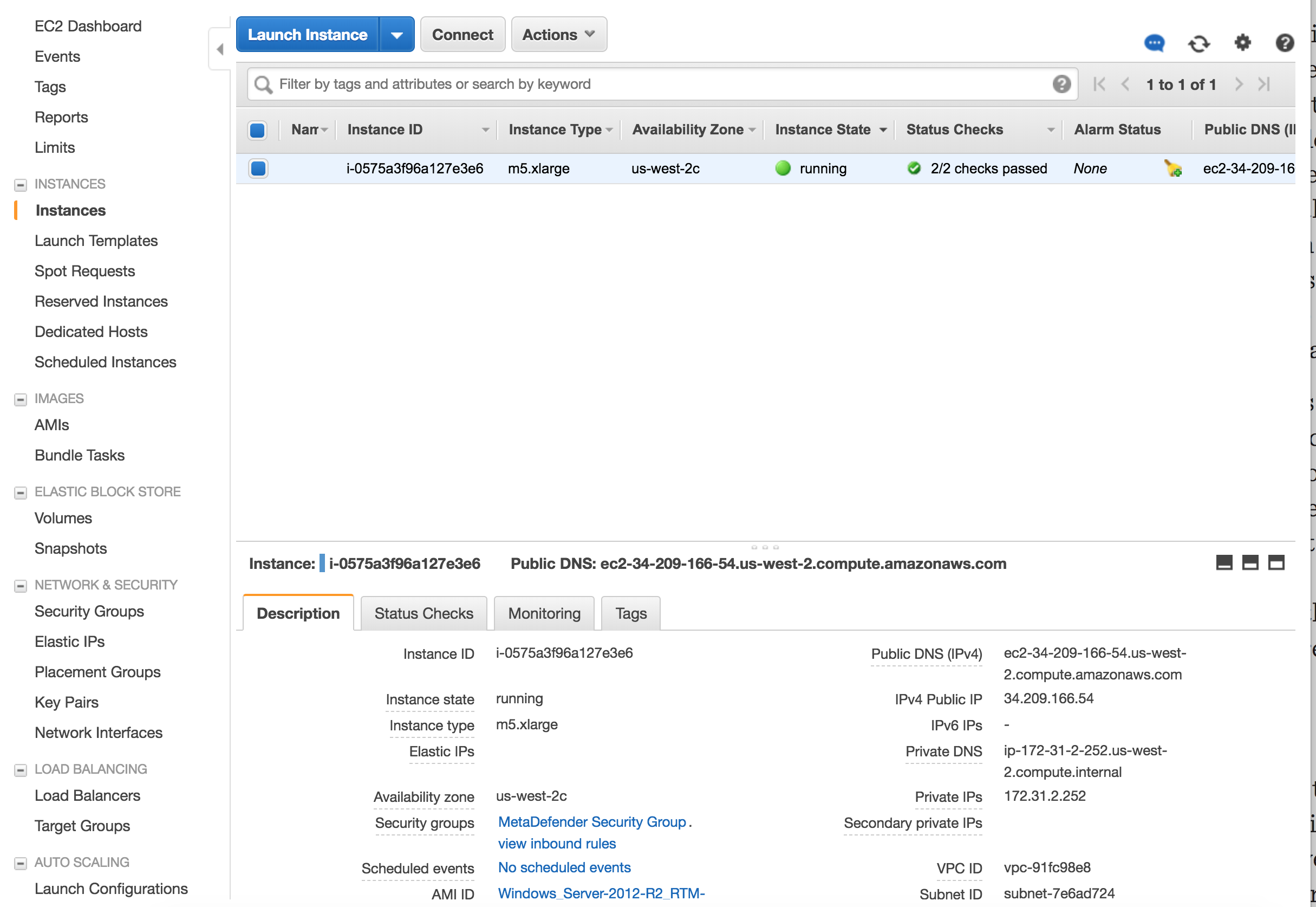
Launch the instance
After you review the settings, hit Launch. In a few minutes the instance should become available
Multi-Instance Deployment
Deploy using Terraform
OPSWAT provides a terraform project to create the infrastructure needed to deploy
Locally clone the metadefender-csp repository and go to AWS/autoscaling-group
Modify terraform.tfvars with the desired options
Run terraform apply and check the resource to be create, after that enter "y"