As a Salesforce administrator, you will have access to the OPSWAT - Reputation Logs as shown below.

The OPSWAT - Reputation Logs report will provide you with high level information of the addresses (URLs, IPs, and Domains) that have been scanned in your Salesforce environment. Such information includes:
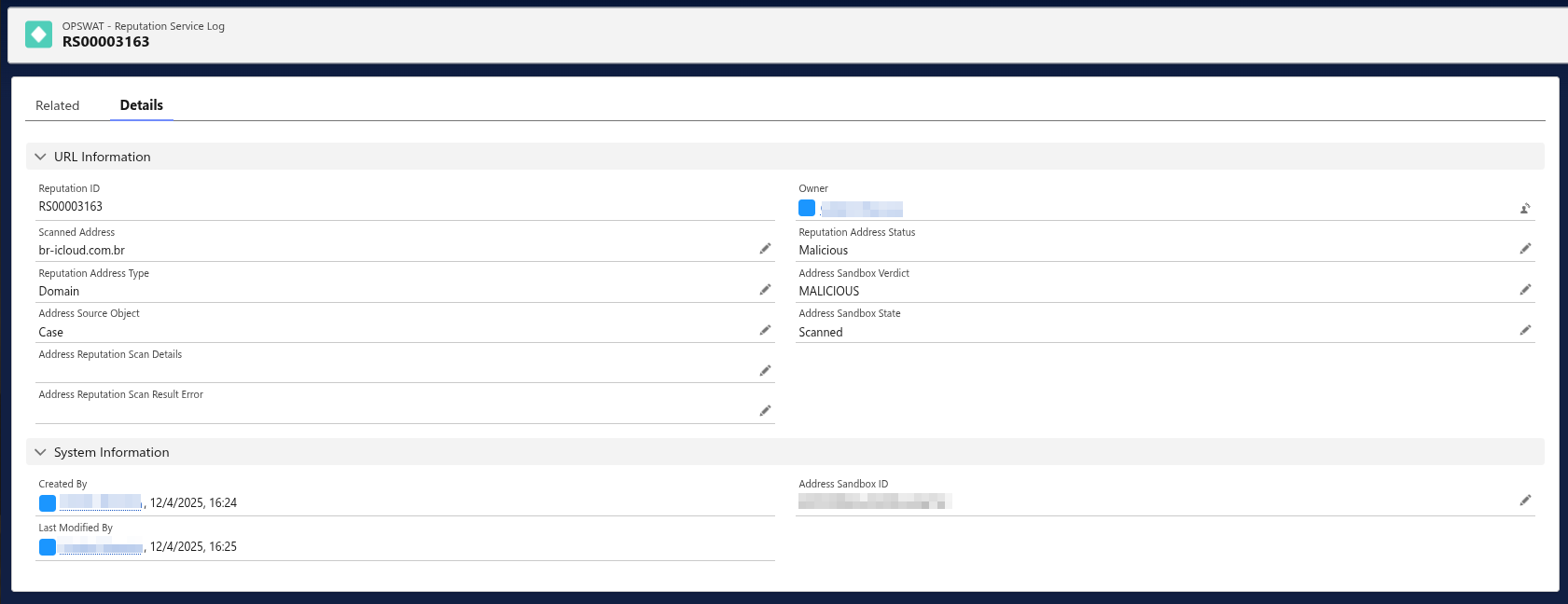
Log ID: A unique ID (RS{00000000} format) created to track each address scanned
Scanned Address: The URL, IP, or Domain that was scanned
Reputation Address Status: The information in this column will indicate whether there is "No Threat Detected" with a given address or if the address has been flagged as "Malicious" by our reputation scanning technology
Address Source Object: Where the address was extracted from
Created By: The user who initiated the scan
Created Date: The date when the scan was initiated
To obtain more comprehensive details about a particular address, just click on the Log ID associated with the respective address. This action will lead you to a page similar to the one depicted below: