
Version | 6.4.1 |
|---|---|
Release date | 20th July, 2026 |
Scope | Email Gateway Security improves control over emails by the newly introduced capabilities to keep selected emails in quarantine after release; and configure rule-level blocked notification templates. In time-sensitive situations it is also supported now to deliver selected emails by bypassing processing. |
New & improved
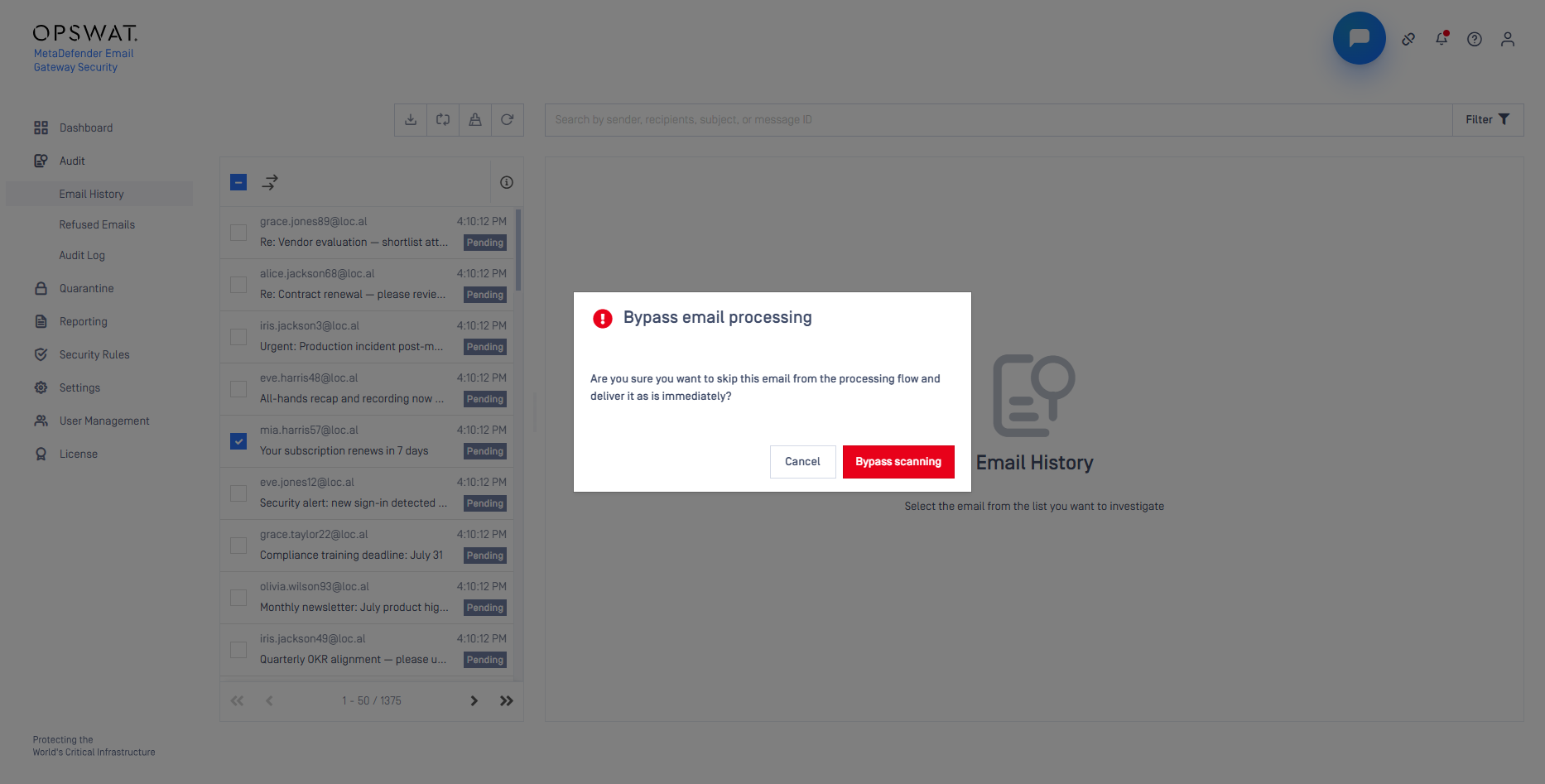
Emergency Bypass for Email Delivery
Administrators can now bypass scanning for selected emails directly from Email History, pushing them immediately to the SMTP delivery queue. This function is intended for emergency situations where delivery must take priority; bypassed emails are logged in the audit log with the initiating user's identity.
For details see Bulk email operations.
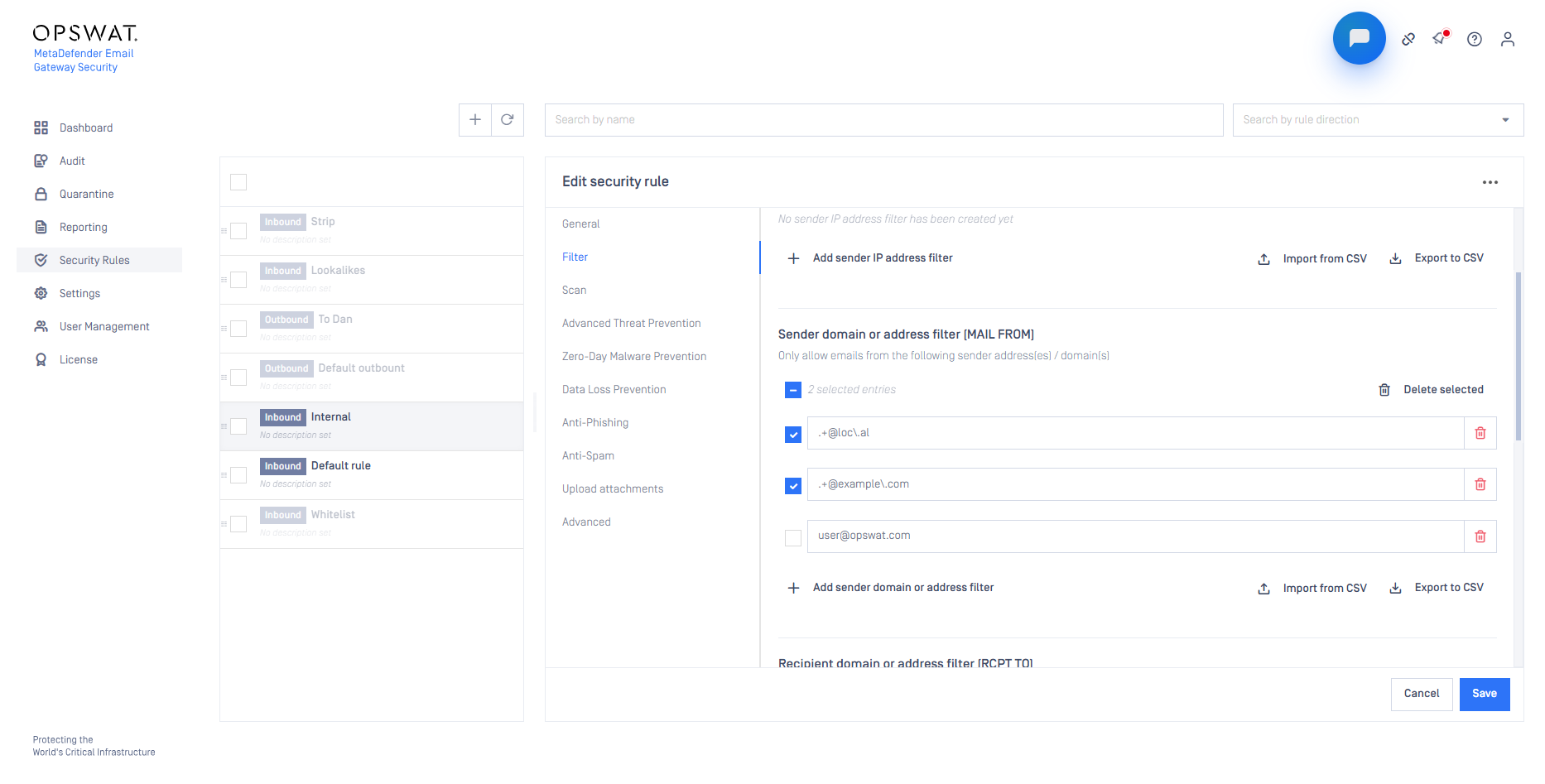
Bulk Delete for Filter Entries
Administrators can now select and delete multiple entries at once across all security rule filter categories, including Sender IP address, sender domain or address, recipient domain or address, and email header filters.
For details see Filtering.
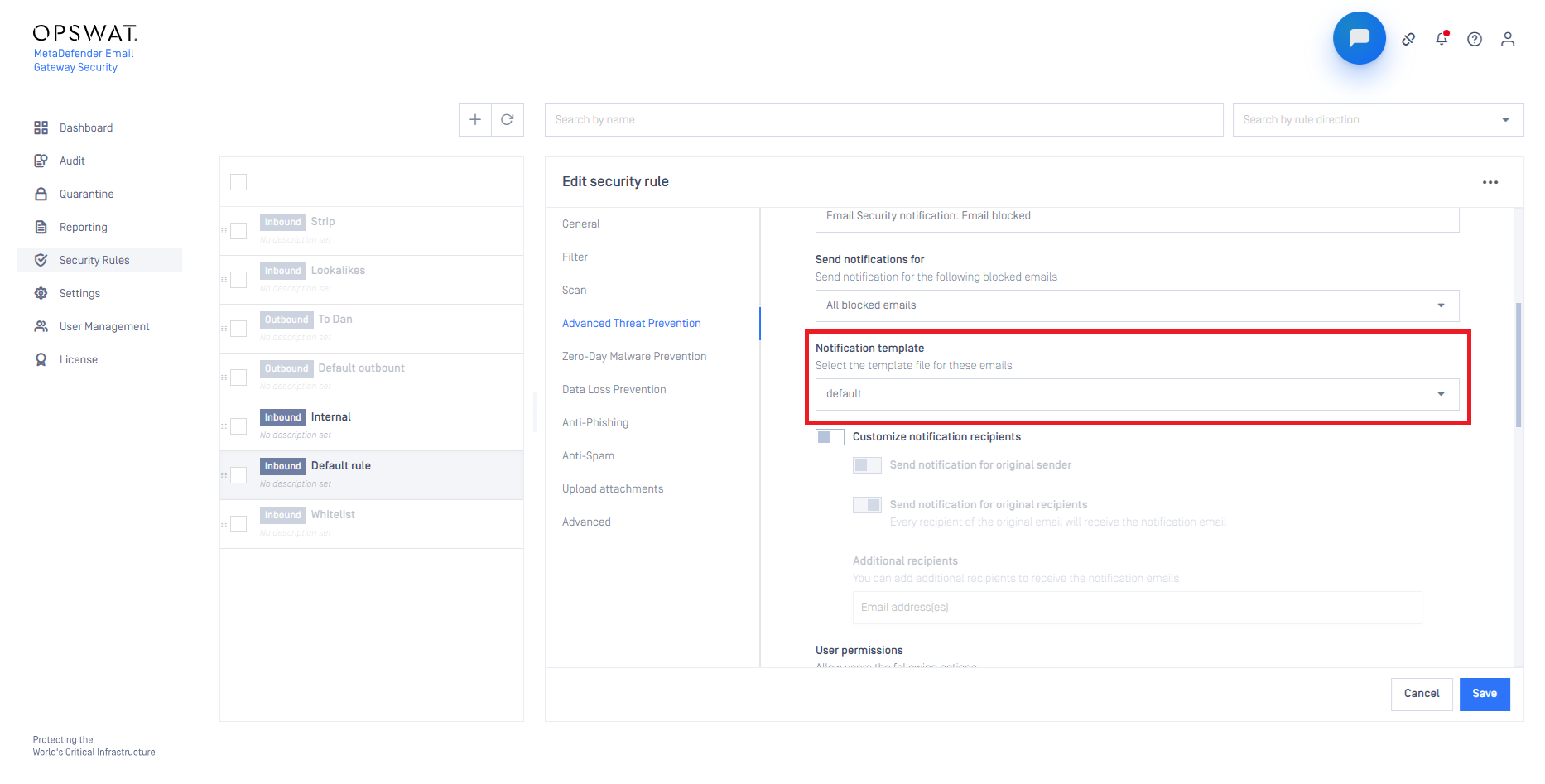
Blocked Notification Templates per Security Rule
Each security rule can now be configured to use a specific blocked notification template, allowing different recipient groups within an organization to receive appropriately customized blocked notifications independently of the global default.
For details see the Advanced Threat Prevention subsection in Security policy.
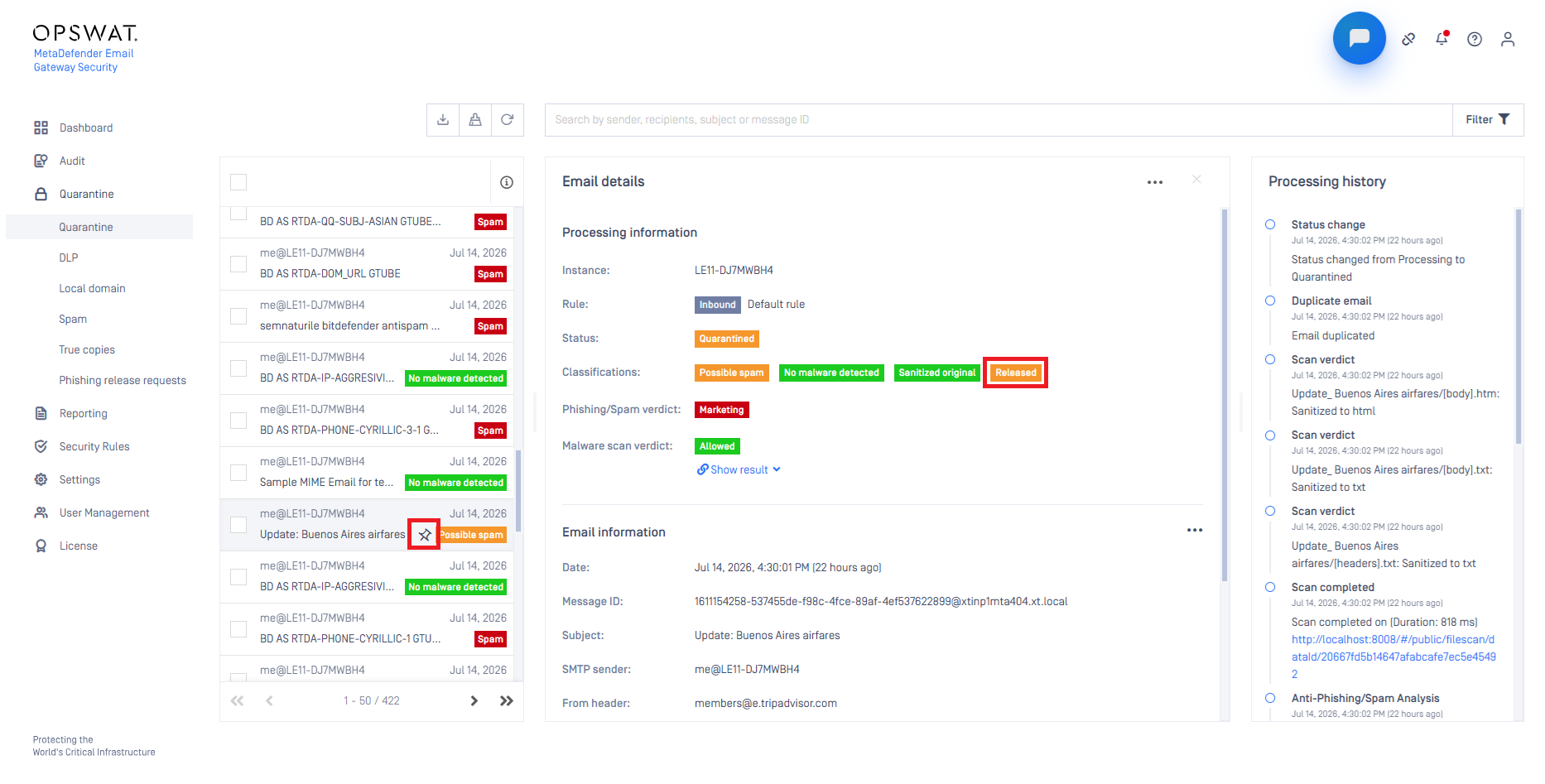
Keep in Quarantine After Release
Administrators can now use pinning emails so they remain in quarantine after being released to recipients (not only to avoid the cleanup of these emails). Released pinned emails are shown with a Released classification, keeping them available for later investigation.
For details see Pin emails.
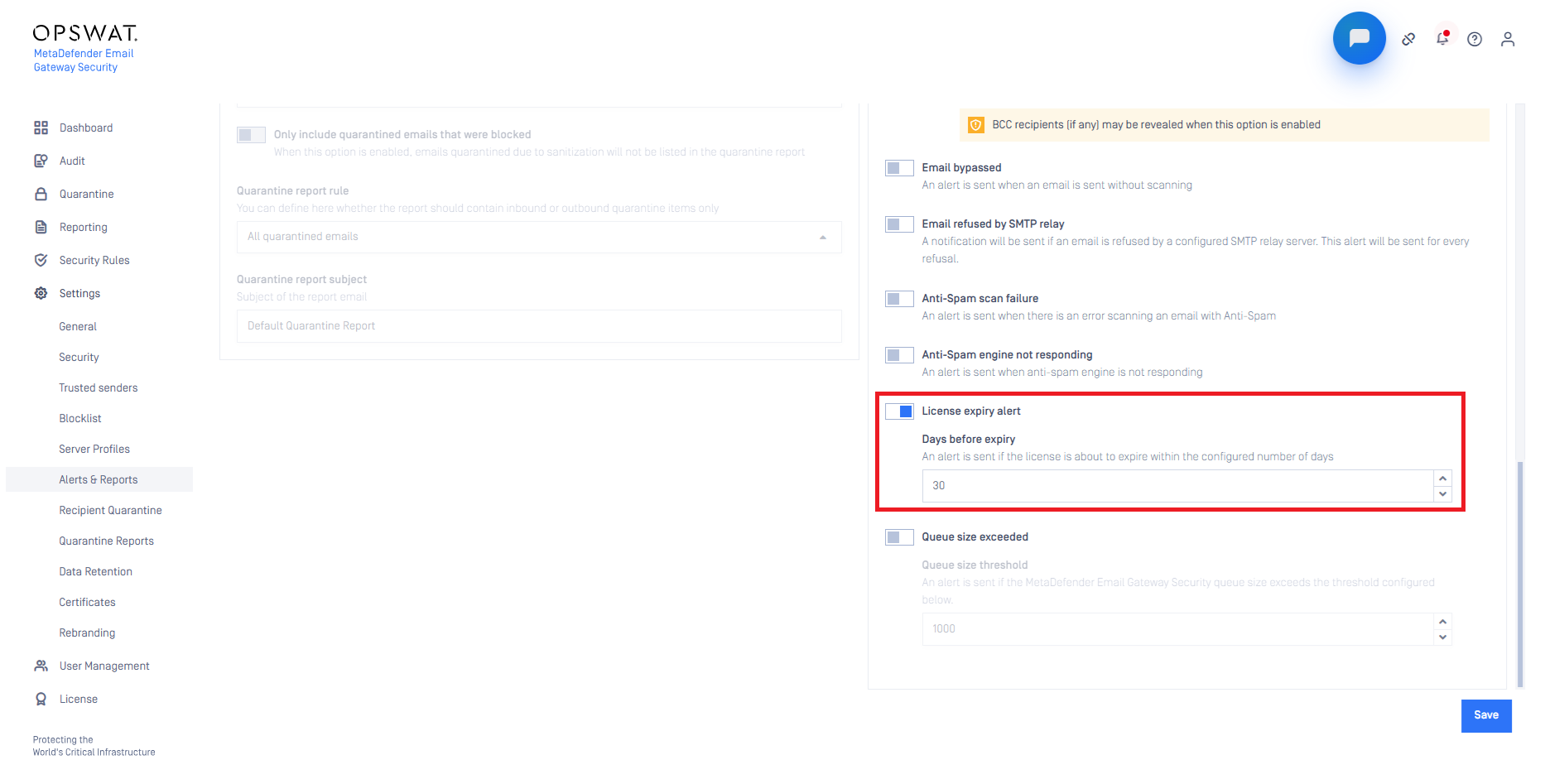
License Expiry Email Notifications
MetaDefender® Email Gateway Security can now send configurable email notifications before and upon license expiration, giving administrators advance warning to renew before the product falls back to open-relay behavior.
For details see Alerts.
Configurable SMTP Connection Timeout
Administrators can now define how long MetaDefender® Email Gateway Security waits for a SYN-ACK response when establishing an outbound SMTP connection, reducing delivery failures caused by delayed relay server responses.
For details see the timeout_seconds tunable under HKEY_LOCAL_MACHINE\SOFTWARE\OPSWAT\Metadefender Email Security\smtp_config
Changed
Unified blocked notification templates
The notification_blocked and notification_blocked_again administrative email templates have been merged into a single notification_blocked template. This removes the near-duplicate template, prevents the two variants from drifting apart, and halves the customization and localization effort.
For details see the Notifications after a rescan subsection in Alert, notification and quarantine report emails and the Conditional options subsection in Translation support.
If you previously customized the notification_blocked_again template, those changes are not carried over. Re-apply your changes to the single notification_blocked template; the rescan header is driven by the is_rescanned flag in the notification content.
For details see the Conditional options subsection in Translation support.
Fixed
Core Workflow Fetcher Authentication
When MetaDefender® Core workflows were restricted to authenticated users, the workflow fetcher did not include the configured API key, causing the workflow list to appear empty in security rule configuration. The fetcher now authenticates correctly when API key credentials are configured in the server profile.
Inconsistent Quarantine Regex Handling
Recipient Quarantine domain entries were not consistently matched when entered as plain domain names rather than regular expressions, resulting in quarantine permissions not being applied. Regular expression handling is now consistent regardless of the pattern format used.
For details see Recipient Quarantine.
Updated
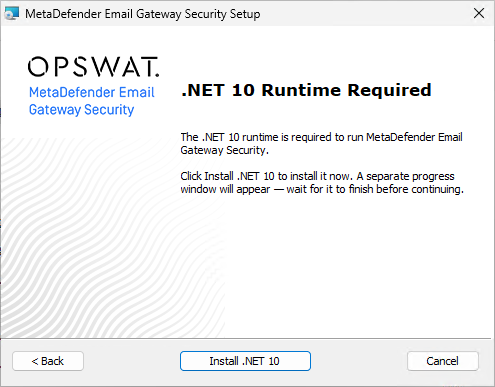
Microsoft .NET 10
Email Gateway Security now use Microsoft .NET 10. .NET 10 is a pre-requisite, must be installed before Email Gateway Securty is installed.
For details see 3rd party frameworks or components.
Email Gateway Security does no maintain (update or patch) the .NET 10 components installed on the server. Customers must take care of this themselves.
For convenience, the Email Gateway Security installer is bundled with the .NET 10.0.9 installer.
OpenSSL Library Updated to 3.5.6
OpenSSL has been updated to version 3.5.6 to incorporate the latest security patches and stability improvements.
Nginx Web Server Updated to 1.31.1
Nginx has been updated to version 1.31.1 as part of routine dependency maintenance.