
Overview
Email recipients at the organization can be authorized to manage their own quarantined emails.
The permitted actions on the quarantined emails are configured by the administrators of the organization.
Accessing the Recipient Quarantine
When a recipient is authorized to use the Recipient Quarantine the recipient can log in to the service directing their browser to the organization's Recipient Quarantine portal and provide their email address.
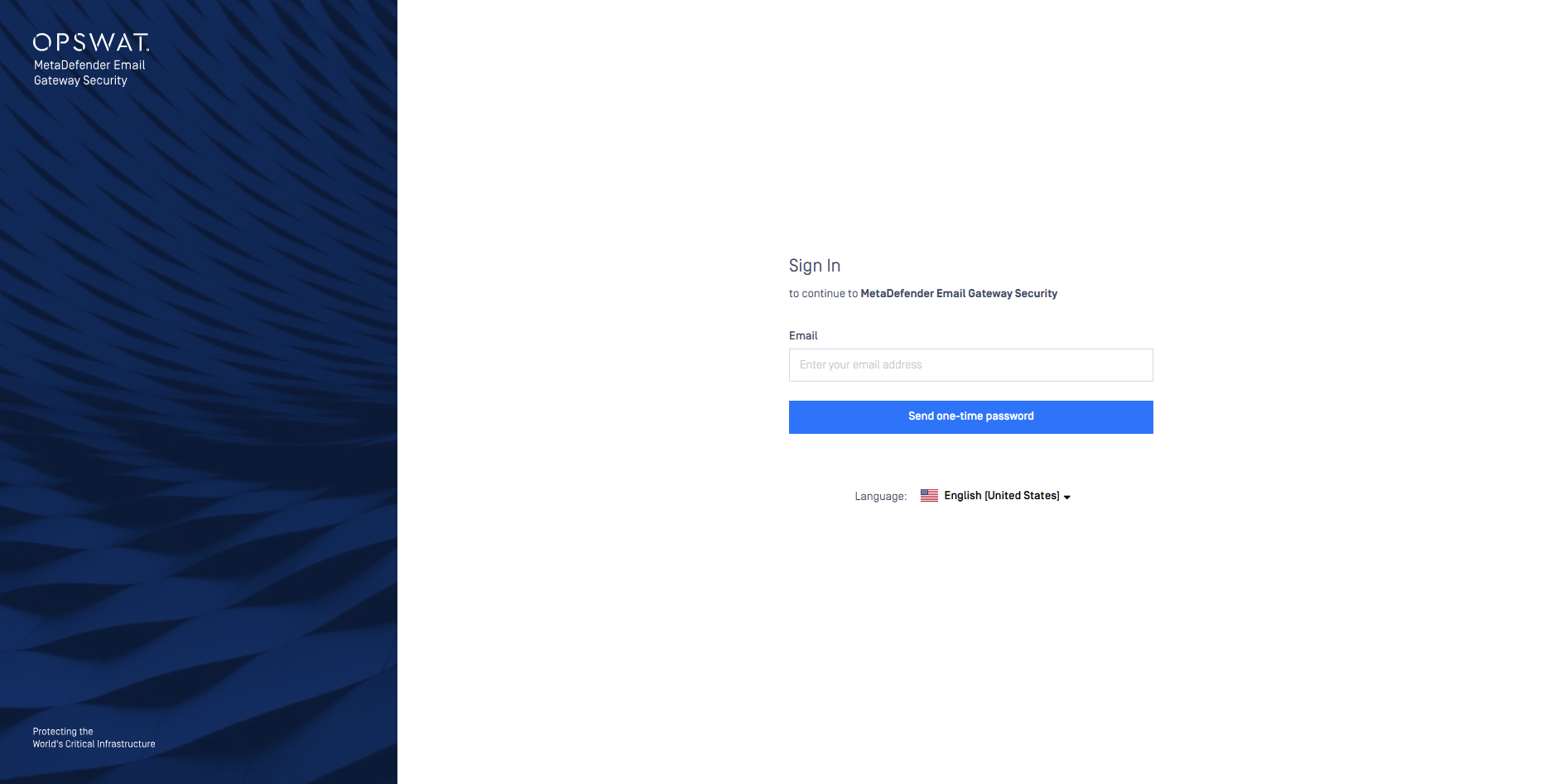
If and only if the user is authorized to use the service, then a One-Time Password (OTP) code is sent as an email to the recipient's email address.
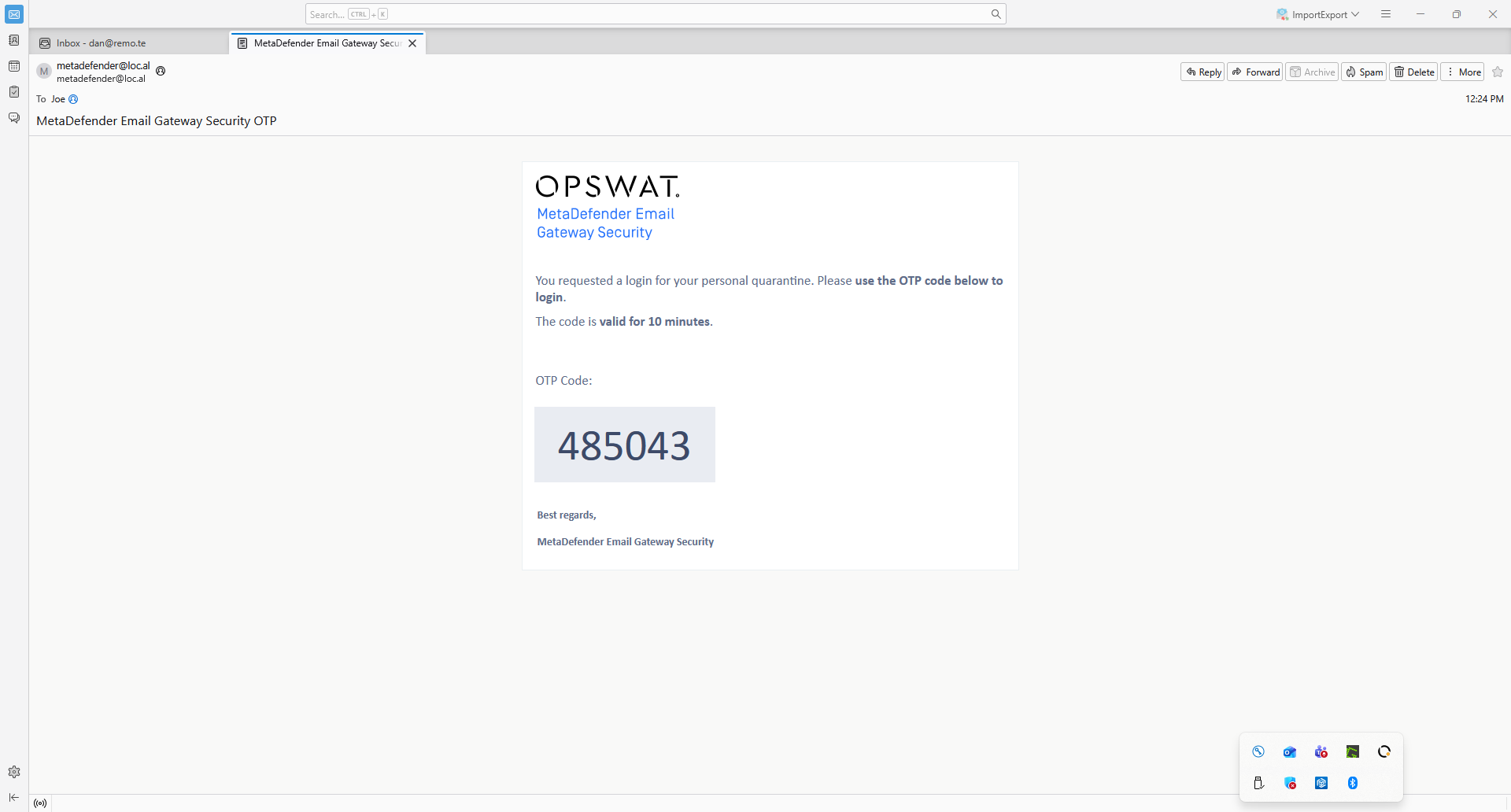
Enter the OTP code in the Recipient Quarantine.
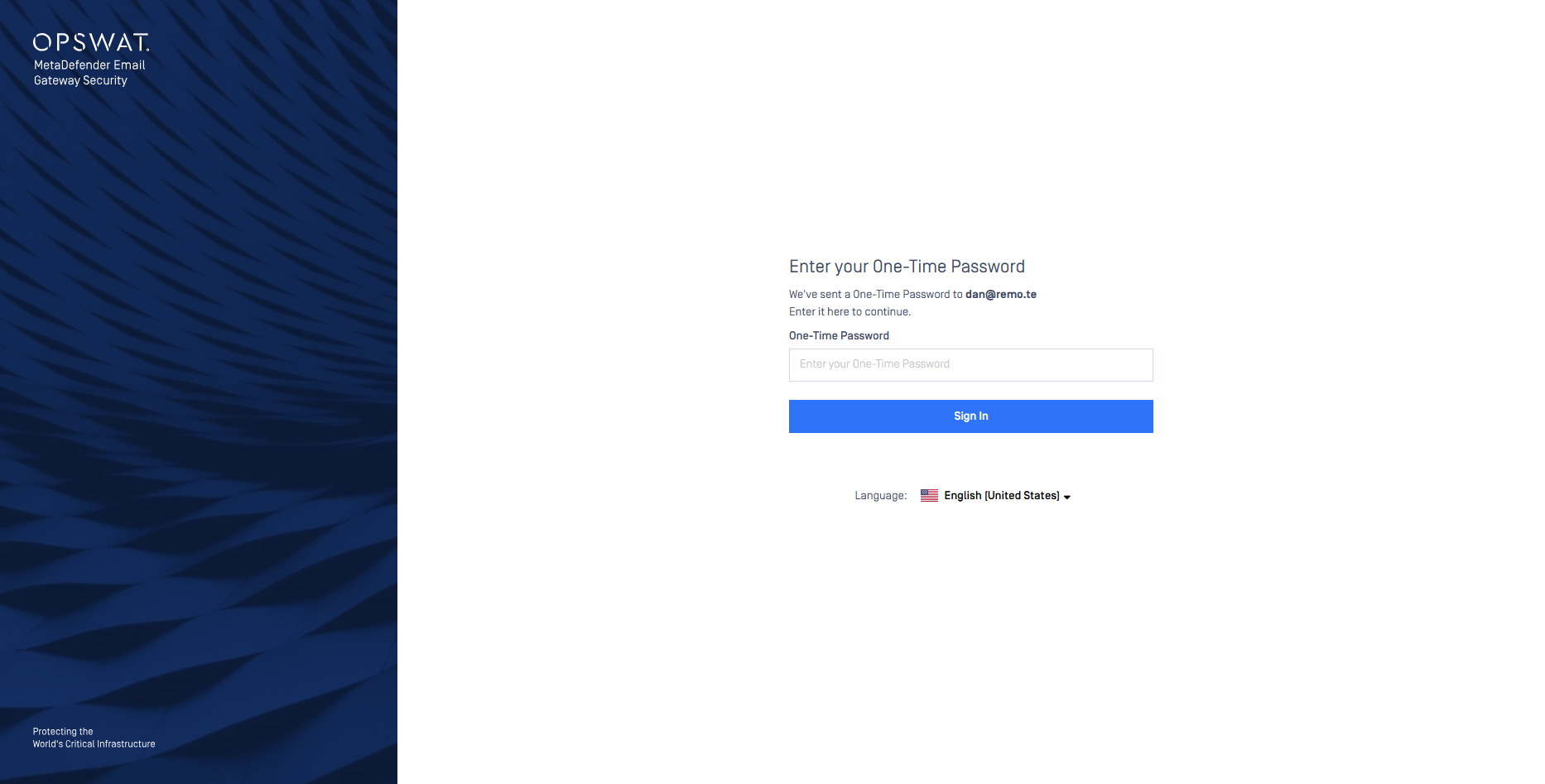
If the authentication is successful, you land in your Recipient Quarantine listing all your quarantined emails.
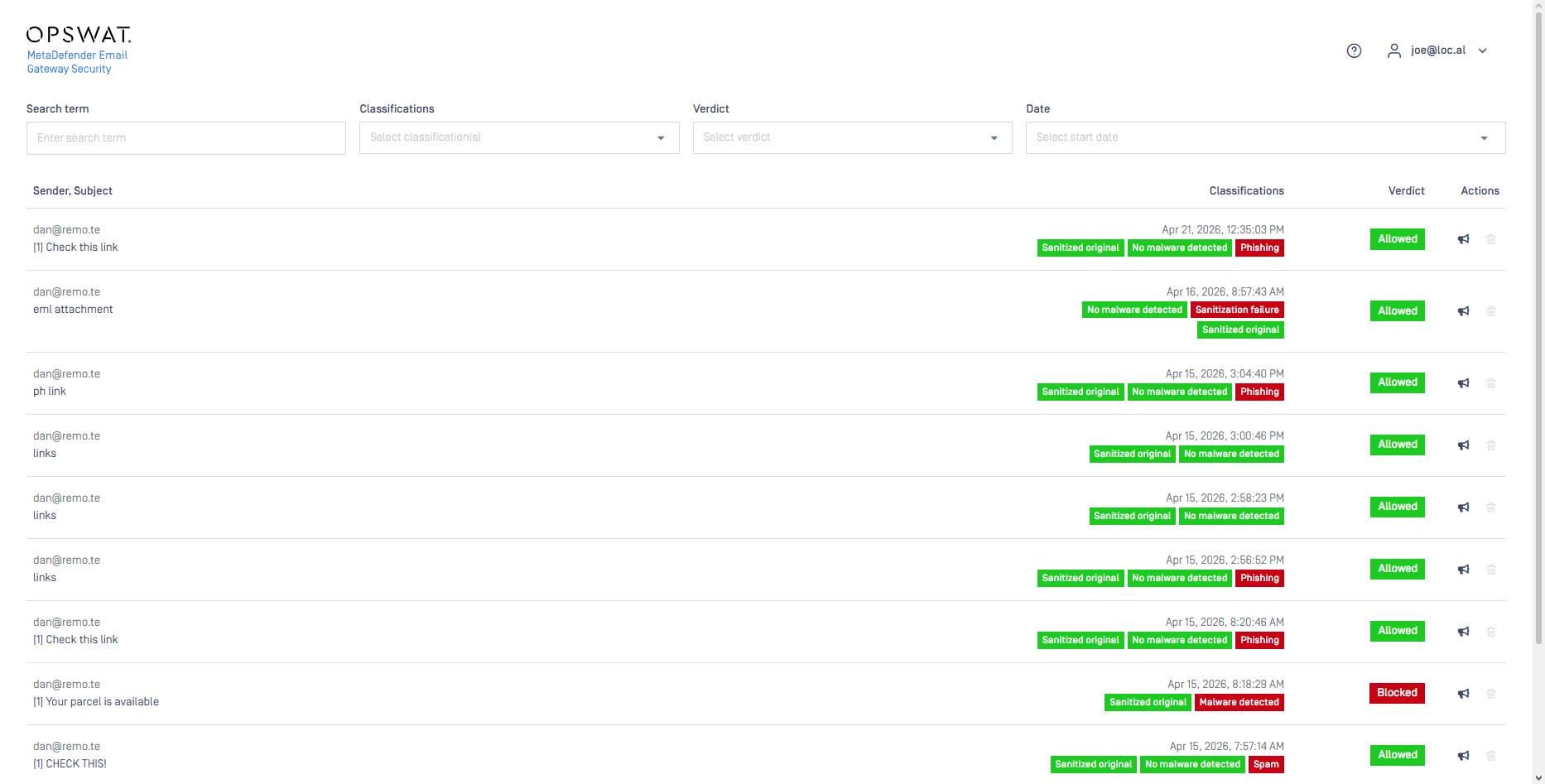
Operating the Recipient Quarantine
Email details
For each email in the list the following details are listed:
Sender: the sender (
Fromheader) of the emailSubject: the subject (
Subjectheader) of the emailDate and time: the date and time when the email was received
Classifications: short details about the processing of the email
Verdict: the result of the malware scan - if there are parts of the email infected
Actions: actions that are permitted on the quarantined emails. Currently the following actions are supported
Request release: request the email to be released by administrators
Delete email: delete the email from the quarantine
Searching and filtering
Emails in the Recipient Quarantine can be searched by the Sender and the Subject.
Emails can be filtered by the Classifications (multi select), the Verdict and the Date.