
To download and Initiate MetaDefender Drive Toolkit, follow these steps:
Navigate to the My OPSWAT portal and download MetaDefender Drive Toolkit.
Unzip the downloaded package.
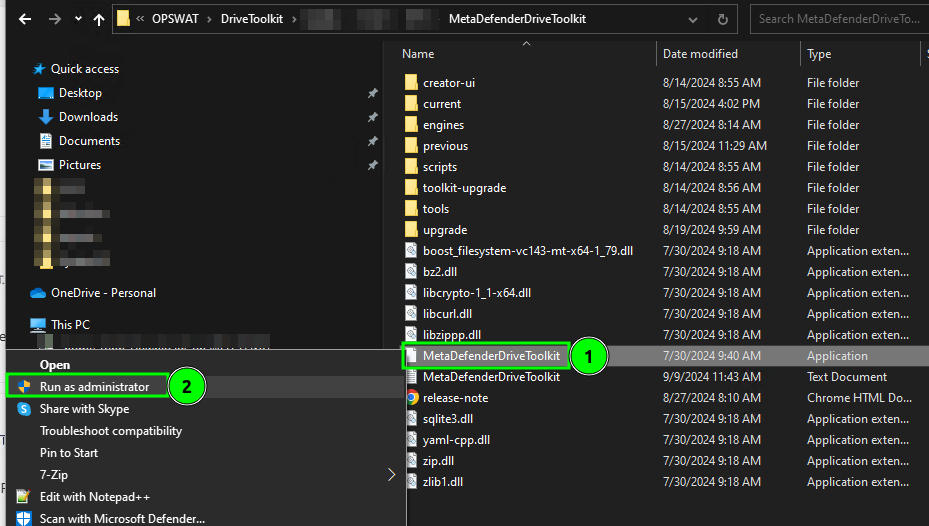
On your device, locate the MetaDefenderDriveToolkit executable file, right click, and choose Run as administrator.
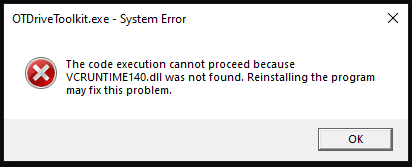
Missing DLL Files Error
If you see the error message related to missing DLL files, such as MSVCP140.dll or VCRUNTIME140.dll, please download and install the latest VC-Redist.
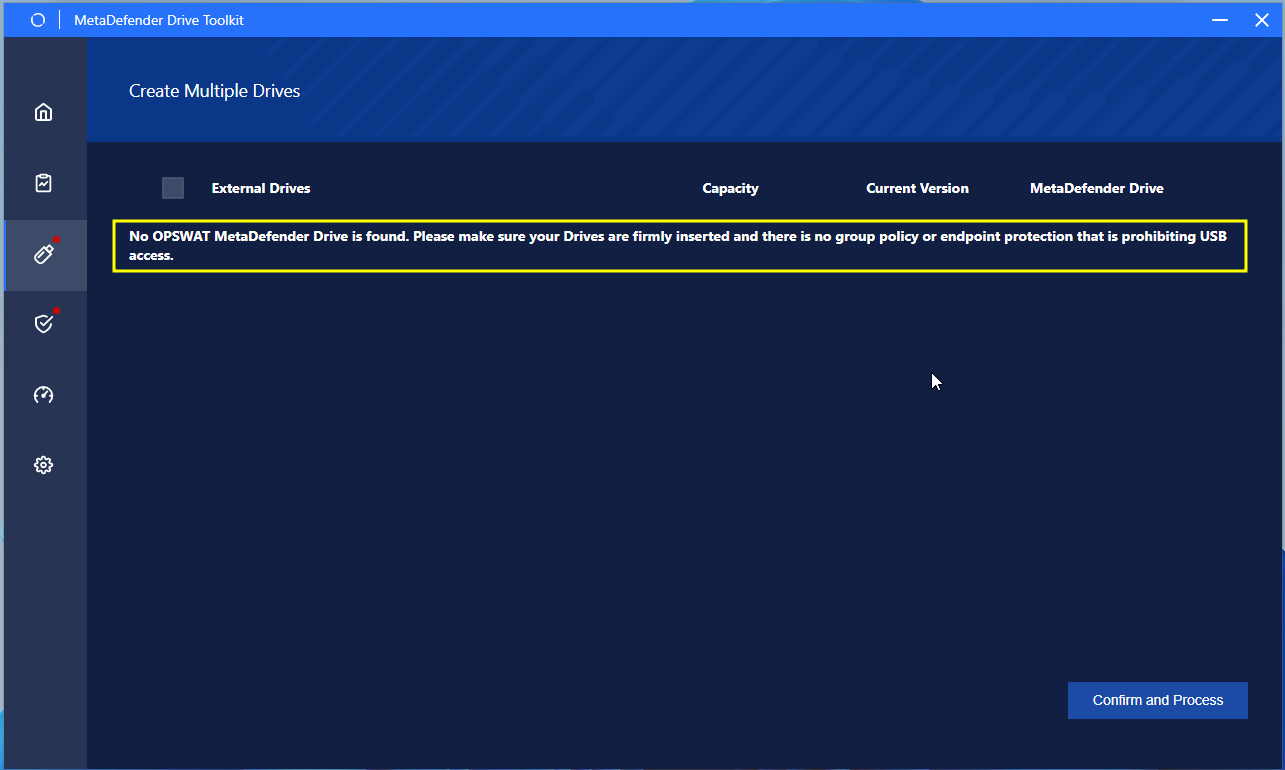
If you see the following error message, please make sure there is to follow the instructions above and try again.
.
Was this page helpful?
Introduction