
MetaDefender Kiosk, v4.8.0 and above, supports direct integration with MetaDefender Drive. When a MetaDefender Drive is connected to a Kiosk, it automatically uploads stored scan reports to the enrolled My OPSWAT Central Management. This feature removes the need for separate SDK installation and configuration, and can be enabled from the Configuration page of a MetaDefender Kiosk.
Follow the steps to get the integration work.
In MetaDefender Kiosk, go to server Config page → Configuration → Integrations
Set the Enable Drive Integration to be ON
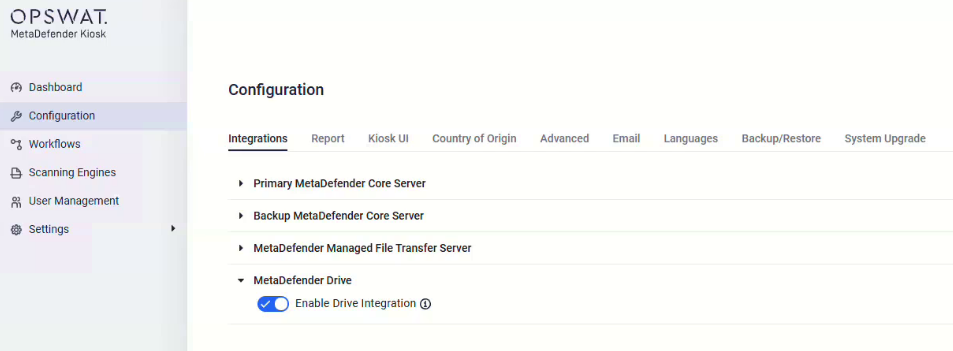
For more info, please refer to the MetaDefender Kiosk documentation (Windows) (Linux).
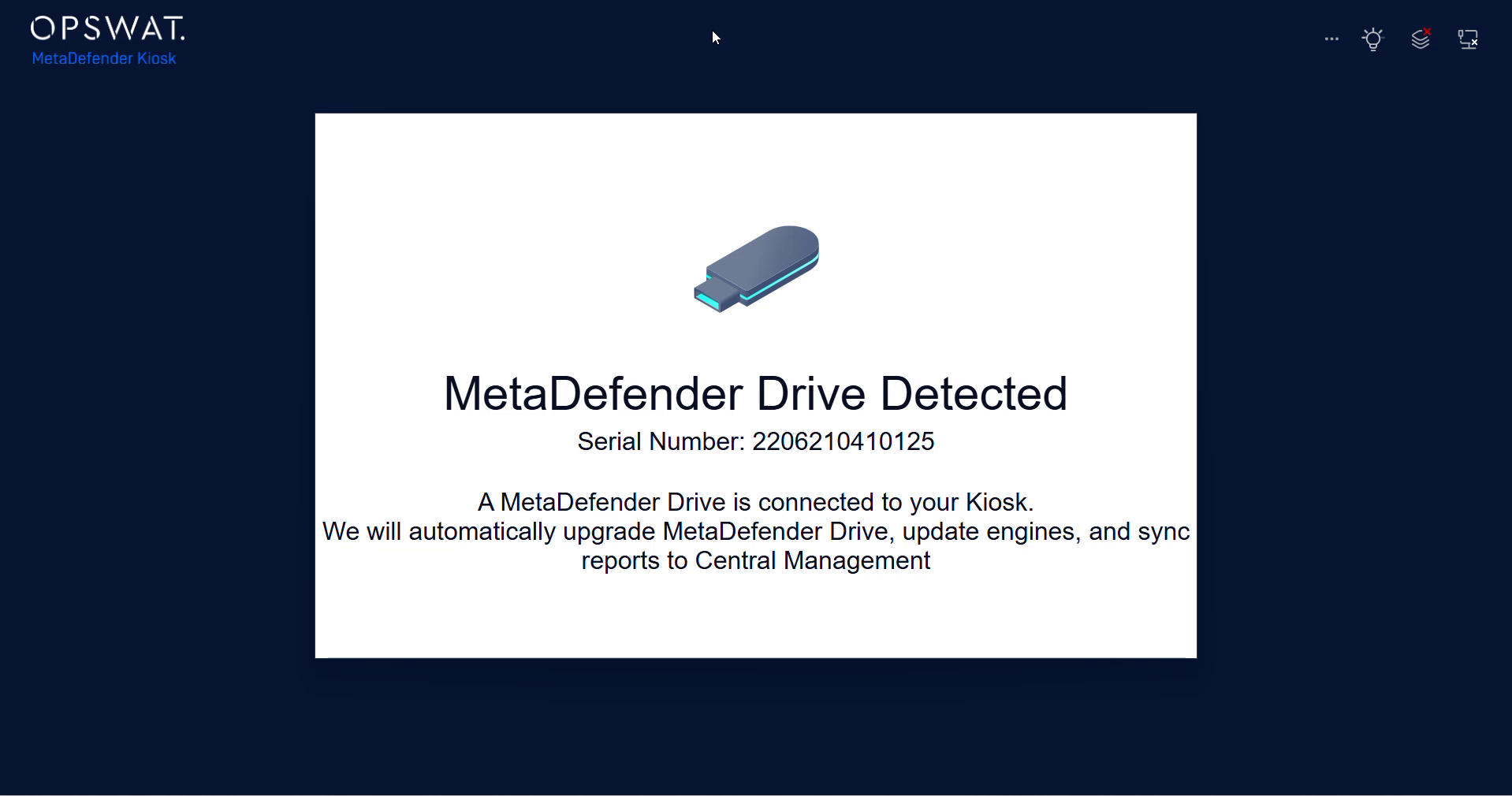
On a running Kiosk (that has the integration enabled), insert MetaDefender Drive (that has been enrolled)
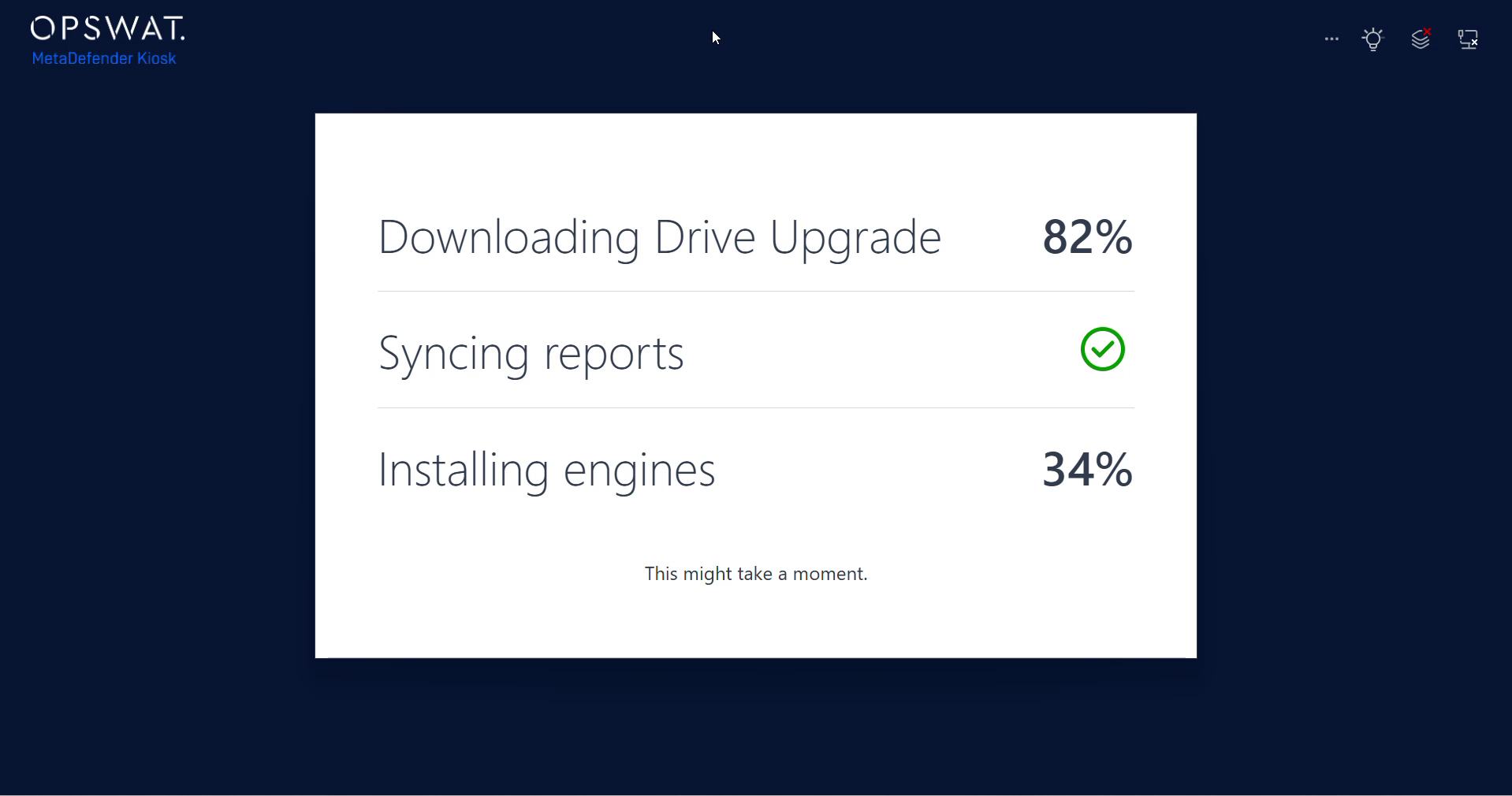
Wait for it to be detected and wait until the sync progress start then finish
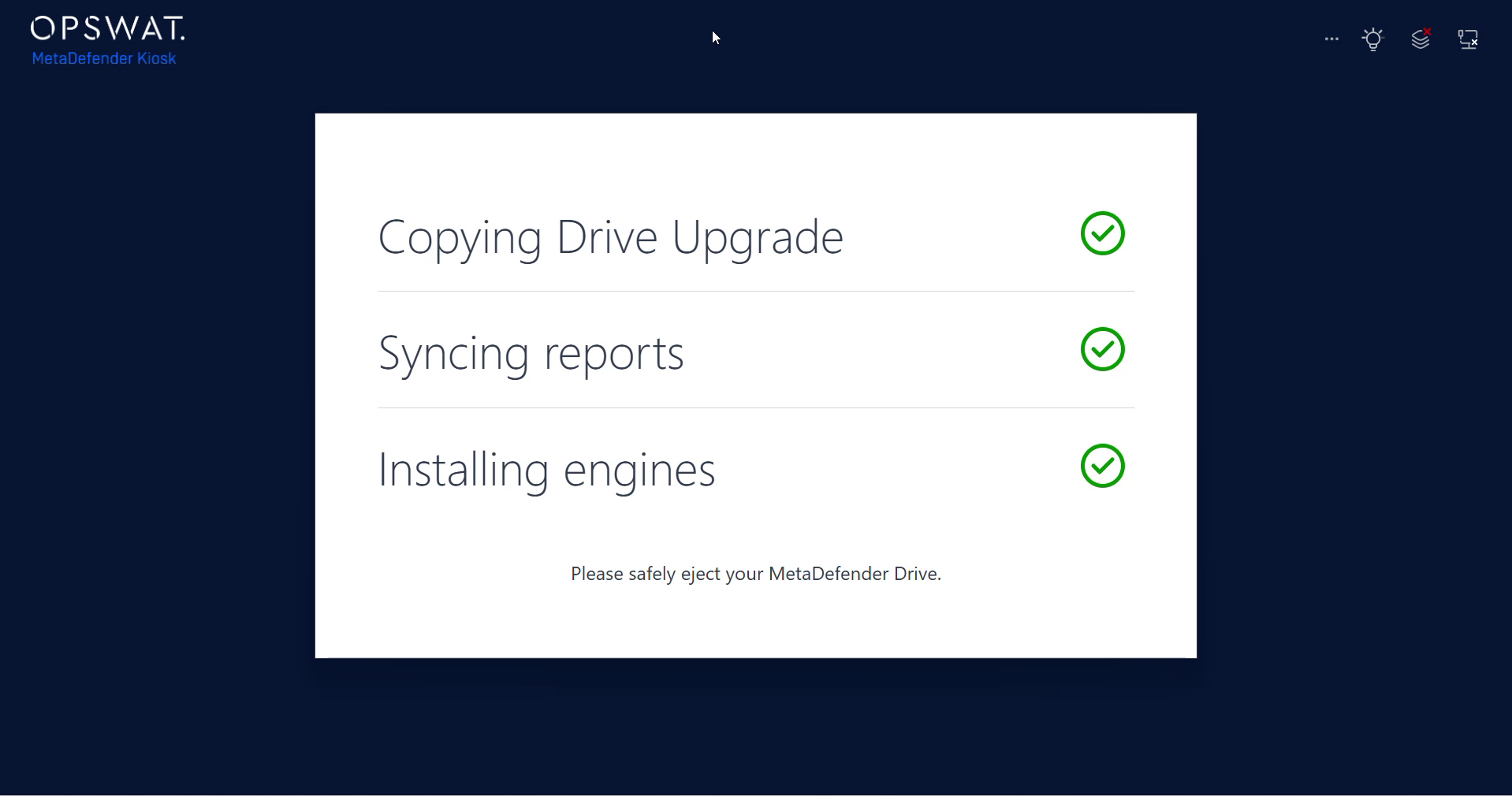
Safely remove the MetaDefender .