
Secure File Storage enables using MetaDefender with Smart Touch to securely transfer files across isolated zones, by securing storing files and making them inaccessible until they are scanned by a MetaDefender Kiosk.
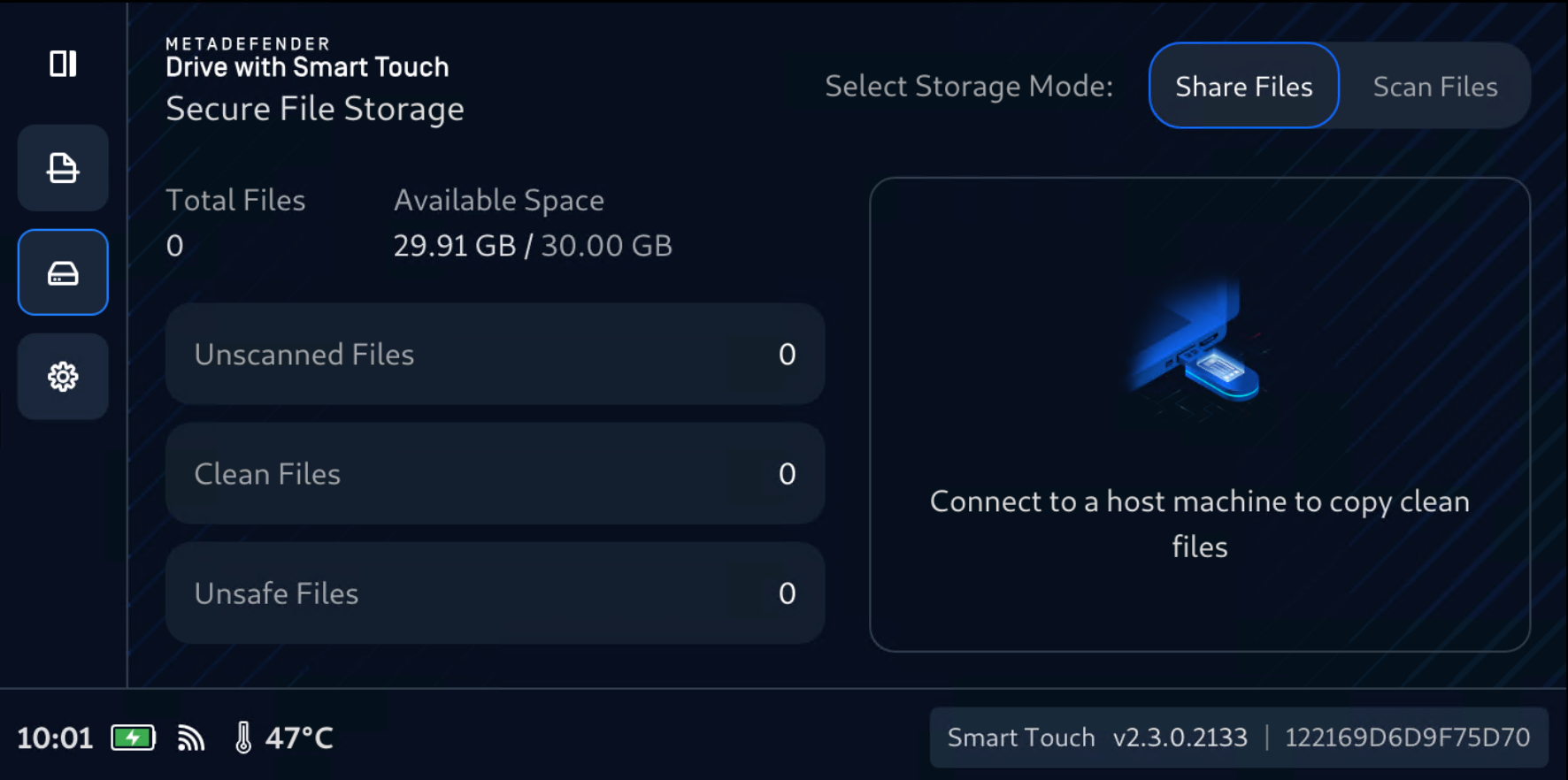
For more information on how to enable and configure this feature, please follow the instructions here and make sure the configurations are correct and ready to use.
If you are also using Media Validation, you can follow that all the instruction. If you are only using Secure File Storage, you just need to have Media Manifest enabled.
Securely access Clean Files in Secure File Storage
When plugging to a host computer, on its file manager, the Clean files will be made visible in a 32GB storage partition, and the Unscanned and Unsafe files will be hidden.
Please notice that Secure File Storage will automatically and safely create these folder and files in the Clean storage so that Files Browser and MetaDefender Kiosk can find and scan them, but Secure File Storage will ignore them during its calcualtion.
.OPSWAT (manifest files, session, tokens)
The following folder and files will be automatically generated by Windows operating system and will be counted by Kiosk and Secure File Storage:
System Info folders
To start using Secure File Storage, visit the followings: