
After being managed by Centralized Scanning Profile, when starting Memory Scan or Custom Sca from In-Session, an Operator will be asked to "Unlock to Scan".
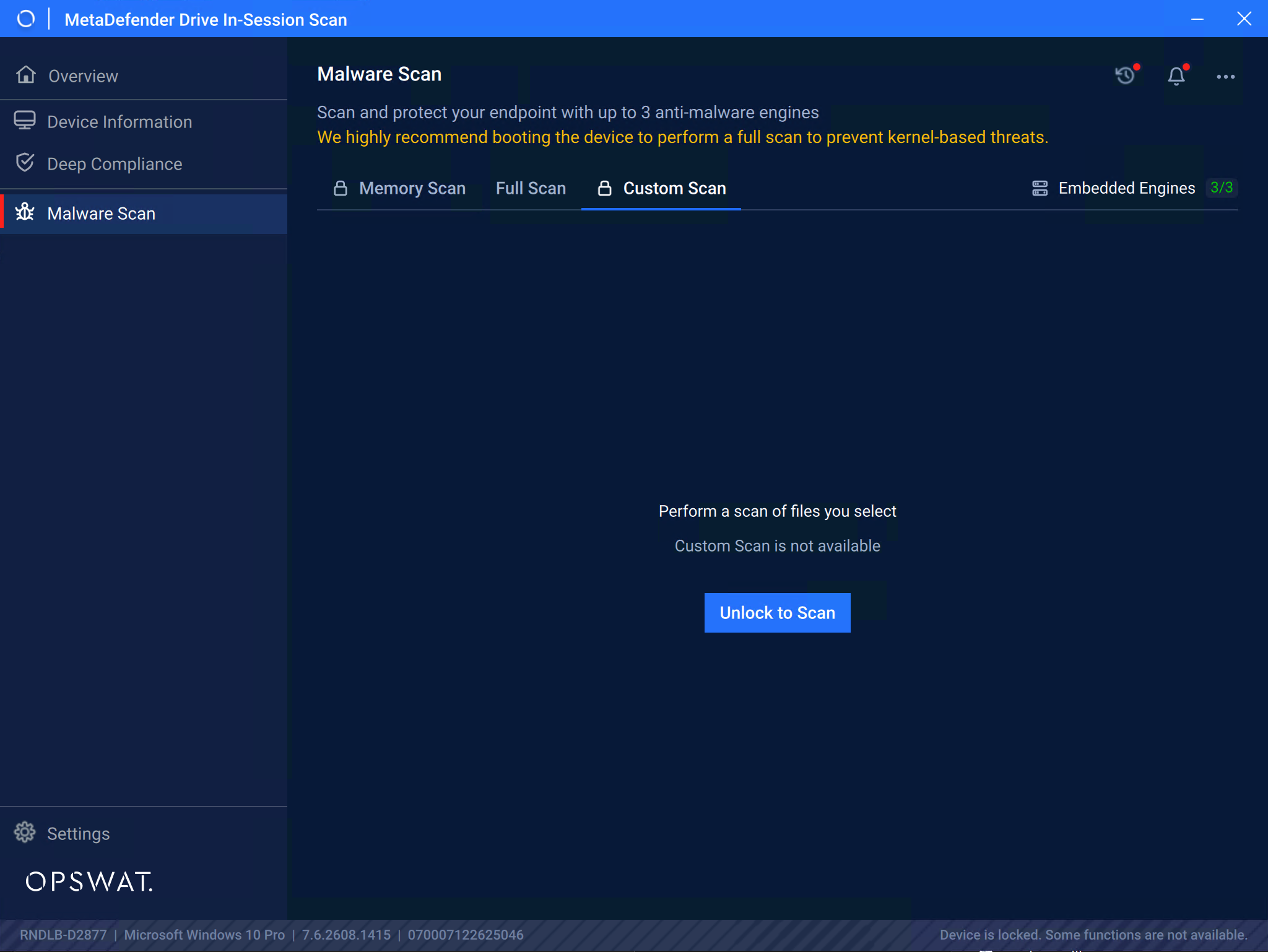
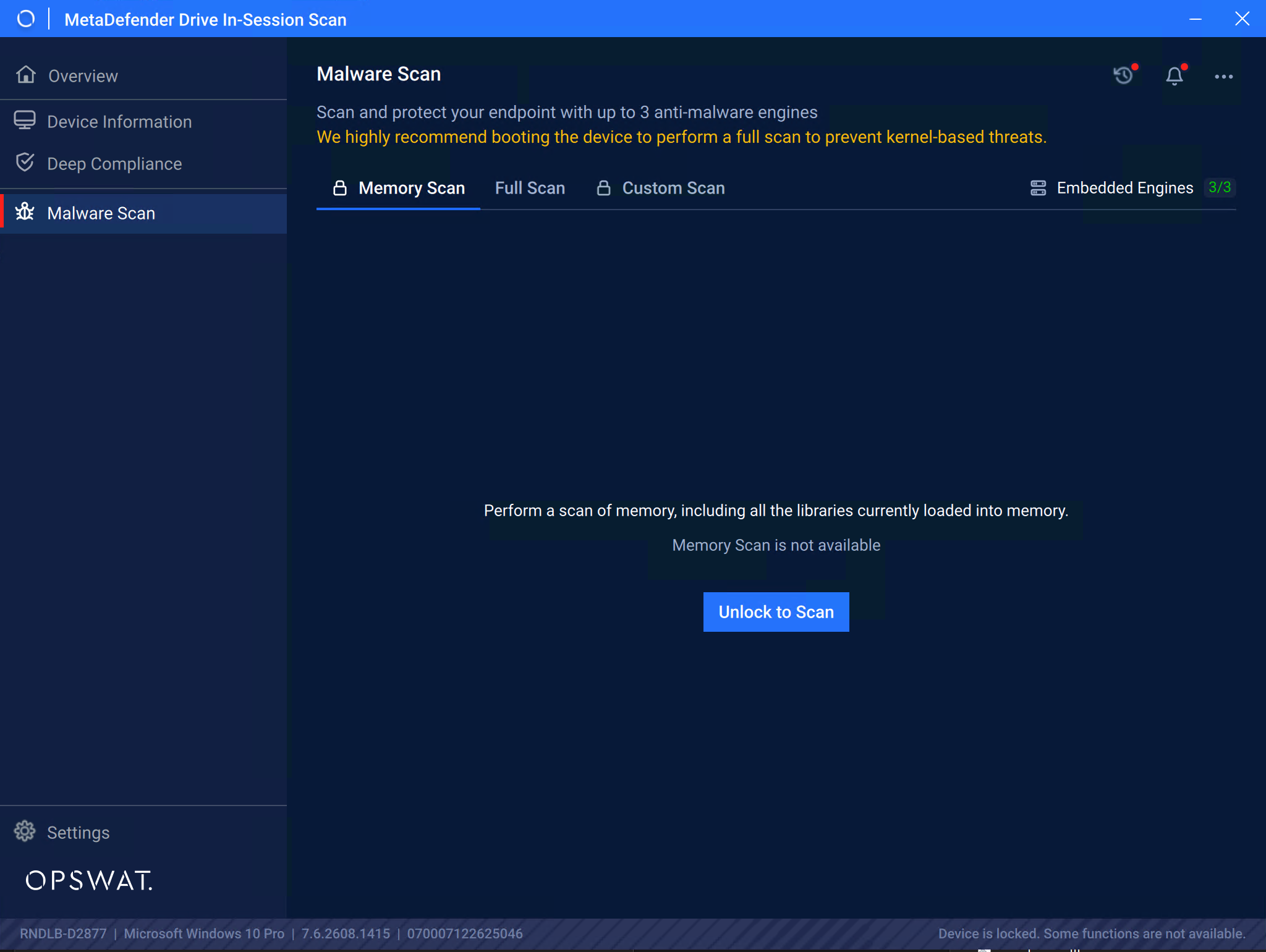
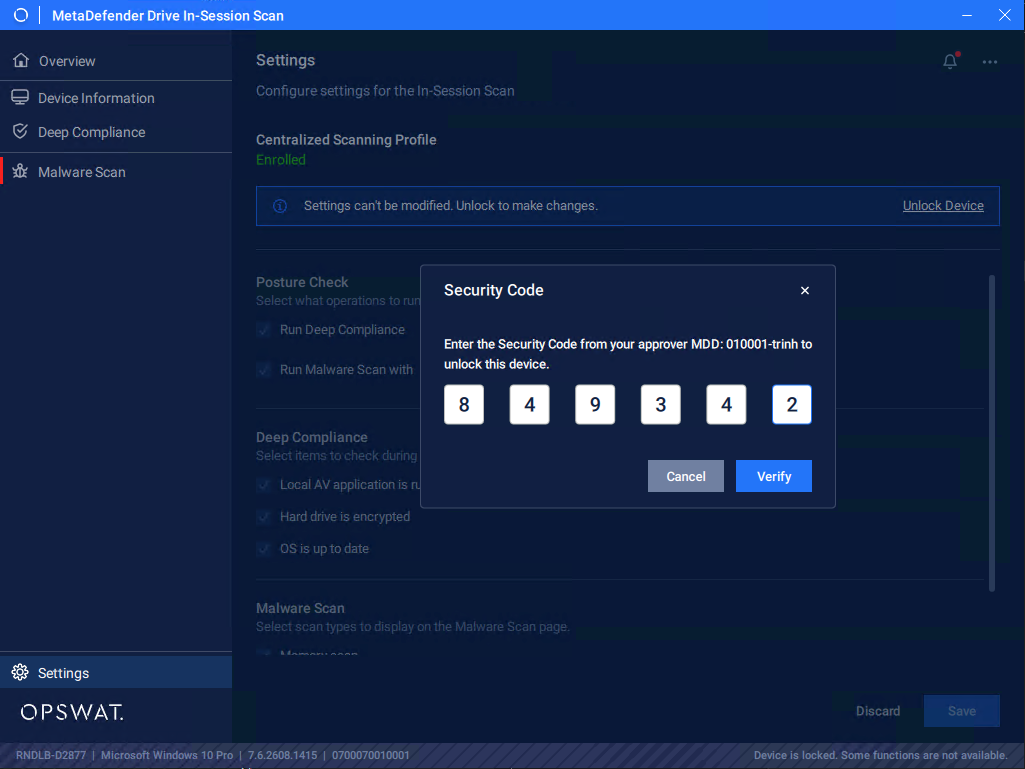
To Unlock, click Unlock To Scan then enter a 6-digit OTP provided by an Approver. Once the correct OTP is entered, the scan modes unlock immediately.
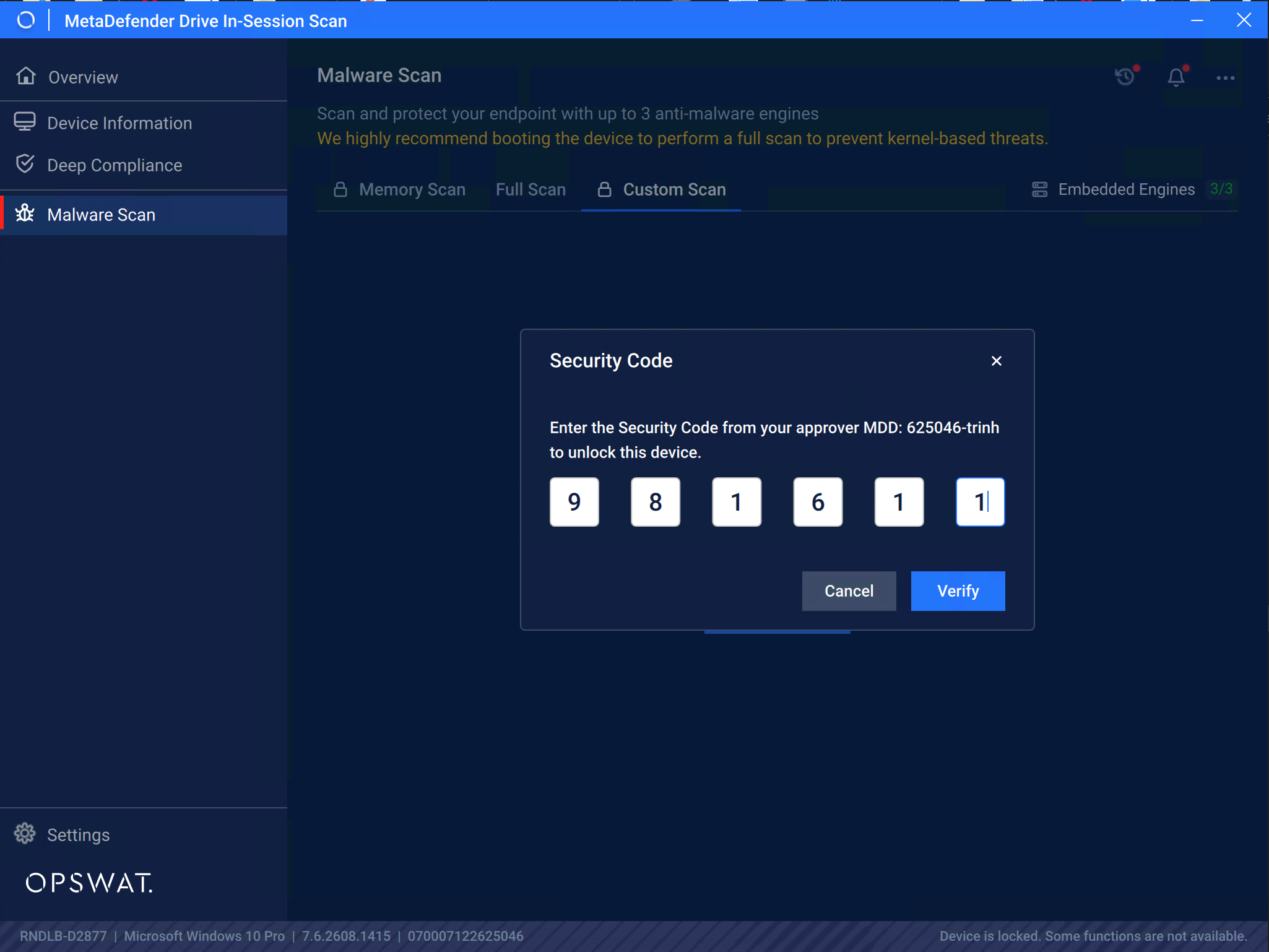
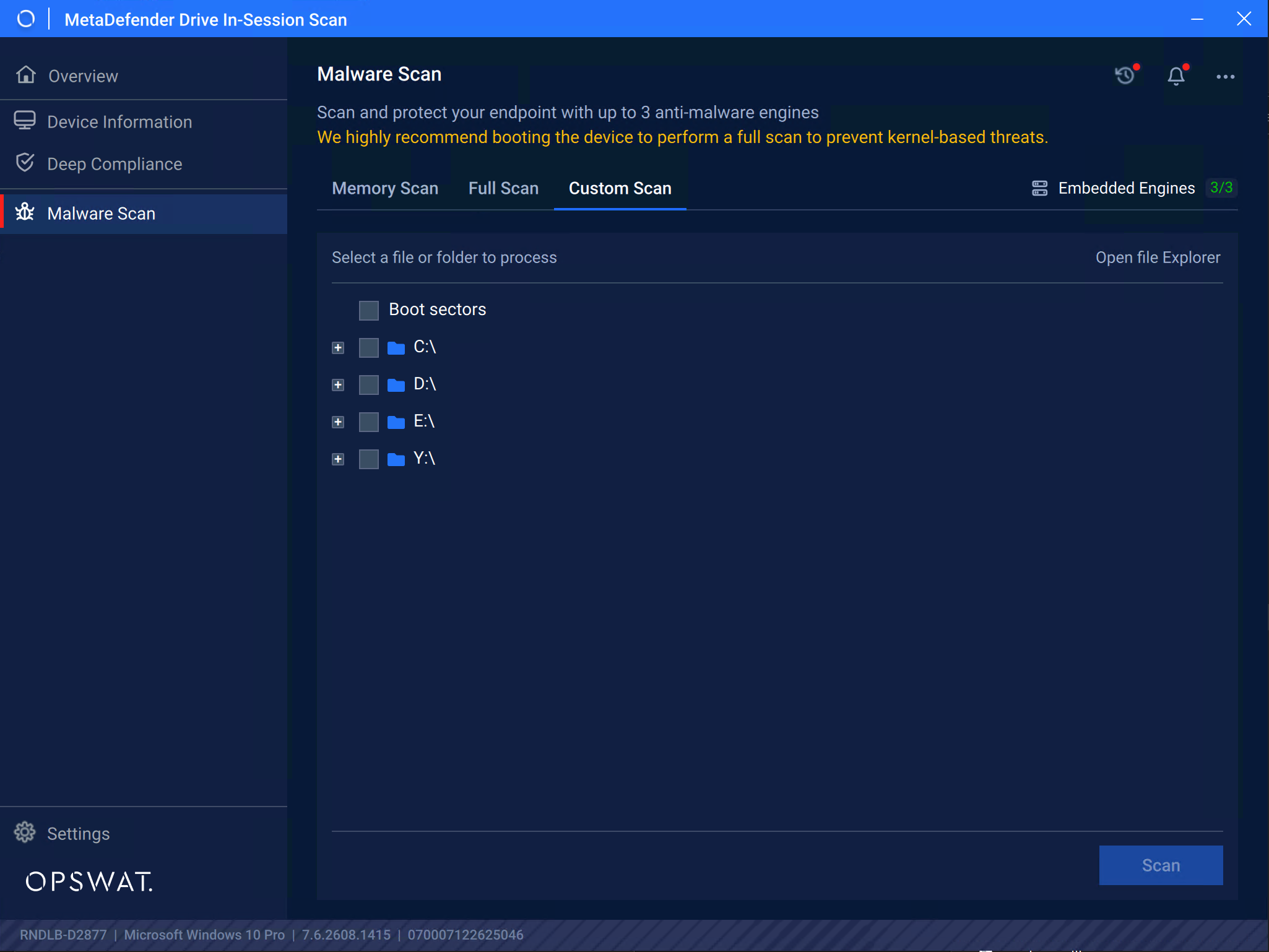
And like the Settings for Bare-Metal, when enrolled to Centralized Scan Profile, the Settings for In-Session is also locked down for authorized user only
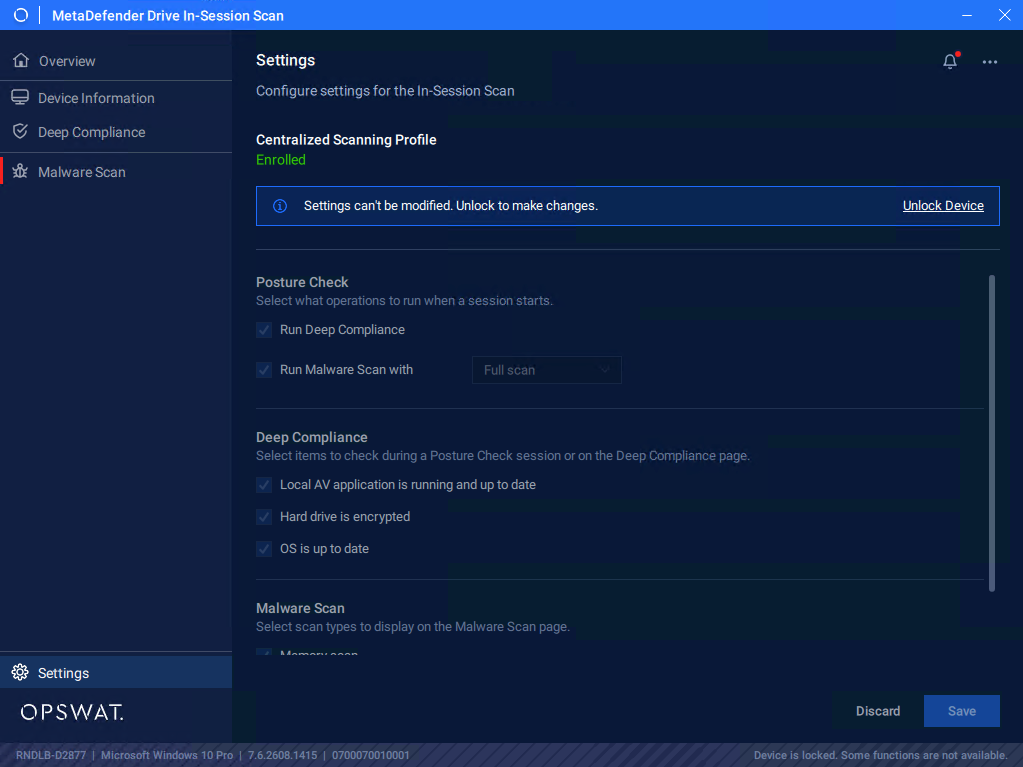
Enter One-Time-Passcode to unlock the Settings
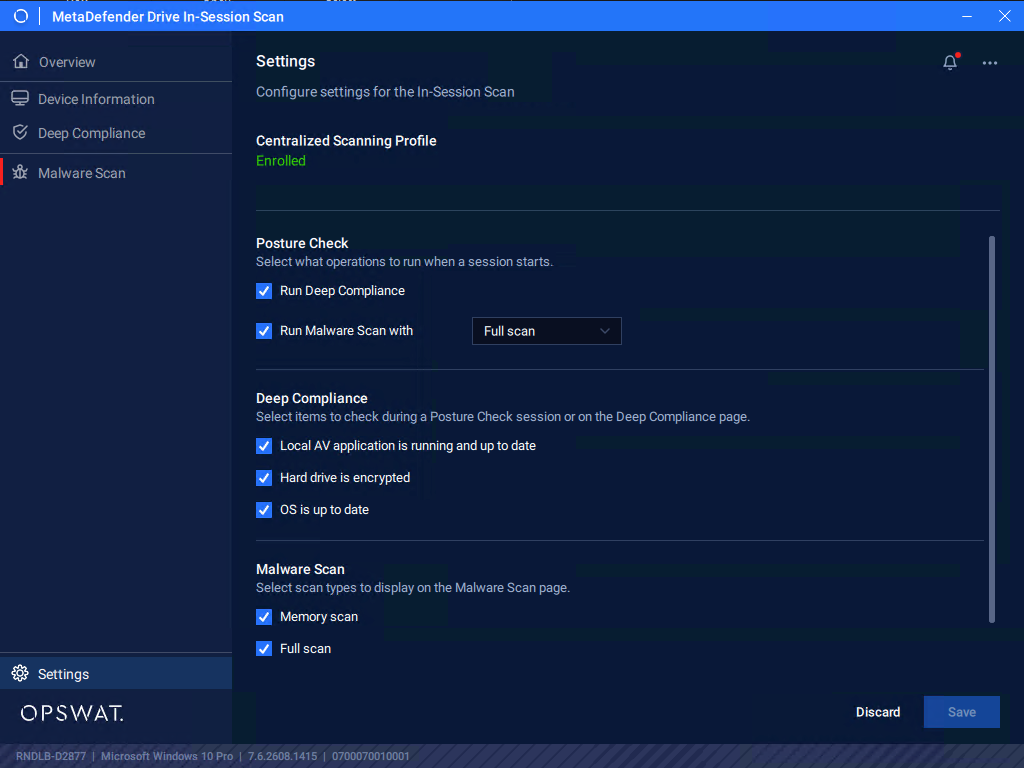
After unlocking, the settings options are unlocked with Centralized Scanning Profile flag is Enrolled
Was this page helpful?
Configuration