
The Anti-malware Engines Policy includes a set of settings to ensure the Anti-malware, Vulnerability, and Data Loss Prevention scanning engines are up to date. This features aims to enable MetaDefender Drive administrators to set a threshold on when engines can be considered outdated and prevent scans from starting until they are updated.
From the Engines page, open the Anti-Malware Engines tab, and click Setting Anti-Malware Engines:
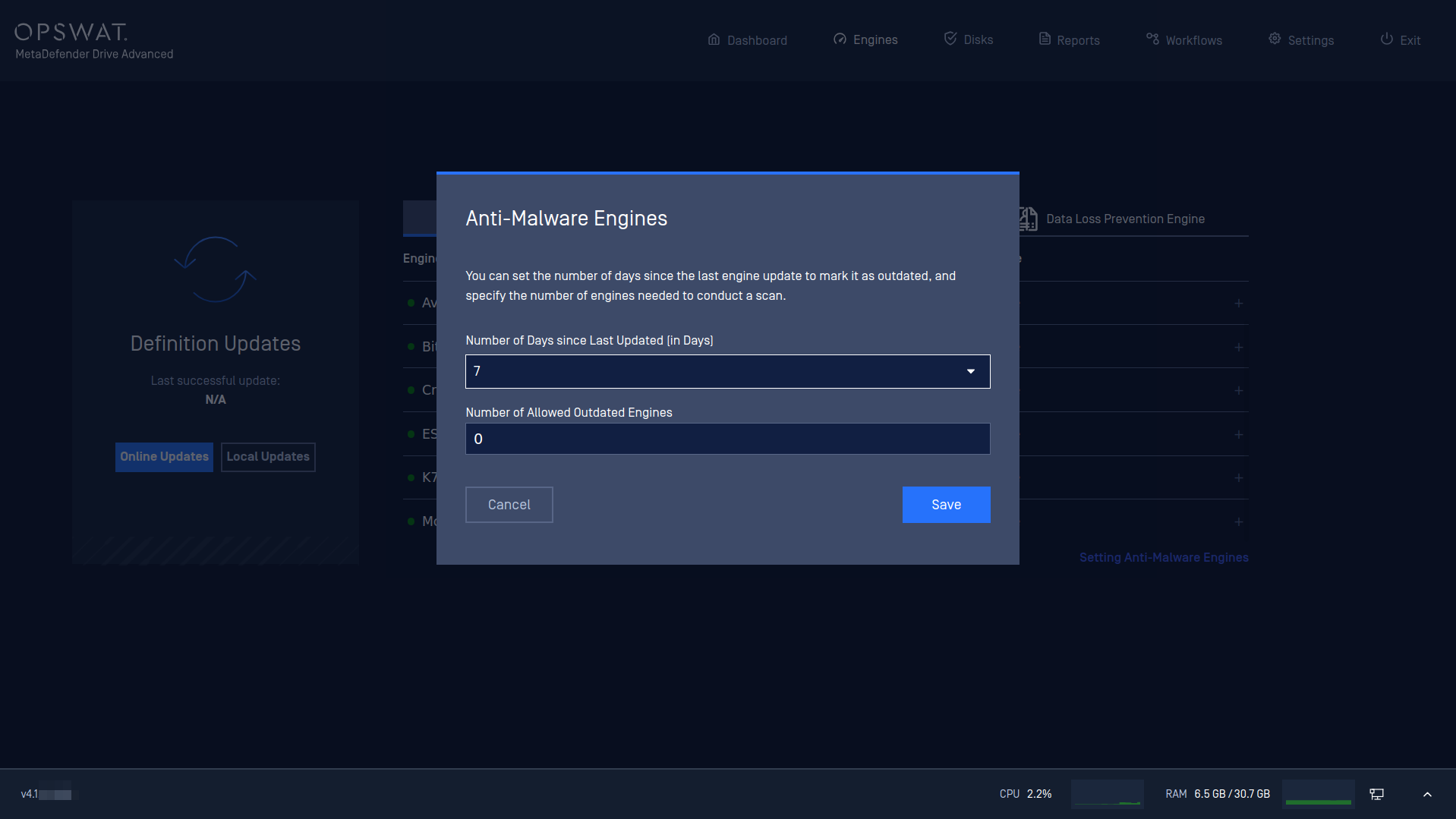
This Anti-Malware Engines window includes two settings:
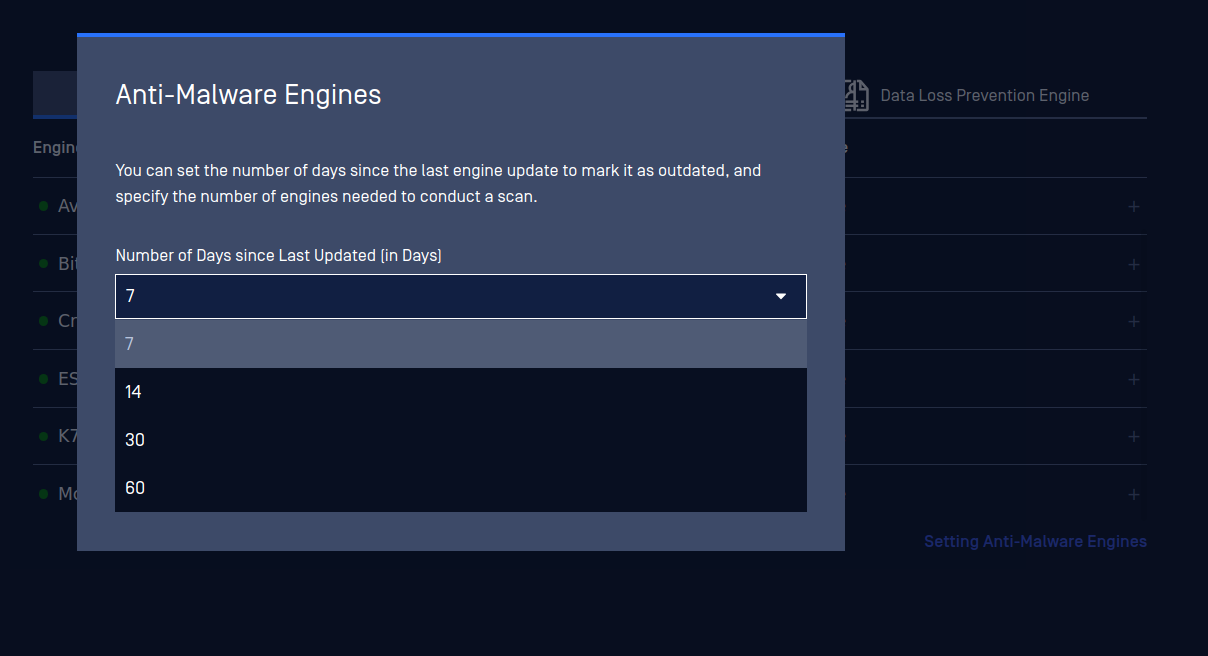
Number of Days since last Updated (in Days): If an engine hasn't been updated for a number of days that is more than the value set here, it will be identified as outdated. The default value is 14 days.
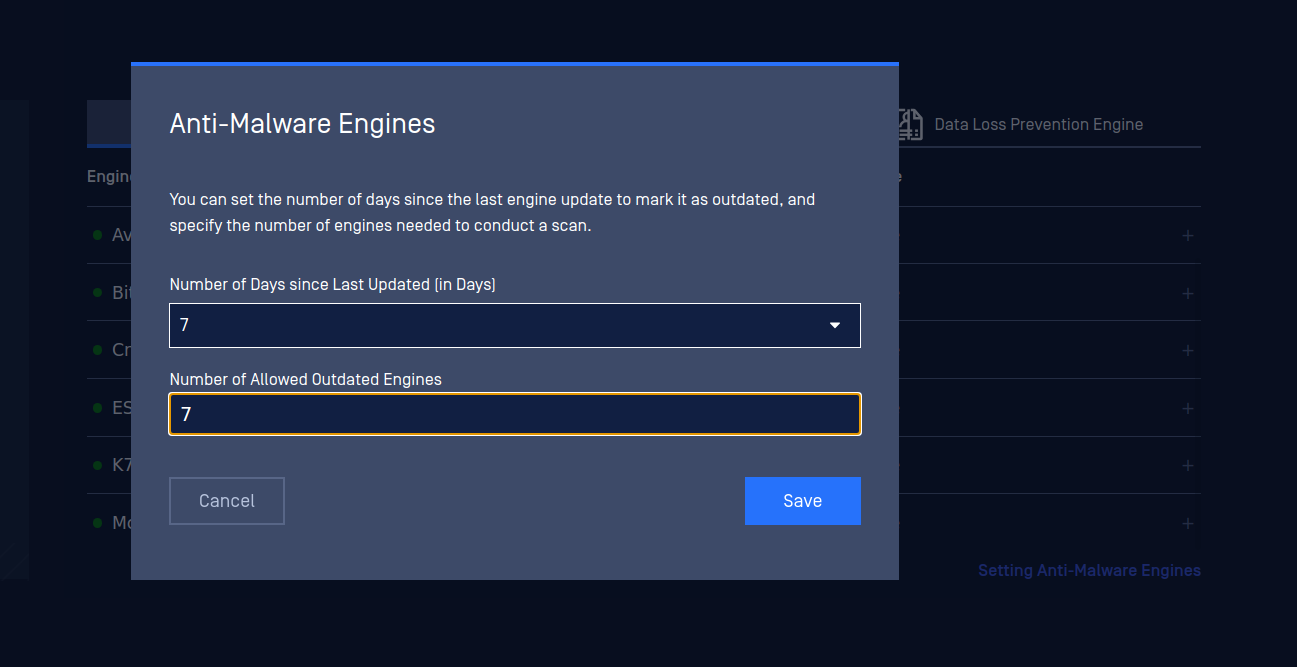
Number of Allowed Outdated Engines: the maximum number of engines that are allowed to be considered Outdated for a scan to start. The default value is set to 7.
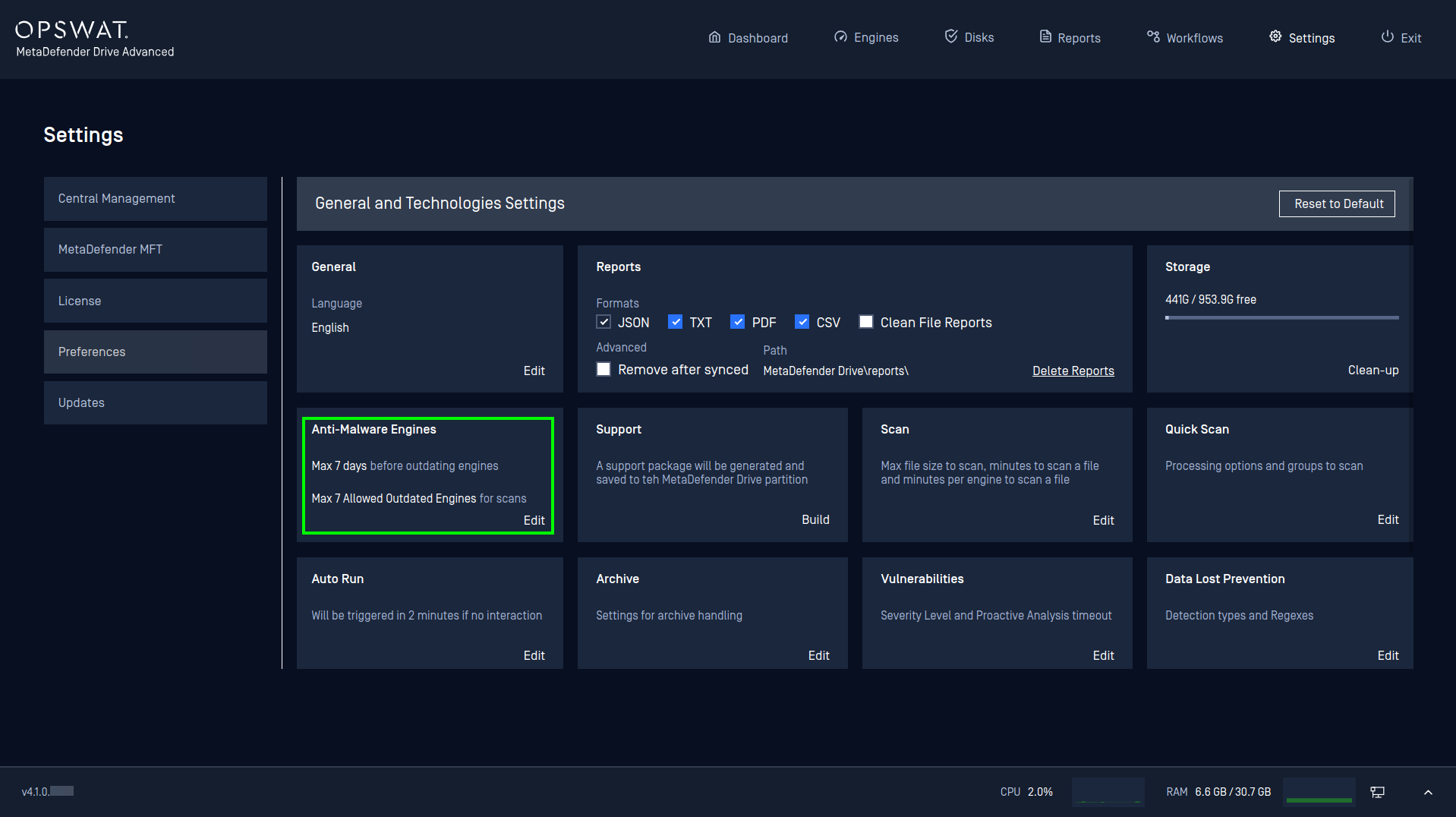
Alternatively, you can edit the Anti-malware Engines Policy settings from Settings → Preferences:
..