
MetaDefender Drive provides full functionality in an offline environment. As a result, the license activation process is designed to be possible through an air-gapped environment. Assuming the drive is kept in an isolated area without network access, and a low-security system sits on the low-side with internet access. The following steps will allow you to activate your MetaDefender Drive in an offline environment.
Insert MetaDefender Drive in Low-Security System.
Obtain Deployment ID:
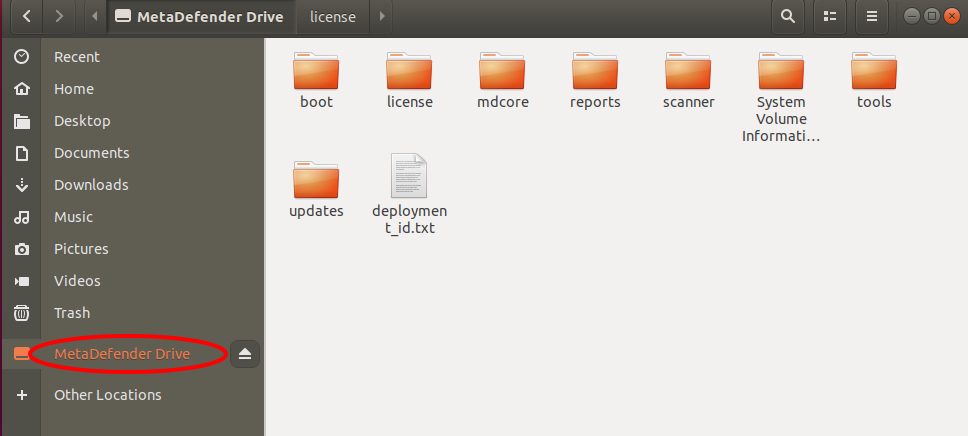
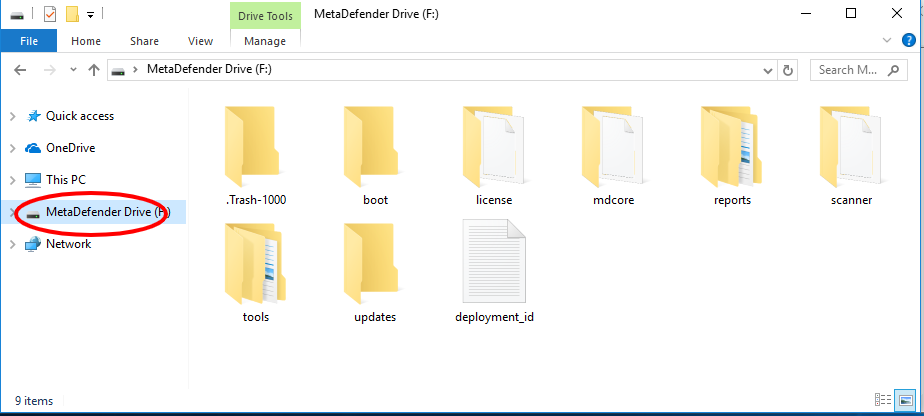
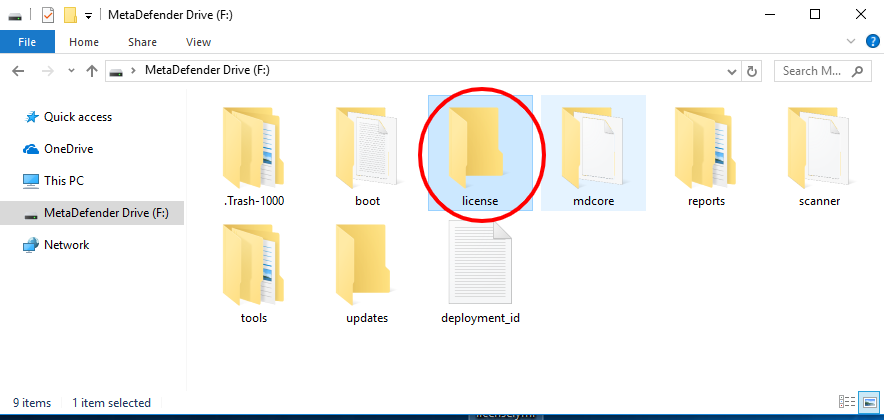
Navigate to the NTFS partition "MetaDefender Drive"
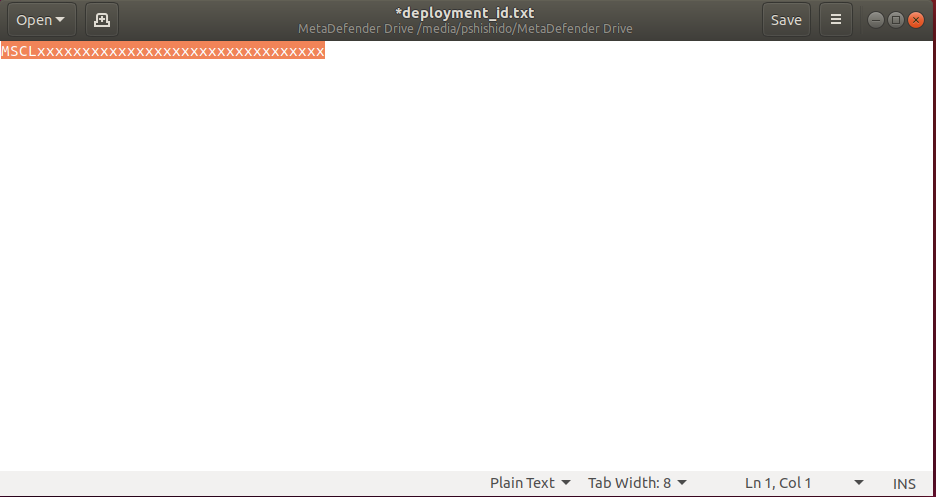
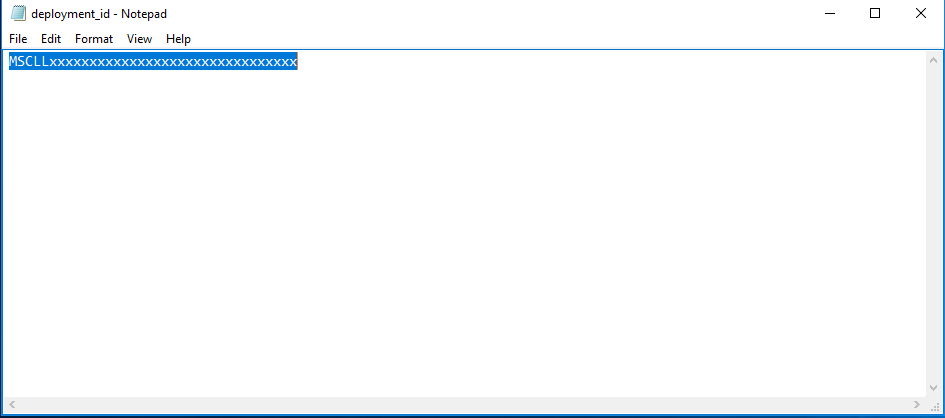
Under the root of the partition sits a file called "deployment_id.txt", this is your MetaDefender Drive deployment ID
Please look for the OPSWAT invoice provided with the activation key for MetaDefender Drive
Open this file and copy the alphanumeric string to your clipboard
Request a License File for Offline Activation:
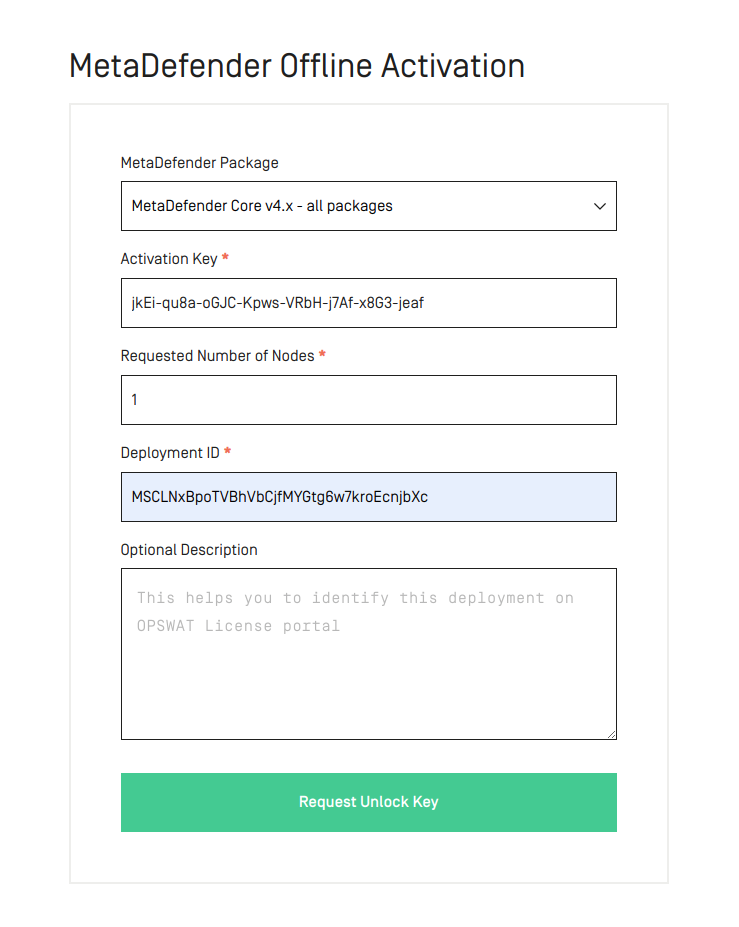
Navigate to "portal.opswat.com", and log in using the credentials you set up during the sales process
Select "License Activation"
Ensure MetaDefender Package reads "MetaDefender Core v4.x - All packages"
Enter your Deployment ID in the given field
Enter your Activation Key in the given field
Click "Request Unlock Key"
Download License File:
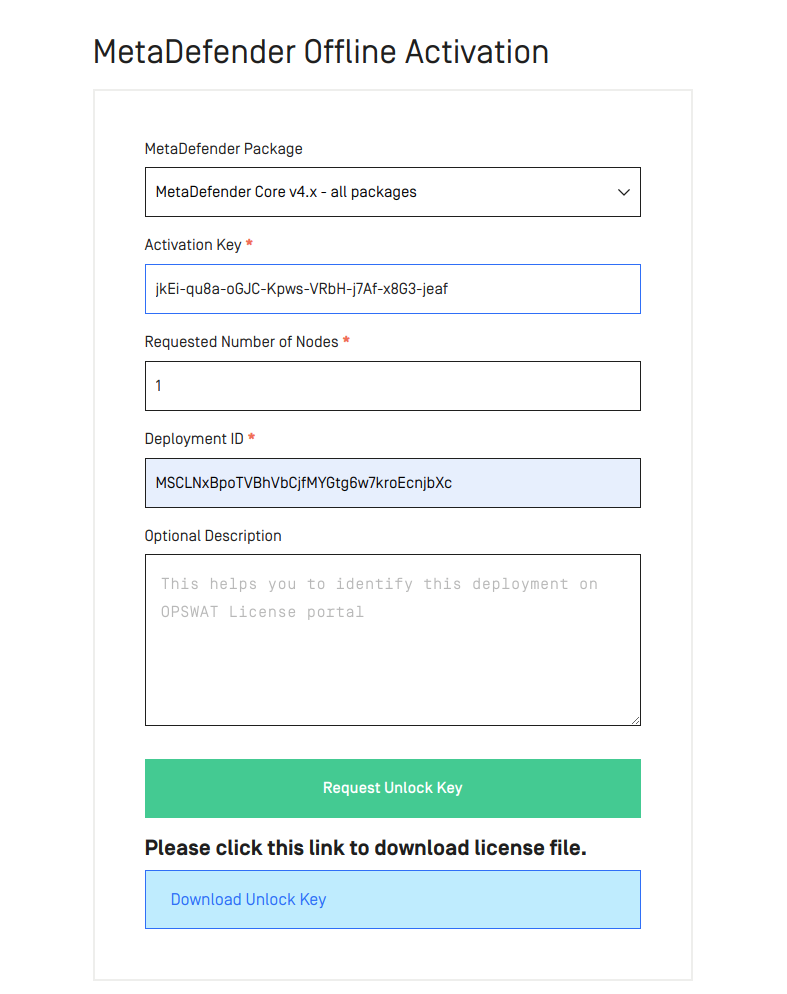
Click "Download Unlock Key"
You should receive a file called "<Deployment ID>.yml"
Copy License File to MetaDefender Drive:
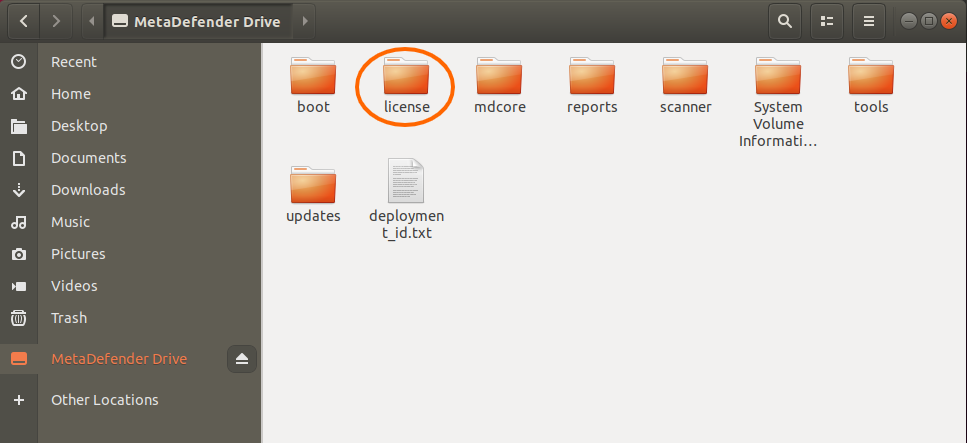
Move the <Deployment ID>.yml file into the air-gapped area where the MetaDefender Drive you want to license is located
Insert MetaDefender Drive into the system
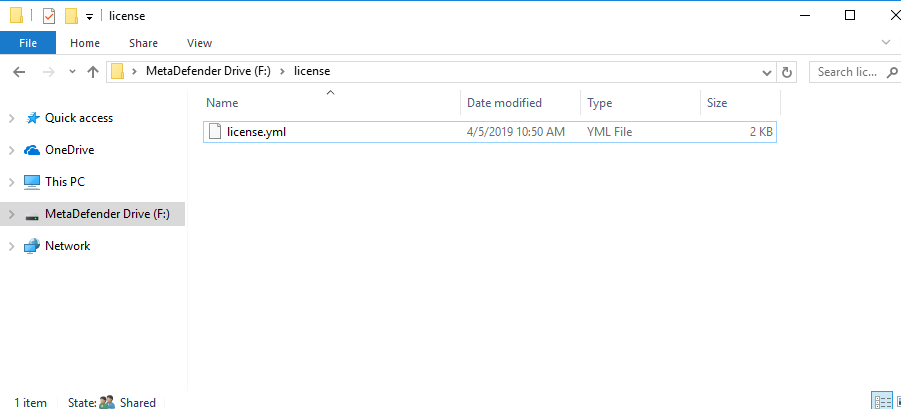
Copy <Deployment ID>.yml into the "license" folder on the NTFS partition "MetaDefender Drive"
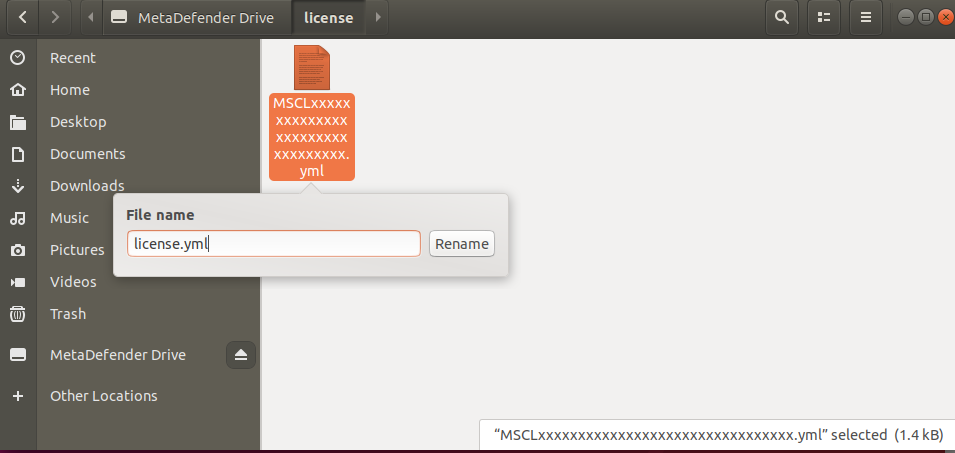
Rename the <Deployment ID>.yml to "license.yml" within the "license" folder on the NTFS partition "MetaDefender Drive"
Eject the MetaDefender Drive
Boot MetaDefender Drive:
Insert MetaDefender Drive into target system to be processed
Boot MetaDefender Drive via BIOS (see Quick Start guide for more details see Getting Started with MetaDefender Drive)
If MetaDefender Drive reaches the "Update" phase of usage then the license has been accepted!