
Settings > Preferences >Quick Scan Settings > Edit Settings
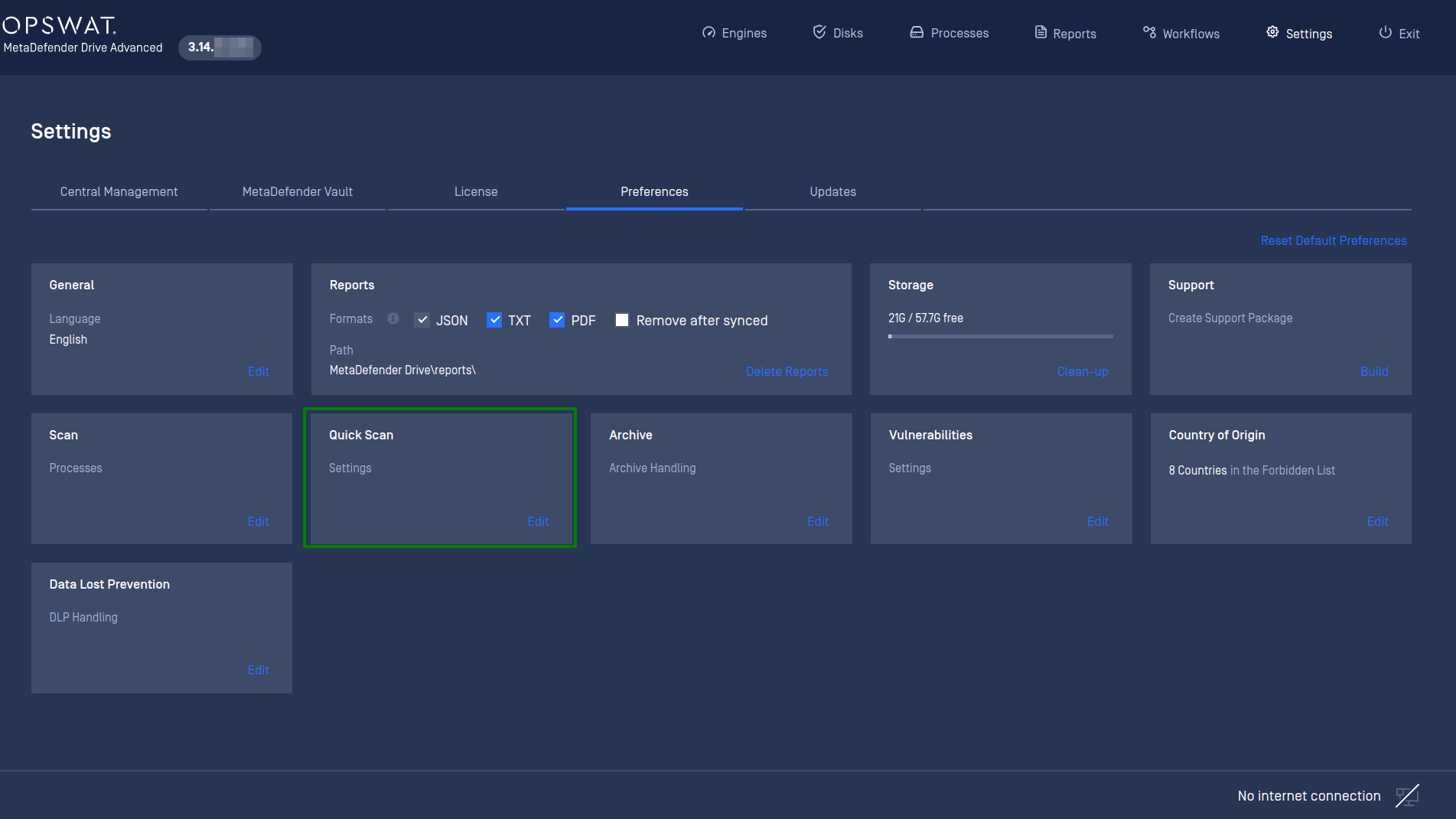
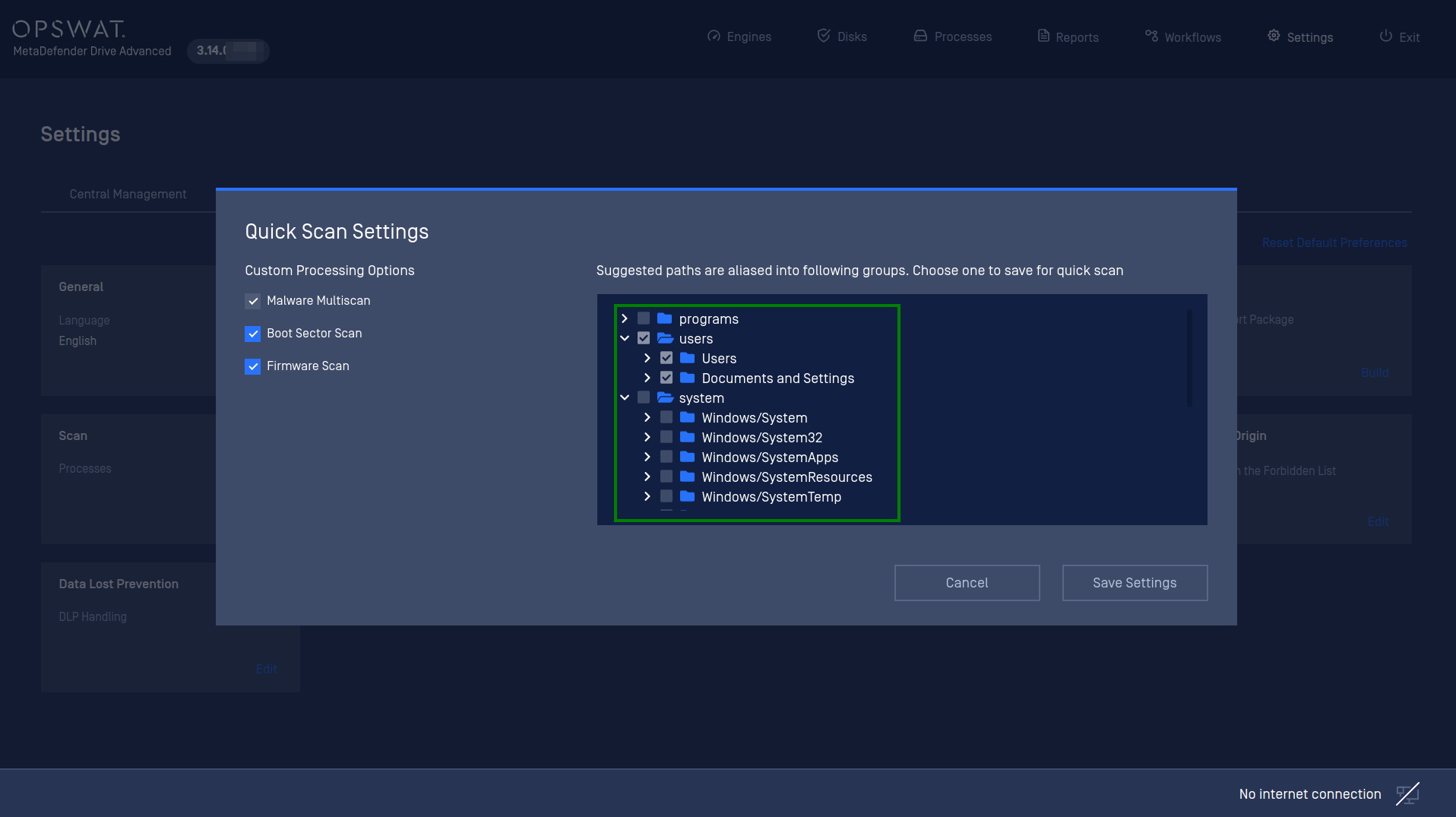
The default paths that being suggested for Quick Scan mode is "System" which is including the most important files and folders of a Windows system. These are the most targeted paths by attackers.
The user can change the default paths and save for the next quick scan session.
Program
Users
System
All of above
Important note
Normally, for a typical Windows laptop with SSD storage, each individual path would take up to 30 minutes or less to complete. A scan against all of the suggested paths would take up to 1 hour and a half approximately.
Was this page helpful?
Configuration