
Starting by MetaDefender Drive v3.7, file-based vulnerability assessment can be managed from Settings → Preferences → Vulnerability Settings
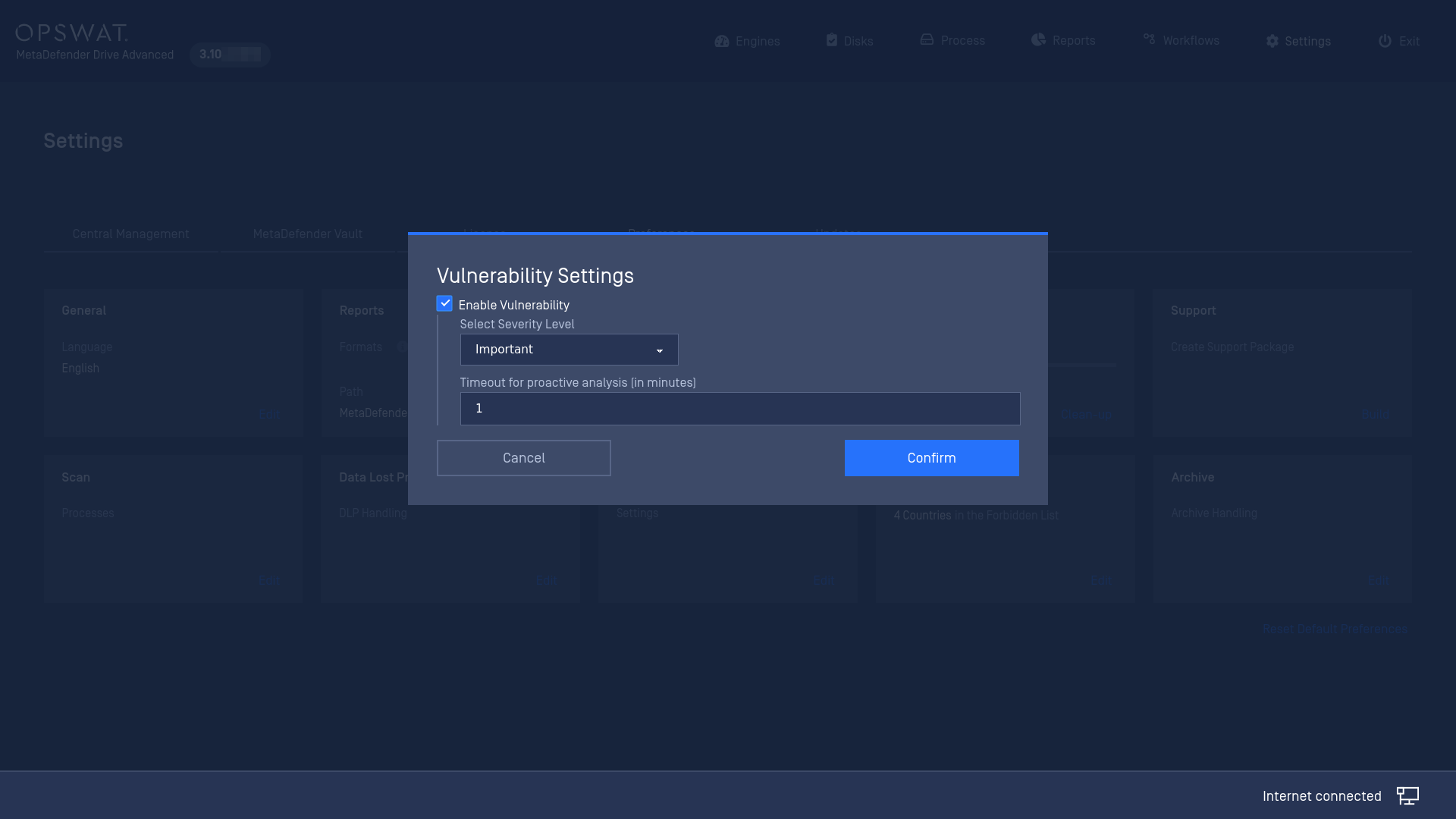
The vulnerability settings available are:
Enable Vulnerability: to perform or to skip the Vulnerability assessment.
Severity Level: Explicit threshold as a minimum assessment verdict returned by Vulnerability engine to conclude “Potentially Vulnerable File” final verdict on file processing on MetaDefender Drive.
Timeout for proactive analysis [in minutes]: a timeout for the vulnerability assessment process when the timeout is hit, MetaDefender Drive will stop the ongoing vulnerability assessment task and mark it as “Timeout” result.
Was this page helpful?
Configuration