
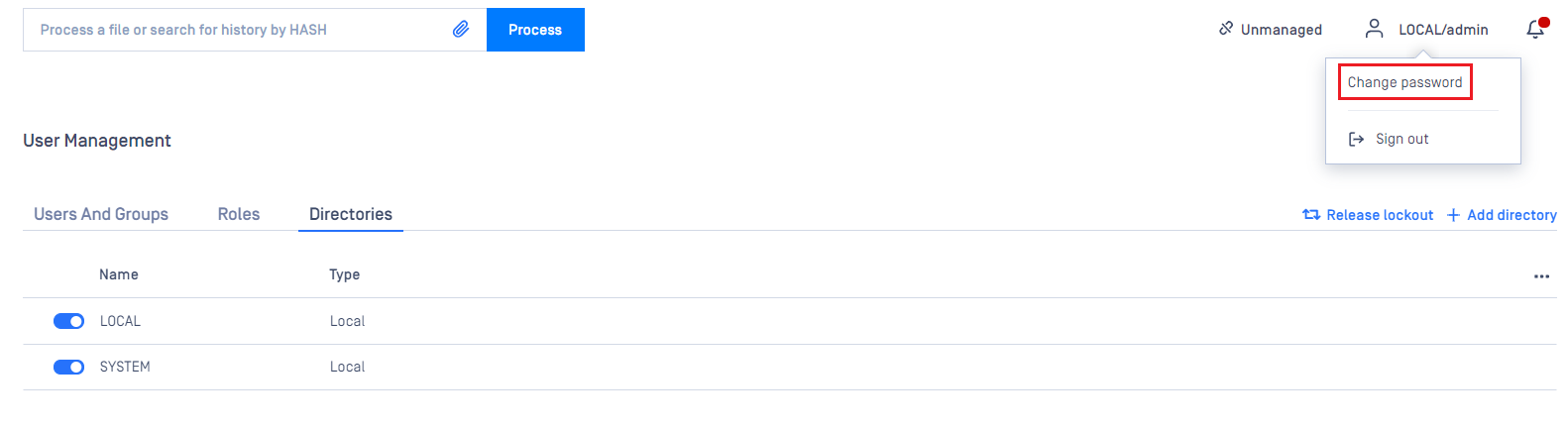
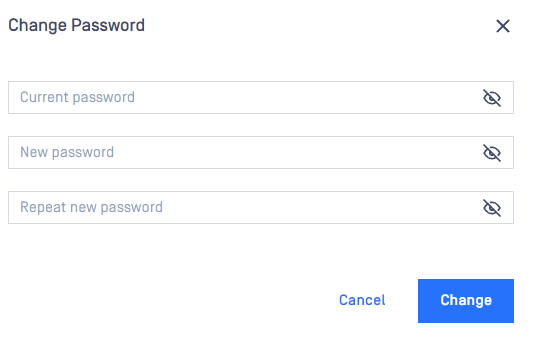
The current user can change their own password, the option could be found under their username on the top right
Important notes
Warning
As long as TLS is not configured for the Web Management Console, passwords are sent clear-text over the network. To set up TLS see Enabling HTTPS.
Warning
If enhanced password policy is enabled for the user directory this user belongs to, then the new password must fulfill the password complexity requirements listed on the User directories) page.
Was this page helpful?
Configuration