
When having a password-protected encrypted file processed by Deep CDR, you can decide whether to encrypt the sanitized file with the same password or no password.
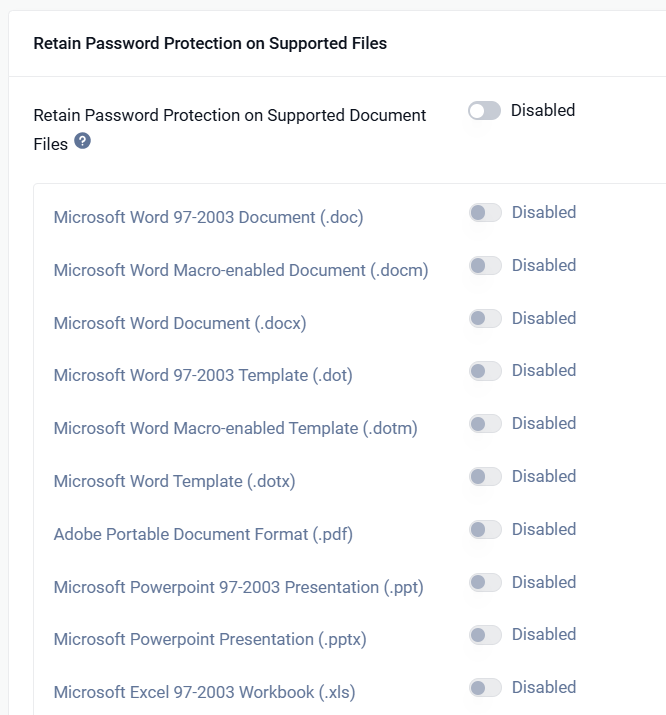
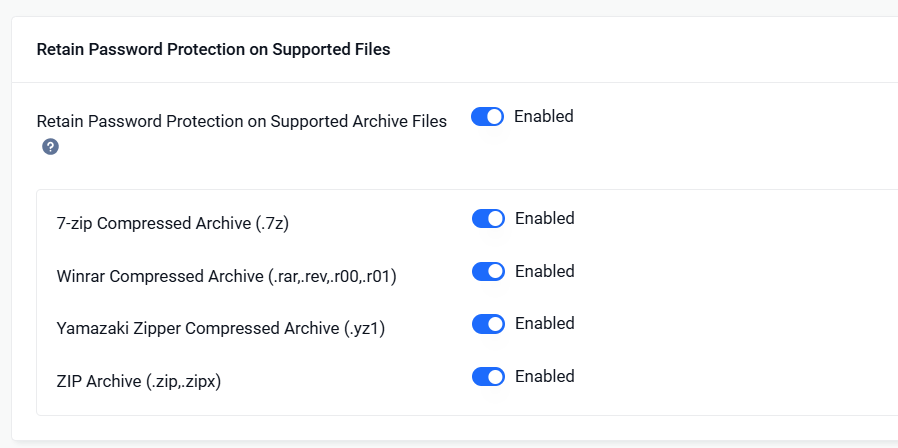
To retain password protection, modify rule under
Workflow Management> Workflows > Workflow Name > Deep CDR for document files.
Workflow Management> Workflows > Workflow Name > Compression for archive files.
Supported file types:
zip, 7z, yz1 (Windows only), rar, pdf, xls, xlt, xlsx, xlsm, xltx, xltm, xlsb, ppt, pptx, doc, dot, docx, docm, dotx, dotm
Note:
If you enable "System cryptography: Use FIPS compliant algorithms for encryption, hashing, and signing" on Windows, the encryption will not work with PPTX file.
Was this page helpful?
Deep CDR