
This article applies to all MetaDefender Core releases after version 5.13.0, deployed on both Windows and Linux systems.
Kindly note that the 'Generate Support Package' button is not available in versions earlier than 5.13.0.
Please go to Settings > Export/Import
Check the sections: Export Support Package and click Generate
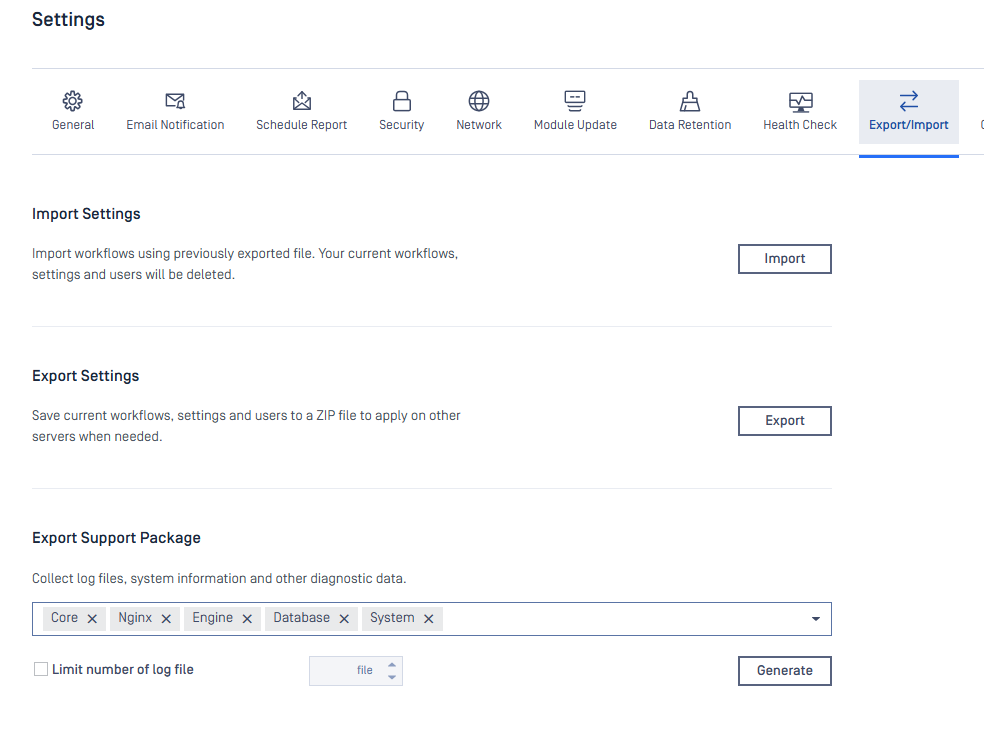
Users can select which kind of log you want to collect:
Core: MetaDefender Core's logs
Nginx: log of nginx
Engine: log files belong the engines (AV engine, Deep CDR, etc)
Database: log of PostgreSQL database (if using bundled)
System: Windows event logs or Linux syslog
The "Limit number of log file" option allows users to choose how many log files the supported package should collect.
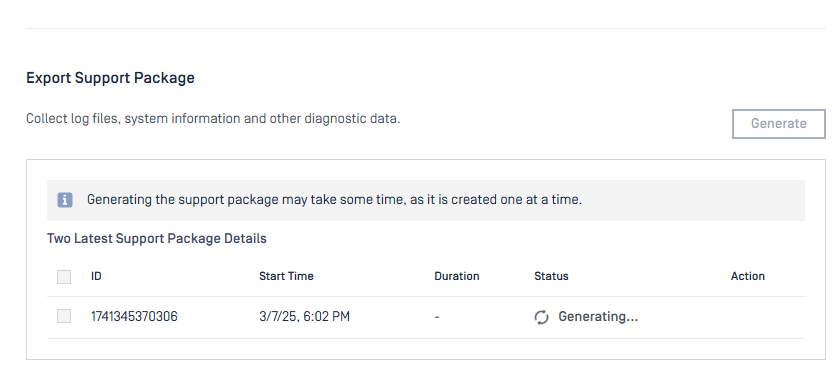
Please wait for awhile for generating process
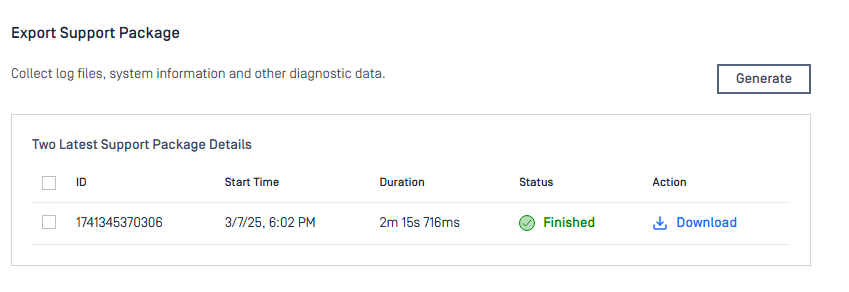
After the generating process was done, you can select the support package and download it
You can also find the support package on: Installation folder/data/sp_package.
But we recommend that you should download support package from the UI to avoid break the file.
If Further Assistance is required, please proceed to create a support case or chat with our support engineer.