Differences between YARA and YARA-X
YARA-X introduces several changes and enhancements compared to traditional YARA. These differences can affect how rules are written, interpreted, and executed.
For a detailed comparison, refer to the official documentation: 🔗 YARA-X vs YARA Rule Differences
This resource outlines key distinctions in syntax, behavior, and supported features.
Mitigating issues
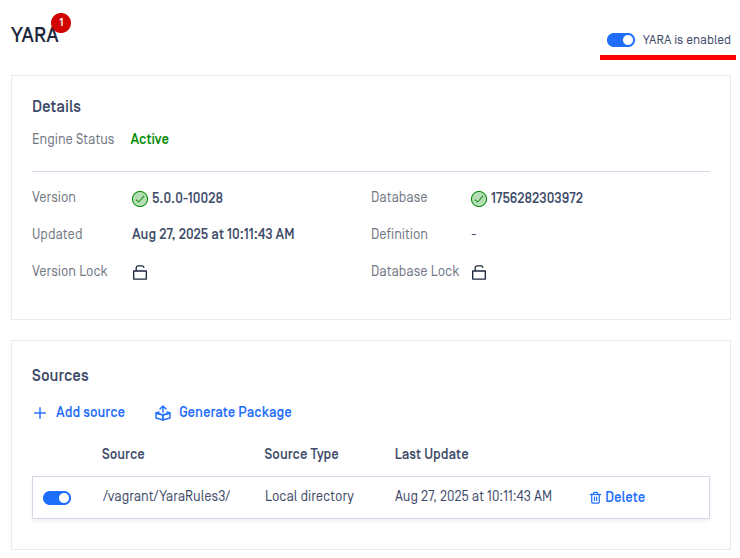
If there are any problems with the uploaded YARA rules, they will be indicated in the Core UI.
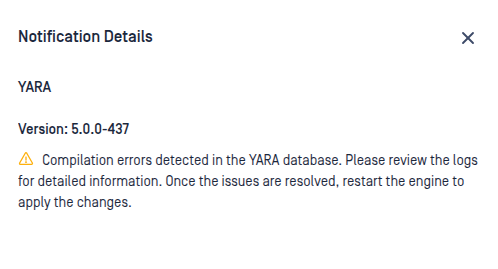
To investigate the issue further, you can:
Check the YARA engine log files (accessible via the Logs section).
Use the YARA-X CLI tool for detailed diagnostics.
Resolution Steps
Fix the identified issues in your YARA rules.
Re-upload the corrected rules to the system.
Restart the engine by disabling and then re-enabling it. This will trigger a new rule validation check.