
This article applies to all MetaDefender Core V4 and V5 releases deployed on Windows or Linux systems.
To check whether all of your licensed scan engines are downloaded and up-to-date, please go to your MetaDefender Core Management Console>Inventory>Modules>Metascan section, where you will see the current activation and update status of all engines in your deployment, along with associated details.

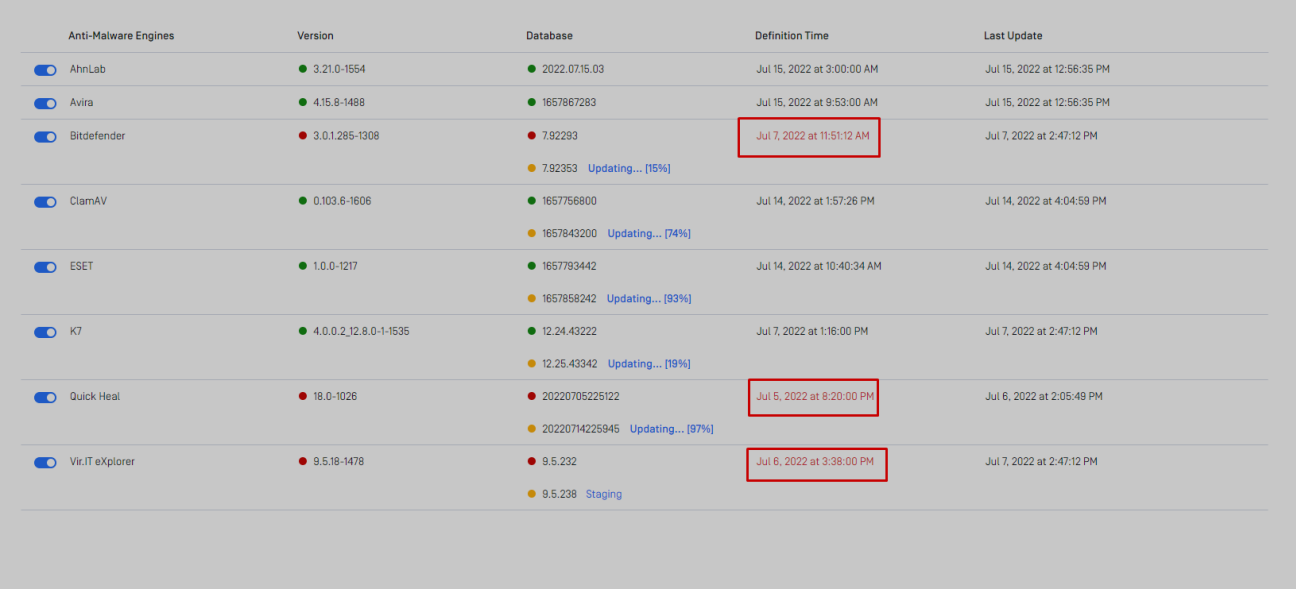
If certain engines appear to be out-of-date, as highlighted in the screenshot above, please compare these with the current engine update statuses from OPSWAT MetaDefender Core’s licensed AV scan engines online here.
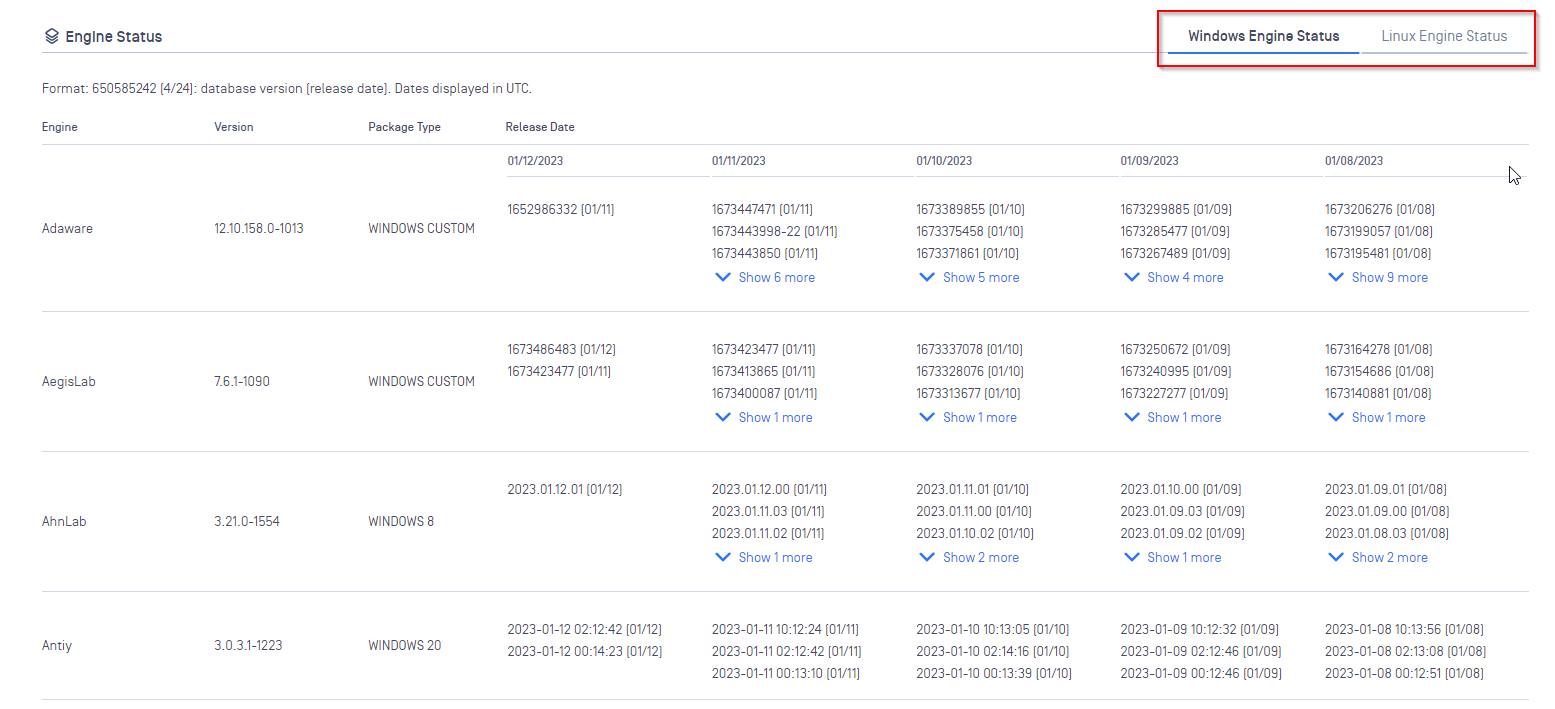
The webpage linked above lists, in real time, the latest updates OPSWAT received from each of our licensed MetaScan engine vendors. On this page, customers can also select the Operating System of the MetaDefender Core they are using, for a clearer view of the associated engines, as highlighted in the image below.
If you have any difficulty Updating or Checking the Update Status of MetaDefender Core’s Licensed AV Scan Engines, please follow these instructions on How To Create a Support Package, before creating a support case or chatting with our support engineer.