
How to disable WEB UI file scan without user authentication?
This article applies to all MetaDefender Core V5 releases deployed on Windows or Linux systems.
To disable the functionality of the WEB UI file scan without user authentication, you will need to change the access for all the Workflows accessible in this scan mode:
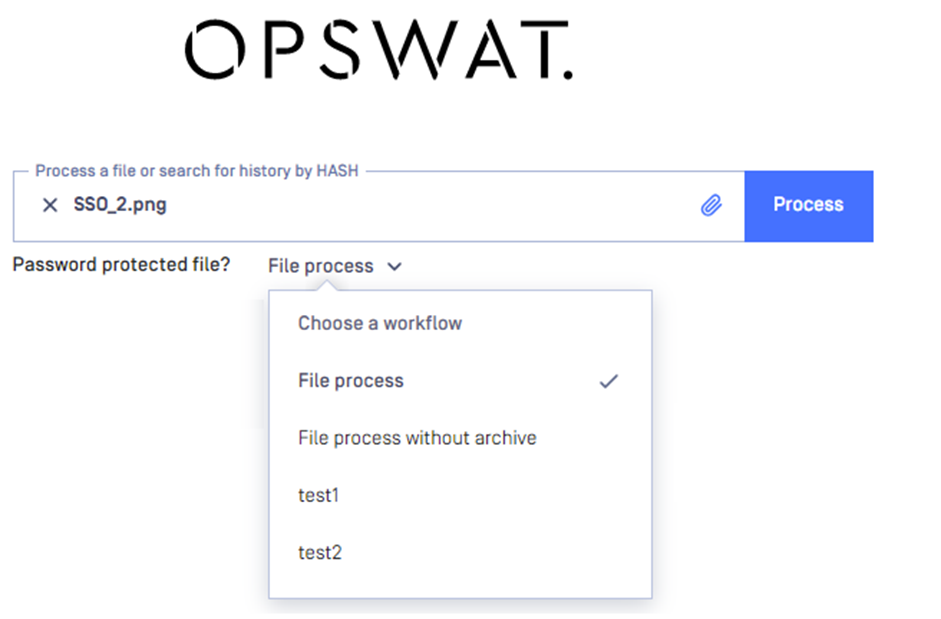
To do so, please login to the MetaDefender Core Web interface (default http://localhost:8008), navigate to Workflow management -> Workflows -> Select the workflows which are available at the first screen and then select the restrictions -> Restrict access to the following roles : Every Authenticated
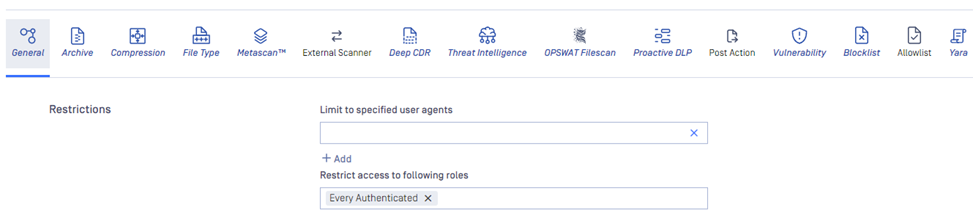
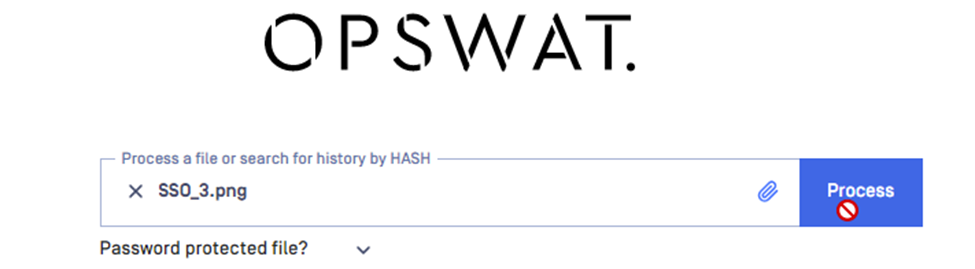
This will limit the access to scanning to Authenticated users only.
If you need help learning how to disable WEB UI file scan without user authentication, please log a support case or chat with our support engineer.