
The Security zone page is found under Policy > Security zones after successful login.
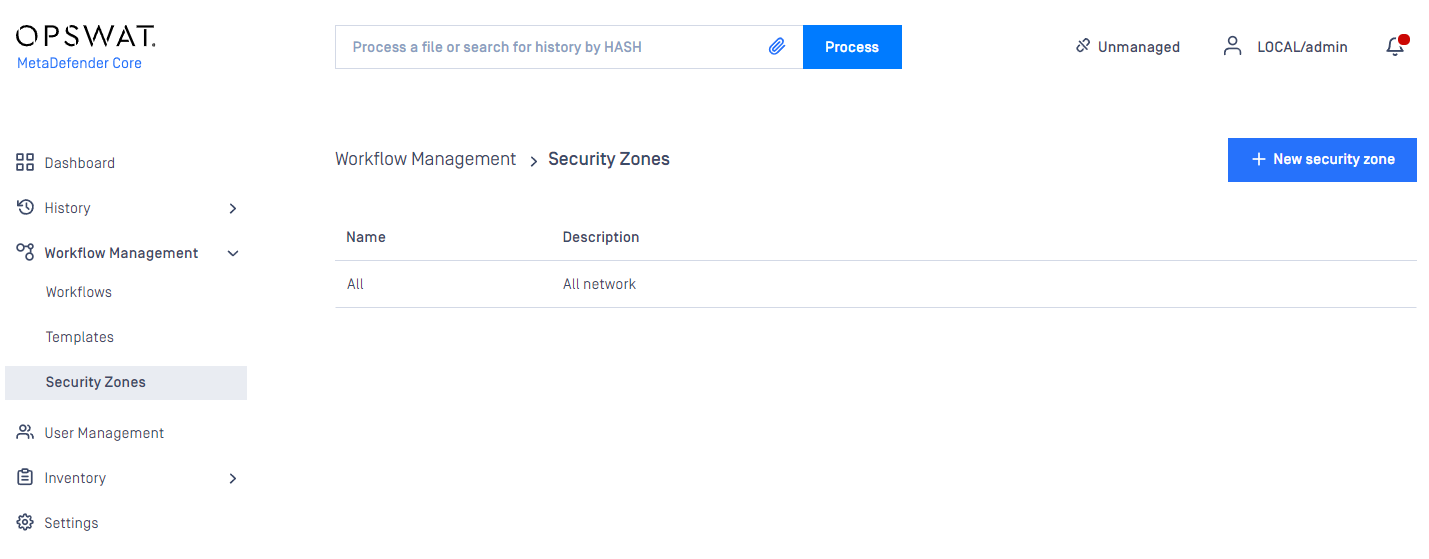
The following actions are available:
new zones can be added
existing zones can be viewed
existing zones can be modified
existing zones can be deleted
Each zone contains a name, description and multiple network masks. Both IPv4 and IPv6 network zones are supported Workflow Configuration Template
Was this page helpful?
Configuration