
This section will allow the system administrator to select one of three update modes offered by MetaDefender Cluster (MD Cluster).
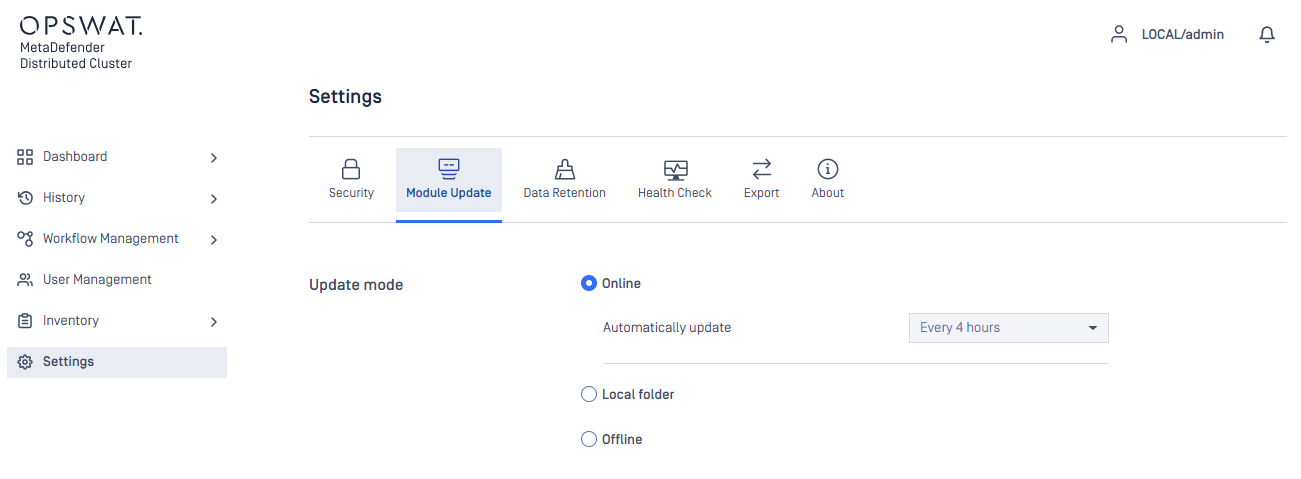
Online
In this mode, MD Cluster Control Center will autonomously download the latest module packages from OPSWAT online update infrastructure, repeating this process every four hours by default.
Offline
In this mode, the administrators must download the licensed engine packages from MetaDefender Update Downloader and upload them manually to MD Cluster Control Center.
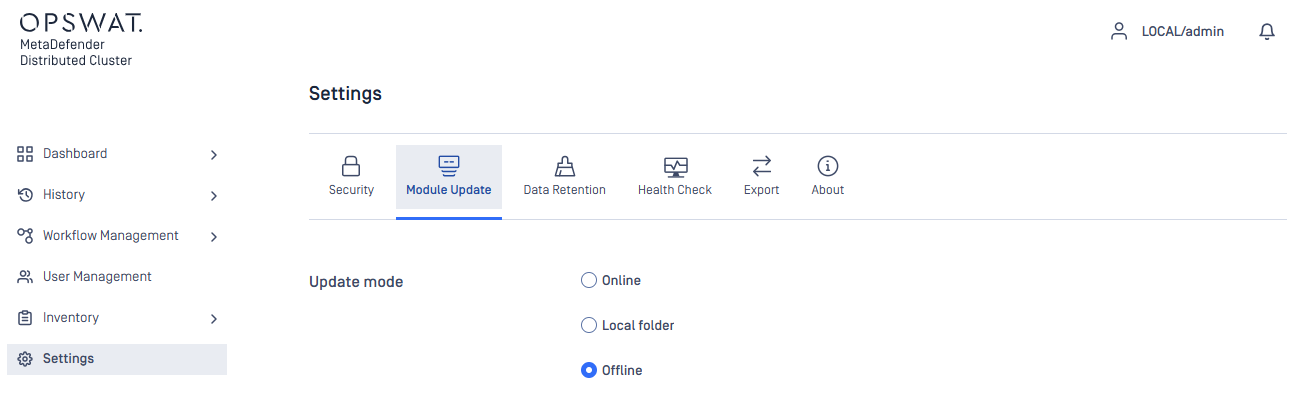
Refer to the steps for manually uploading of the packages in MD Cluster Control Center.
Local folder
In this mode, the administrators need to input the path to a folder where module packages will be added. MD Cluster Control Center subsequently gathers the packages from there and starts the module update process.
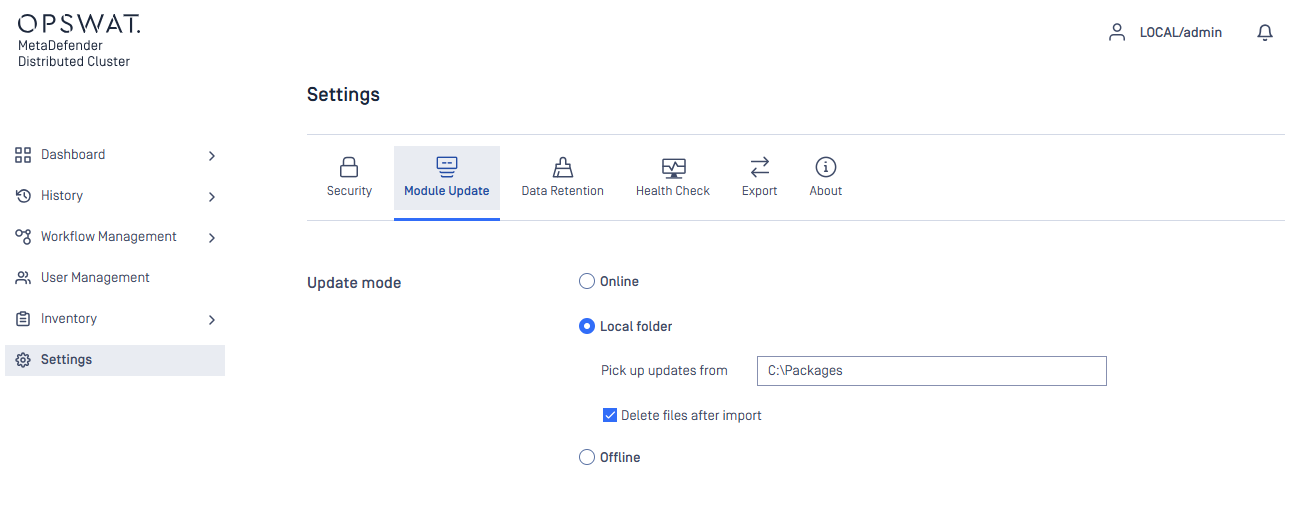
Delete files after import option can be selected so that MD Cluster Control Center can wipe all packages upon success.

