
The Patching Management tab is accessible under Assets → Patching Management.
This page is Integrated patching capabilities for firmware from Siemens vendor to streamline updates and manage vulnerabilities.
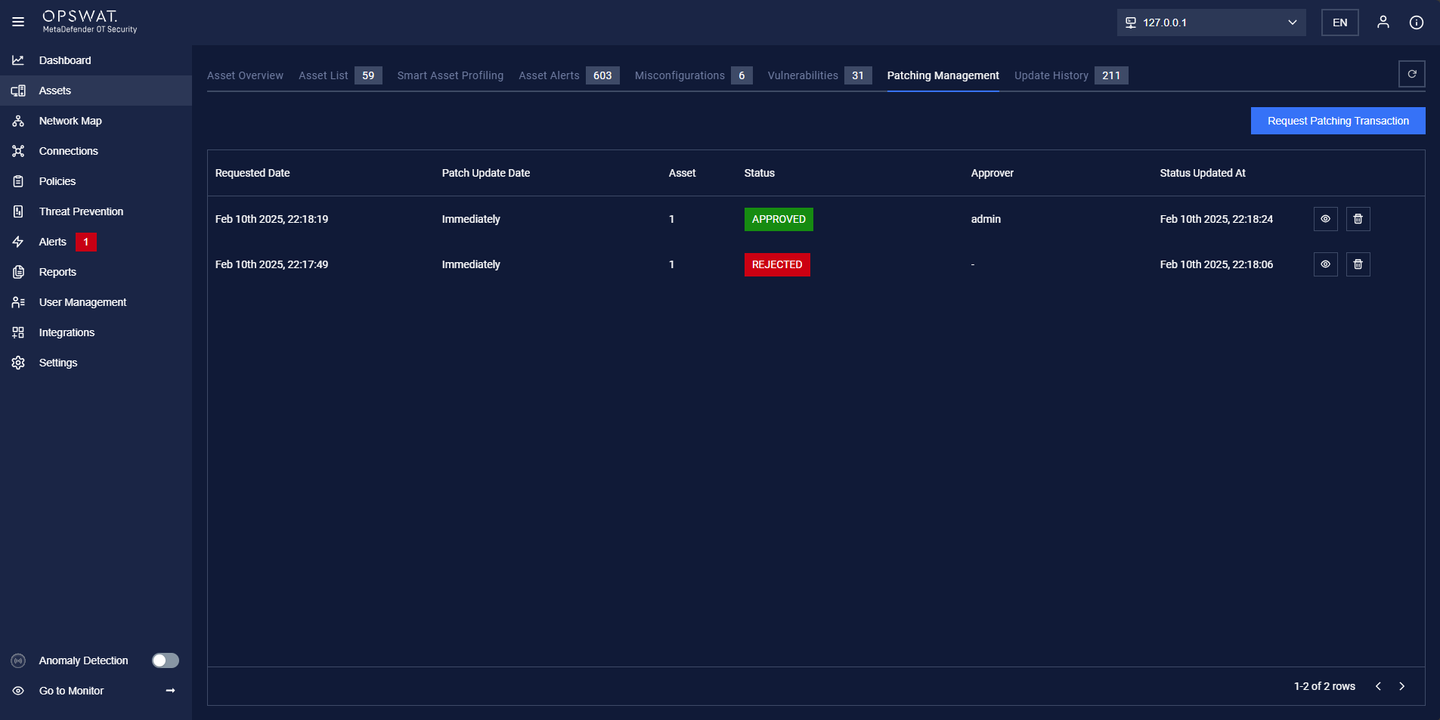
How to Create a Request Patching Transaction:
Important: Before proceeding, ensure that:
The selected NIC for Patch Management is properly configured.
The PLC Firmware has already been downloaded.
Click "Request Patching Transaction."
Add Assets by clicking the "Add Assets" button.
Select the Target Version and click "Create Request.
Users can edit the request if needed.
Click the View icon to open the request popup, where you can:
Reject or Approve the request.
After approval, monitor the Upgrade Status.
This process ensures a structured and controlled patching workflow for Siemens firmware updates.