
The Zone & Conduit feature is accessible under Site Manager → Network Map and helps organize and manage network segmentation efficiently.
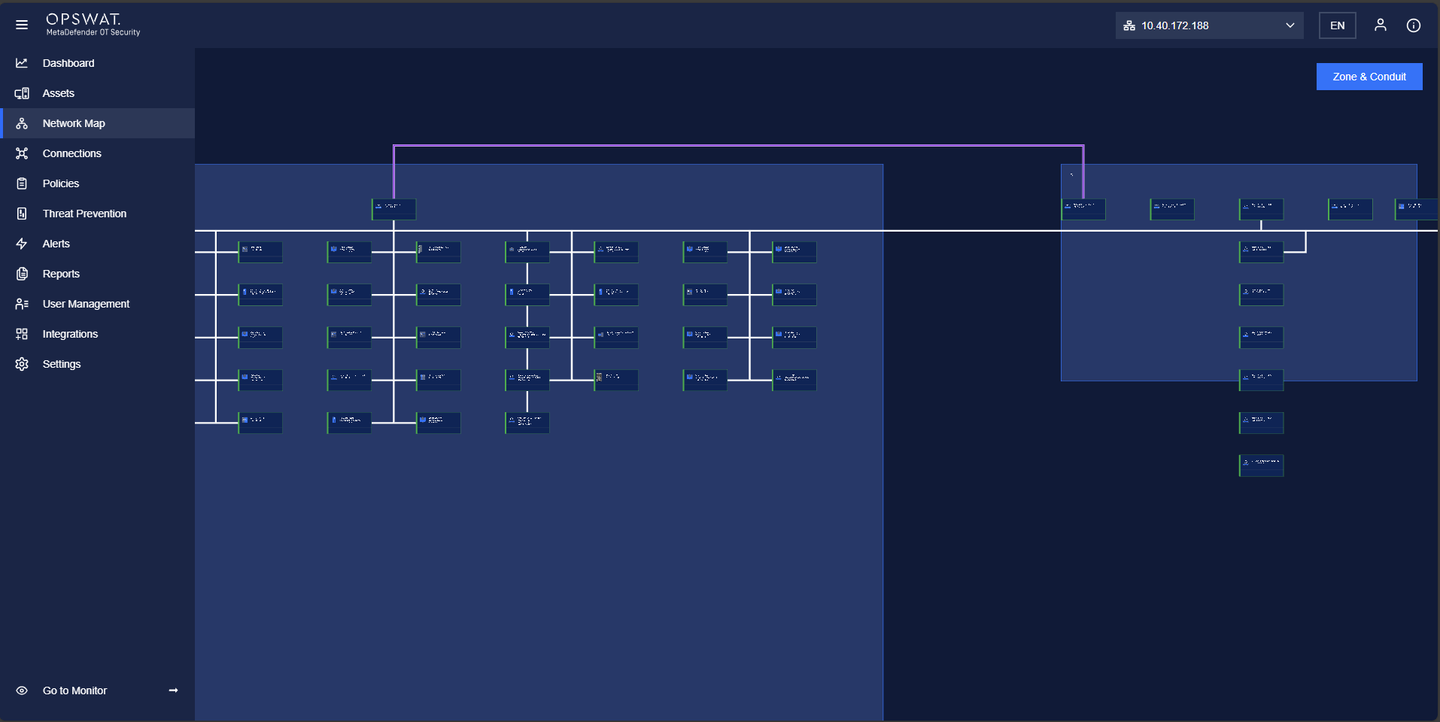
Creating a Zone
Navigate to Network Map under Site Manager.
Click “Zone & Conduit” > Zone
Click "Create a New Zone".
Enter the Zone Name.
Add the relevant assets to the zone.
Save the configuration.
Creating a Conduit
Navigate to Network Map under Site Manager.
Click “Zone & Conduit” > Conduit
Click "Create Conduit".
Enter a Conduit Name.
Select two or more zones to connect.
Choose one or more network devices from each zone to act as connectors.
Save and apply the configuration.
This process ensures structured network segmentation while maintaining secure and efficient communication between different zones.
Was this page helpful?
Operating