
Device Type Setting is accessible under Settings > Device Type.
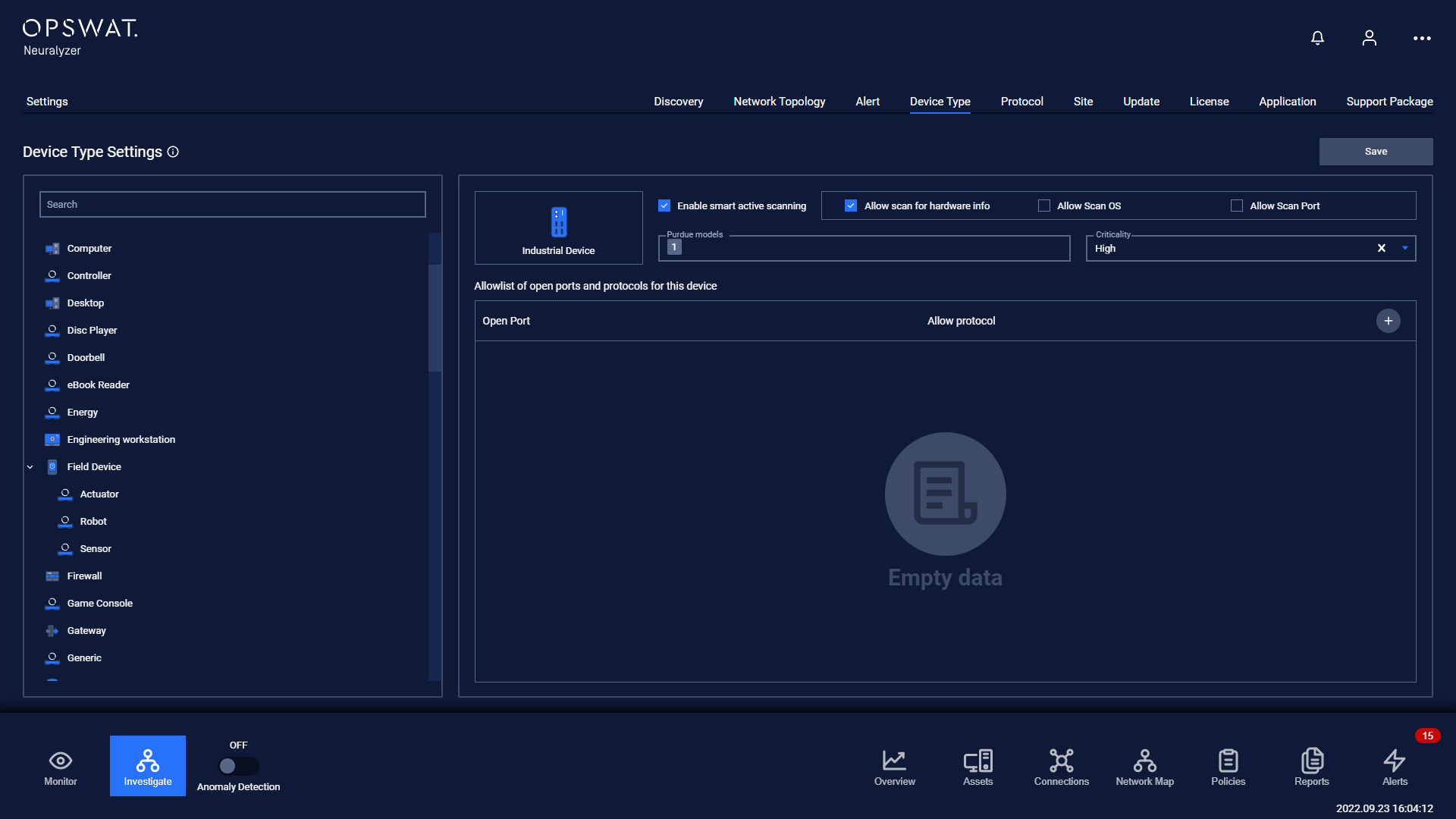
Note: Field Purdue models is view-only.
The device type setting page is where you can
Set whether or not to apply smart active scanning to devices of that type, if yes then
Choose if scan for hardware is allowed.
Choose if scan for OS is allowed.
Choose if scan for open ports is allowed.

Set criticality of alert on unauthorized devices of that type.

Set the allowed port and allowed protocol on that port (will make an alert if the device has open ports not on the list or communicate by protocol that is not allowed on a port)

Was this page helpful?
Settings