
The list of devices tab is accessible under Assets → Asset Overview.
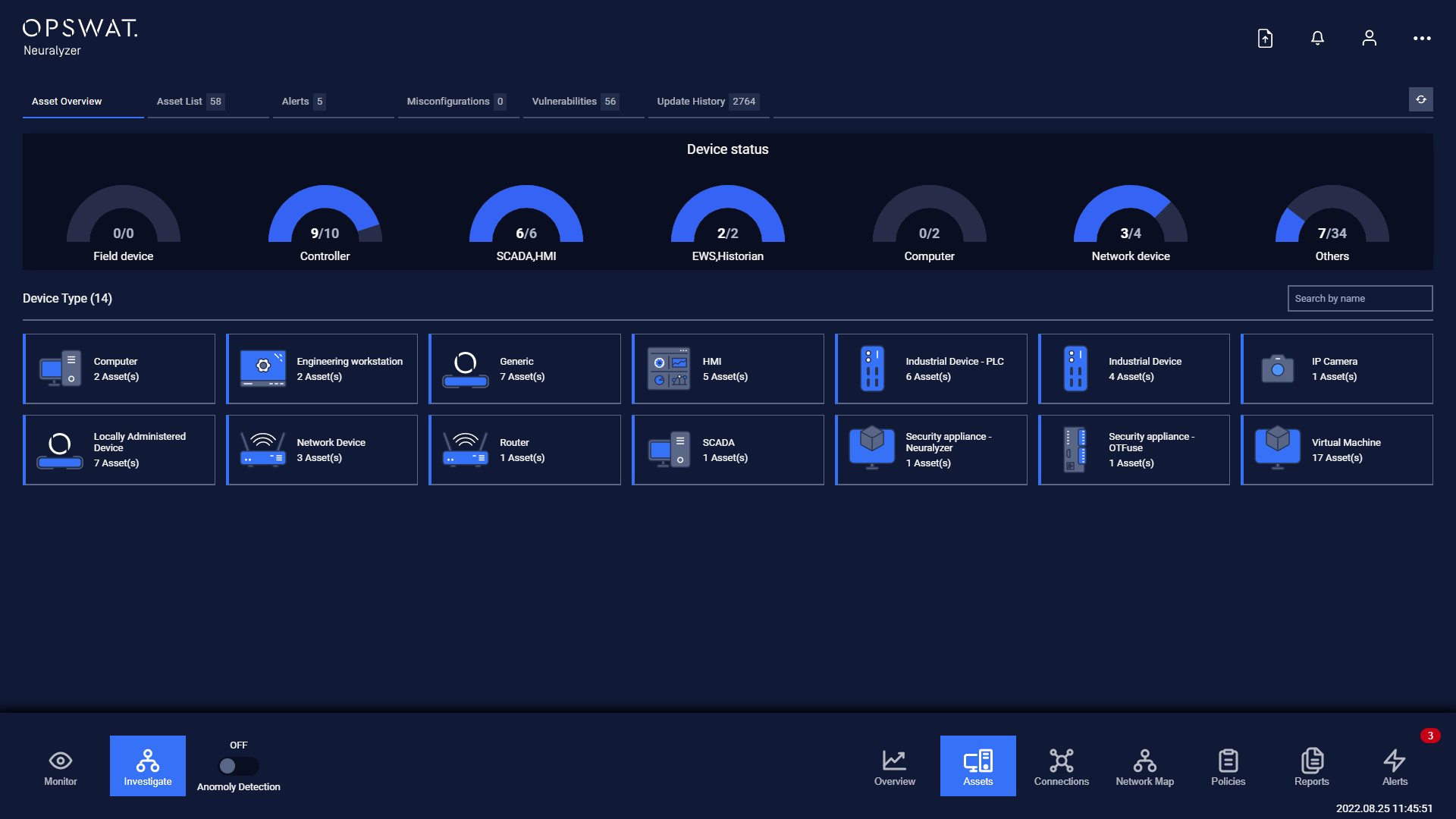
The asset overview provide the device status summary and number of device in the system.
The list below indicate the number of device by type filtered as cards.
User is able to search device type or click on Show Assets to see the list of device by type.
Note: The half pie chart is same with that is in dashboard.
Was this page helpful?
Operating