
Download a copy of the Windows installer ServiceInstaller.exe by following the knowledge base article below Download Policy Key Installer
Navigate to the folder path where ServiceInstaller.exe was downloaded to and execute ServiceInstaller.exe /s to silently install Policy Key. In the example below ServiceInstaller.exe was downloaded to C:\Users\John Doe\Downloads

`
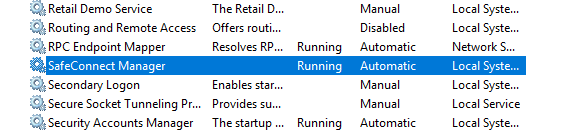
Policy Key should now be installed. You may verify this by opening Windows services and checking that SafeConnect Manager is running.
Was this page helpful?
Knowledge Base